

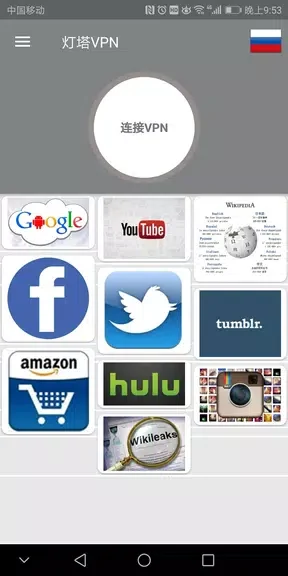
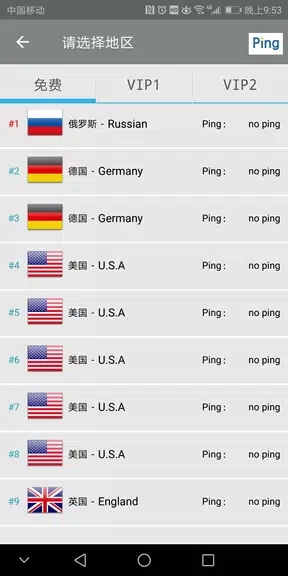
VPN proxy shadowsocket LightVPN is an Android VPN app for connecting to the internet through routes in multiple regions. It addresses the need for private browsing and access to online content when a user wants to choose a different network route or work around firewall restrictions. The app’s clearest supported benefit is flexibility: it offers dozens of routes across Europe, America, Russia, Ukraine, China, Asia, and other locations. The source also describes unlimited bandwidth, faster link speeds, minimal latency, minimal advertisements, and no usage or time limit.
Which regions and routes can you choose?
LightVPN provides main lines in Europe, America, Russia, Ukraine, China, Asia, and more. Users can select from dozens of available routes rather than relying on a single location. This regional coverage is intended to support access to websites and online content that may be restricted by a local network or firewall.
The source also mentions a separate FreeVPN app focused on Asian routes and high-quality US routes, while LightVPN is presented as the option for worldwide coverage. Users may choose between these two apps according to the routes they need.
How does LightVPN handle privacy and connection security?
According to the supplied description, LightVPN uses an industrial encryption scheme with a 256-bit encryption algorithm. It states that this encrypts user data to help prevent online activity from being sniffed or monitored. The description also identifies a strict no-logging policy as part of the app’s privacy features.
What is the connection process like?
LightVPN is described as requiring no registration and no configuration. The stated setup is to download the app, press one button, and begin connecting. The source also says that no additional permissions are needed, while the interface is designed to be user-friendly and contains minimal advertisements.
Which internet connections does it support?
The supplied information lists Wi-Fi, LTE/4G, 3G, and mobile data carriers as supported connection types. This means the app is intended for use across both wireless broadband and mobile networks. Its stated combination of route selection, ample bandwidth, faster link speeds, and no usage or time limit may suit users who want a straightforward VPN connection for browsing across different networks.