

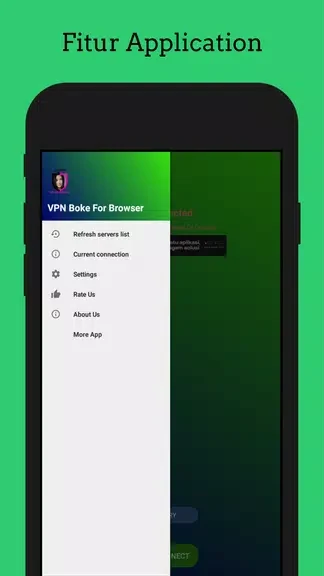
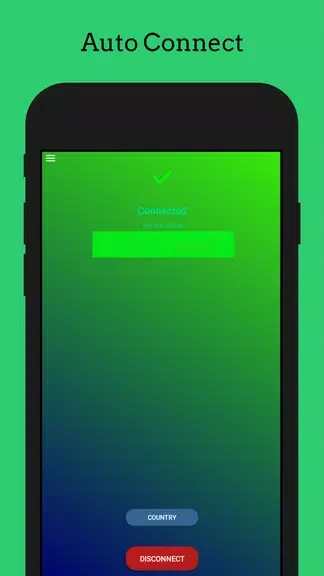
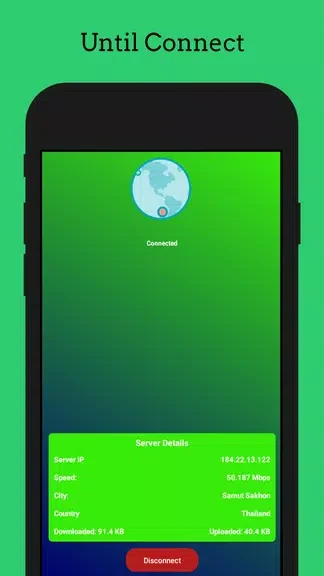
VPN Okep For Browser bf combines a VPN service with a browser so users can browse websites, reach content described as restricted, and adjust selected privacy and streaming controls in one app. Its stated purpose is especially relevant for people who want to choose a server location, browse through an encrypted connection, or manage video playback settings without switching between separate tools. The app is presented with a straightforward interface intended to help users connect to a server and begin browsing with only a few steps.
Browsing with a VPN connection
The app describes encryption for internet traffic as part of its privacy protection features. Users can select from server locations in different parts of the world, which may help them access websites or content limited by region, subject to the rules and availability of the services they use. This server selection also gives users a way to choose a connection location that suits a particular browsing task.
Privacy settings in the browser
VPN Okep For Browser bf includes settings for ad blocking, malware protection, and cookie cleaning. These options are presented as ways to customize the browsing experience and reduce some common sources of unwanted content or stored browser data. The app brings these controls together with its VPN and browser functions rather than presenting browsing as a separate task.
Streaming controls
For video use, the app provides options to adjust video quality and enable speed-boosting settings. It is designed to help users manage playback and connection behavior when streaming, with the stated aim of reducing buffering. These controls can be used alongside the selected VPN server and the available network connection.
Getting started
The interface is described as suitable for both beginners and more experienced users. A typical process is to open the app, choose a server, connect, and then browse through the included browser. Users can subsequently review privacy settings or change streaming options according to the task. The supplied information does not specify supported server locations, detailed device compatibility, or how each setting behaves on different networks.