

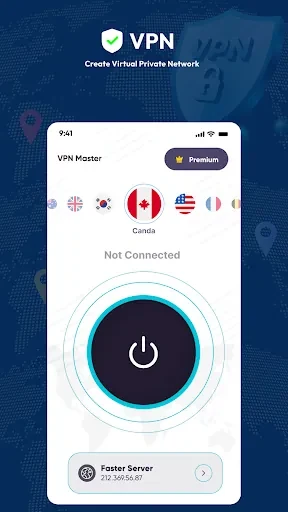
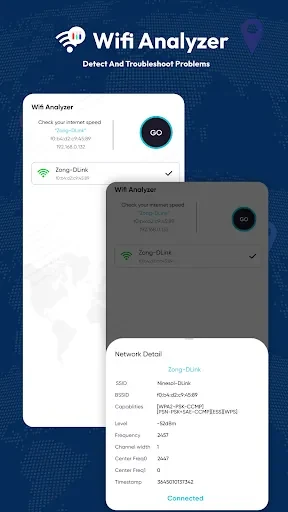
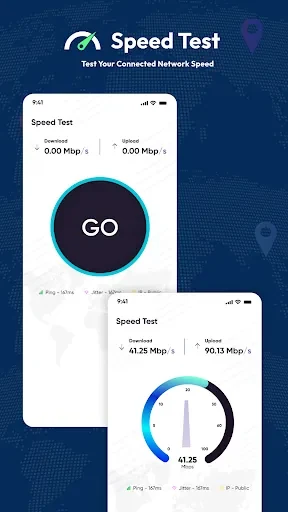
VPN Master - Wifi Analyzer brings together VPN server selection and WiFi analysis for users who want to review their network and choose a connection location from one Android app.
When you need to inspect a WiFi connection
The WiFi Analyzer is intended for examining network conditions rather than simply connecting to a network. It provides information about signal strength, frequency, speed, and network ID, giving you several network details to review when assessing a WiFi connection. The source also presents this analysis as a way to help optimize network connections, although it does not specify automatic changes or a particular optimization procedure.
When you want to select a VPN country
The VPN portion provides a list of country options for choosing a VPN server location. The listed examples include Japan, Korea, the United States, and Indonesia. This makes the country selection part of the connection process explicit, while the source describes the service as providing a fast VPN connection and protection for data and activity.
When you use different connection types
The app is described as working with WiFi, 4G, 3G, and other mobile data connections. That coverage is relevant when your internet access changes between a wireless network and mobile data, since the source does not limit the VPN feature to WiFi alone.
When privacy and display preferences matter
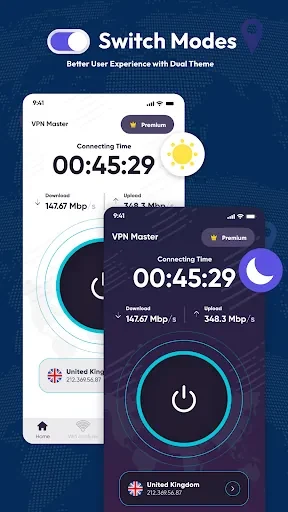
The source states that the app does not track or record user activity and presents this as a privacy feature. This is a stated product claim rather than independent verification. For daily use, the interface also offers light and dark modes, allowing you to choose between the two supported display appearances.