

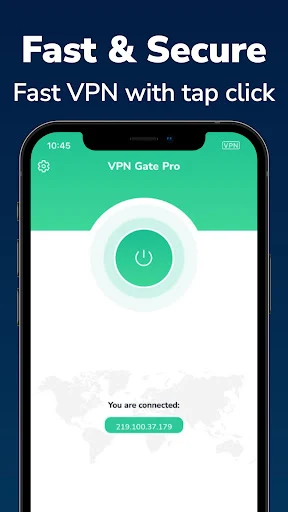
VPN Gate Connect is a VPN app for routing internet traffic through an encrypted connection. Its description presents it as a tool for private browsing and for using public Wi-Fi, with features that include IP-address masking, Quick Connect, and support for multiple devices under one account.
What privacy features does VPN Gate Connect describe?
The app’s description says it can hide your IP address and help prevent others from tracking your location, browsing history, and downloads. It also describes an encrypted tunnel for online traffic, intended to keep sensitive information from being exposed while it travels across a network. These are claims about the app’s intended privacy functions, not independent verification of particular security outcomes.
Can it be used on public Wi-Fi?
Public hotspots, including those at coffee shops and airports, are identified as a use case. The described encrypted connection is intended to protect traffic when using these networks. The app may therefore be relevant to someone seeking a VPN connection while away from a trusted network, but the description does not establish that every hotspot or online activity is risk-free.
What connection controls and protocol are mentioned?
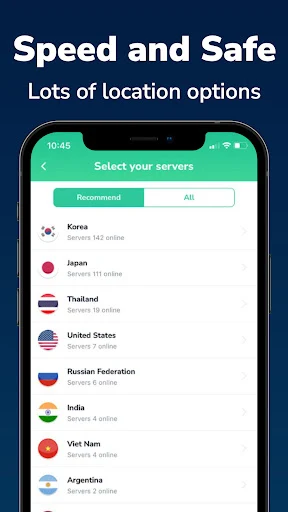
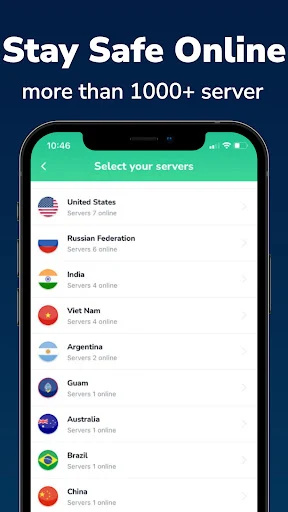
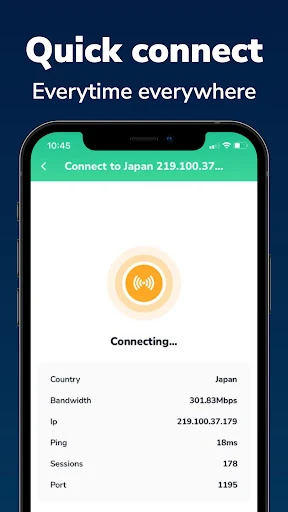
The description names Quick Connect as a way to connect to an available server, and says the app uses a fast VPN protocol built on OpenVPN. It also characterizes the connection as high-speed, but provides no measured speeds or details about server locations, server selection, or other connection settings. The source describes establishing a connection with one tap; it does not provide further control or setup details.
Can one account cover several devices?
The description says one account can be used to protect multiple devices, including a smartphone, laptop, or Wi-Fi router, and refers to use by family and friends. It does not specify a device limit or explain account setup, so those details cannot be determined from the available information.
What should users know about the listed requirements?
The supplied minimum-OS field does not identify a usable Android version, so a minimum requirement cannot be confirmed. The description also does not provide details about pricing or subscriptions. These omissions mean the available information is not enough to establish device compatibility or account terms; users should check the app’s current listing for those particulars.