

VPN Free – Unlimited VPN is an Android app in the Tools category, listed by developer Doc Pro, that connects a device to a VPN proxy server. Its description centers on three areas: privacy on shared Wi-Fi networks, access to websites and apps restricted in a user's region, and connection speed. The points below reflect what the listing states rather than results from independent testing.
What privacy and security features does it list?
The listing names a built-in DNS Firewall as its main protective feature. According to the description, this is intended to keep personal information private and online activity secure, particularly when a device joins a public or semi-public Wi-Fi hotspot. The description also says the app encrypts network traffic, which it presents as a way of protecting sensitive data on shared networks.
Can it be used to reach blocked websites and apps?
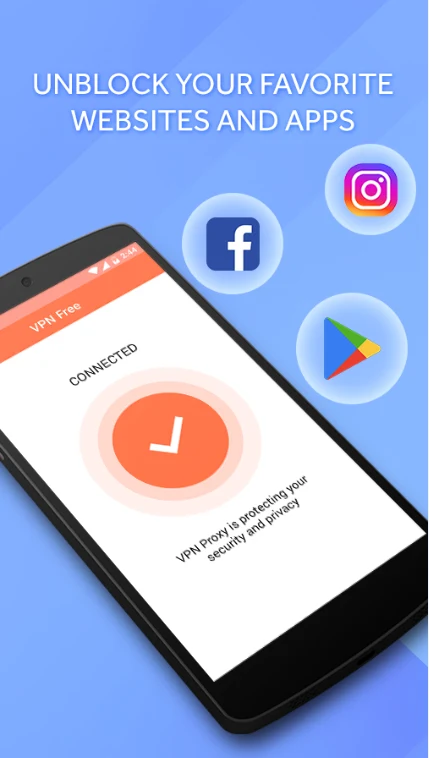
The description says the unblocking feature can help users reach websites and apps restricted in their region, and it gives social networks such as Facebook, Twitter, and YouTube as examples. It describes choosing a server location where the content is accessible as the way to do this. The listing does not specify which services work in every country, so access to any particular site is not guaranteed.
How does server selection work?
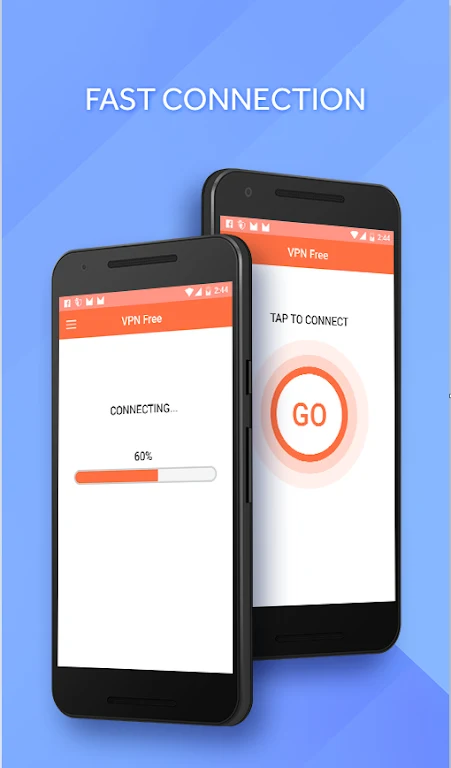
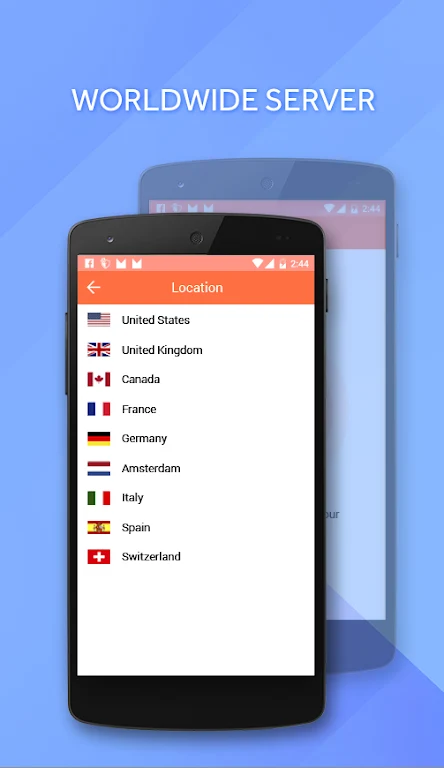
The listing says the app can automatically detect the user's location and connect to a nearby server, and it links this to lower latency and smoother browsing. Users can also choose a server location manually when they need content available from another region. The description compares speed with other VPN and proxy providers, but it does not provide measurements to support that comparison.
How is the connection started?
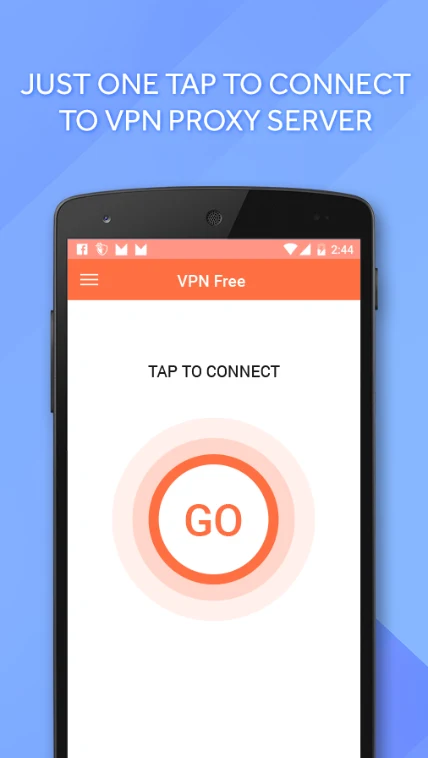
The description says connecting to a VPN proxy server takes one tap. It does not describe additional setup steps, account requirements, or settings beyond the features already covered above.
What details are missing from the source?
The source data does not provide a clear minimum Android version, pricing information, or details about advertising or in-app purchases. Readers who need these details should check the store listing for current information before installing.