

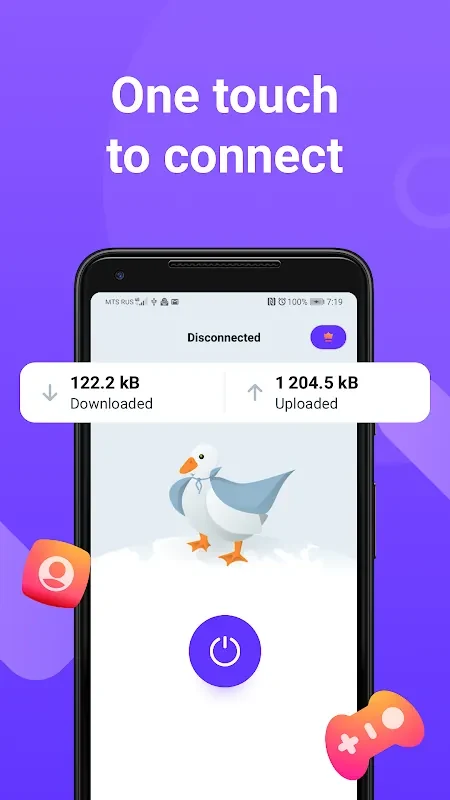

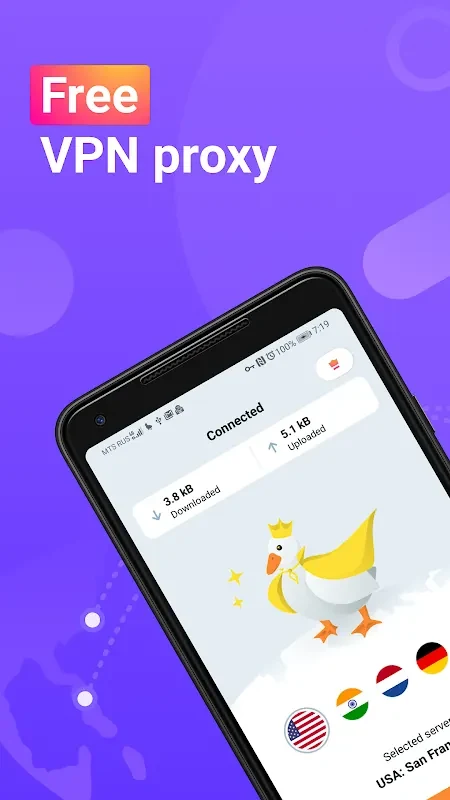
VPN Duck lets users connect to a VPN server with a single touch, making it straightforward to route browsing traffic through a different location. Its description says the app encrypts traffic and replaces the user’s real IP address with the server’s address as seen by websites and apps. Choosing a server in another country may help users reach content that is blocked where they are, though access can depend on the content and location. The app also says it requires no registration, so users can connect without creating an account first.
Connecting through another location
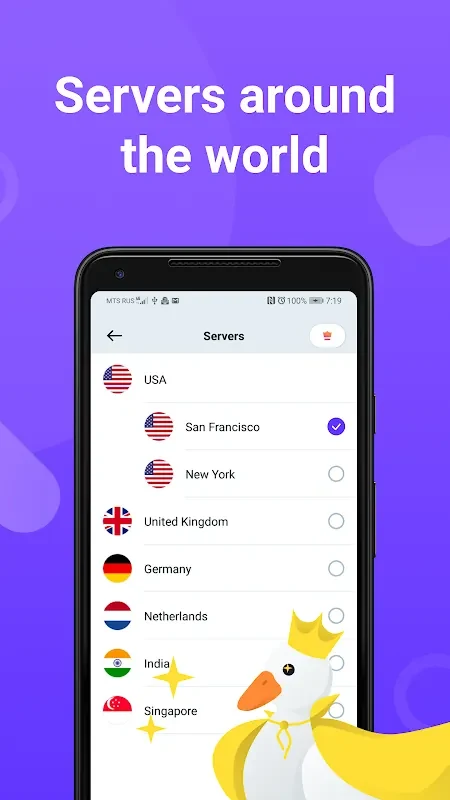
The app offers a choice of server locations around the world. Selecting a server in a different country routes the connection through that location, which may be useful when content is unavailable in the user’s region. VPN Duck presents this as a way to get around some internet restrictions, rather than requiring users to configure a connection manually.
Encryption and privacy claims
VPN Duck states that it encrypts traffic and does not log online activity. Encryption is described as a way to keep internet service providers from seeing which websites a user visits or which apps they use, while the server address is shown to websites and apps instead of the user’s real IP. These are claims in the app description, not a guarantee about every aspect of online privacy.
Simple access and connection speed
The interface is described as user-friendly, with a one-touch connection flow and no registration requirement. The description also characterizes its servers as high-speed and optimized for quick connections, but does not provide measured speeds or details about how performance varies by server or network.
Using more than one device
According to the app’s FAQ, VPN Duck supports connections on multiple devices under the same account. The description does not specify a device limit or explain account setup alongside its statement that registration is not required.