
VPN Daddy is an Android app for connecting to VPN Daddy's private VPN service. Its described purpose is to provide a secure connection while supporting the installation of a custom VPN profile.
How does VPN Daddy connect to the private VPN service?
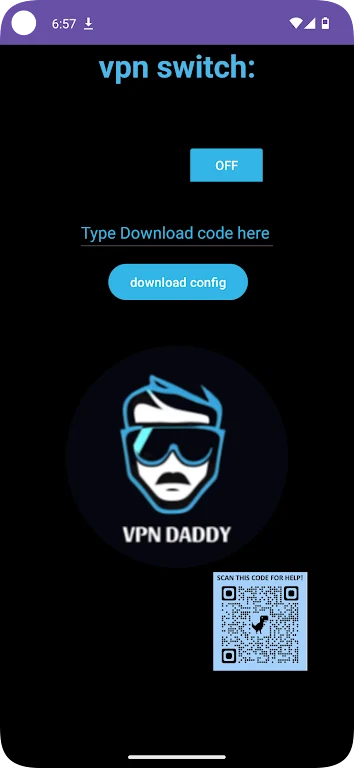
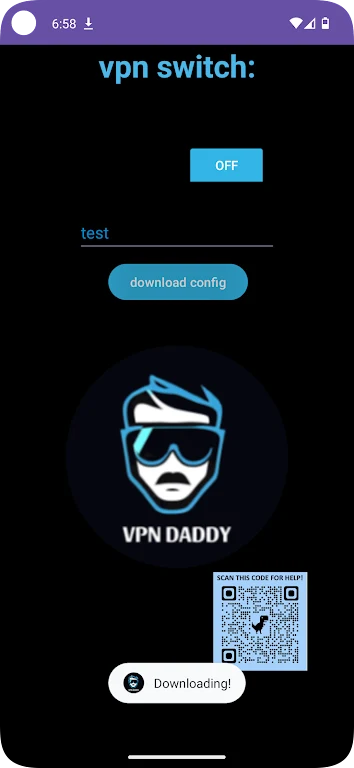
The app uses VPN Daddy's private VPN service to establish the connection. To begin, users request a unique, one-time download link. This link is used as part of the installation process for the VPN profile rather than relying on a general installation path described in the source.
Can the VPN profile be customized?
VPN Daddy supports installation of an individual custom VPN profile. The source describes this profile as tailored to the user's preferences, allowing the connection setup to be associated with that user's VPN service configuration.
How is data handled during a connection?
The app description states that data is encrypted in transit while the service is being used. It also says that the app follows its privacy policy and does not store user data. These are stated service and policy claims rather than independently verified results.
Where can users get assistance?
Questions and support requests can be directed to the VPN Daddy website at vpndaddy.net or sent to [email protected]. The source presents these channels as the available ways to request help with the app or service.