

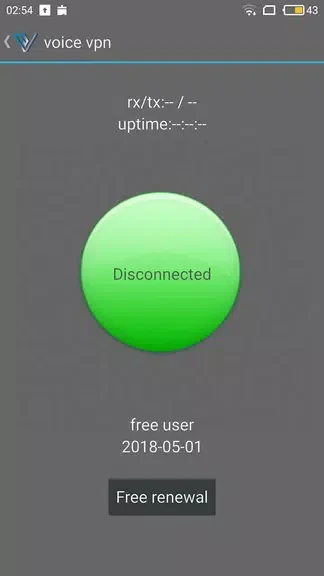
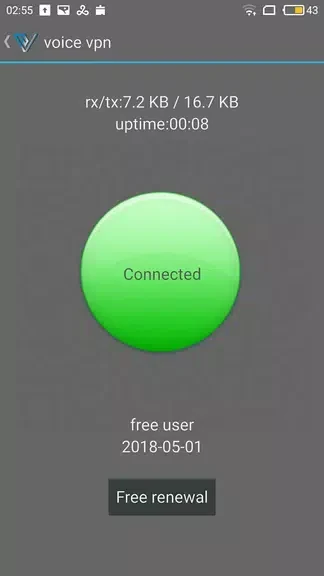
voice vpn (free-fast) provides access to VPN server options without asking users to register, making it possible to get started without creating an account. The app is intended for browsing through a VPN connection, and its simple interface is described as supporting connection to different servers with a few taps. Connection-time and real-time transmission-speed displays give users information about an active session, which can help them keep track of usage and observe how the connection is performing.
Server choices and connection details
The app offers multiple server options. Its description suggests choosing a server based on the speed shown, so users can compare available transmission speeds when deciding where to connect. The time and speed indicators serve different purposes: one shows how long the VPN connection has been active, while the other reports current transmission speed.
Auto-connect and reminders
An auto-connect option is available in the app settings. When enabled, the app is described as connecting to the VPN automatically when the user accesses the internet. A separate reminder feature lets users set due-date reminders related to VPN use. These controls are intended to help users manage connection behavior and remember when they may need to renew or switch servers.
Registration and invitations
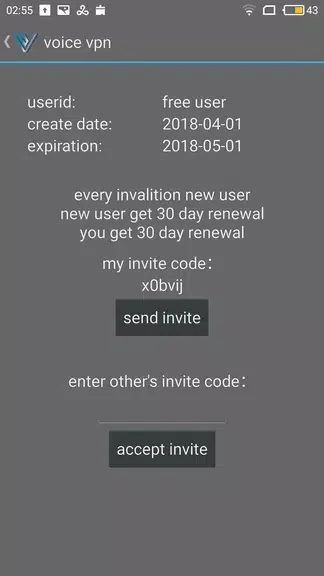
Registration is not required to use the app, according to its description. It also mentions inviting friends with an invitation code and says this can provide access without renewal. The source does not explain the terms, duration, or eligibility of that invitation arrangement, so users should not assume details beyond what the app presents.
What to consider
The app is presented as a free VPN and as a way to browse anonymously or access restricted content. Those are claims in its description, rather than guarantees about privacy, security, or access to any particular website. The available information does not specify server locations, connection limits, or the conditions attached to continued access.