

Overview
VMOS Cloud Phone gives you a remotely hosted Android environment for running apps, playing games, and managing social media or other accounts. Instead of relying on your device to host each Android instance, the service runs cloud phones that you access through the app. This can be useful for keeping tasks running over longer periods or separating accounts into different environments. Setup involves logging in, choosing an Android version, and adjusting options such as display resolution and app preferences. The service also describes plans with different configurations and access through Windows, Android, iOS, or a browser.
What You Can Do
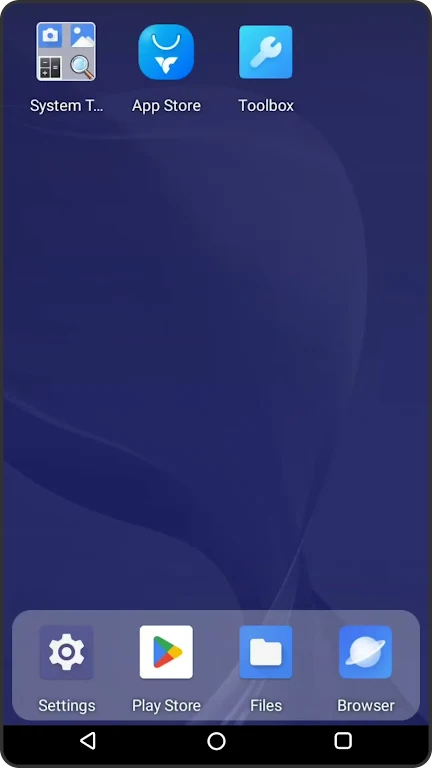
⭐ Run Android apps and games in a cloud environment. The source says apps can be installed and used in the virtual system, including direct installation from Google Play.
⭐ Manage more than one account or workflow. VMOS Cloud Phone supports purchasing and running multiple cloud phones at the same time, which can help with batch management.
⭐ Keep selected tasks running remotely. The service describes 24/7 cloud hosting intended for long-running tasks, so operation is not tied to keeping the phone itself powered on.
⭐ Choose a cloud-phone configuration. Available plans are described as offering different Android versions, RAM, and storage options to suit different needs.
⭐ Adjust the virtual setup before use. You can select an Android version and customize display resolution and application preferences.
⭐ Access the cloud phone from different device types. The source lists Windows, Android, iOS, and browser access, in addition to the Android app.
Using the App
Begin by opening the app and signing in with your credentials. Then select the Android version for the virtual system and set options such as resolution and app preferences. Once the environment is ready, install and run apps or games, or carry out tasks remotely. If you need separate environments, the service supports multiple cloud phones, though its description says these must be purchased. Its cloud-hosted approach is intended to avoid using the local device as the host for continuous operation.
Why It May Appeal
✅ Cloud hosting can suit users who want apps or other tasks to continue running without leaving their own device powered on for that purpose.
✅ Multiple virtual phones offer a way to separate accounts or organize concurrent workflows rather than handling everything in one Android environment.
✅ Configurable Android versions and memory and storage plan options provide choices for different workloads.
Things to Consider
❎ Running multiple cloud phones involves purchasing them, and the source does not provide plan prices or detailed limits. Check the available configurations before choosing one.
❎ VMOS Cloud Phone is a cloud service rather than an Android environment hosted entirely on your device. Its use therefore involves signing in and accessing the remote system; the source does not specify connection requirements or service availability details.