
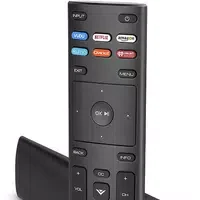
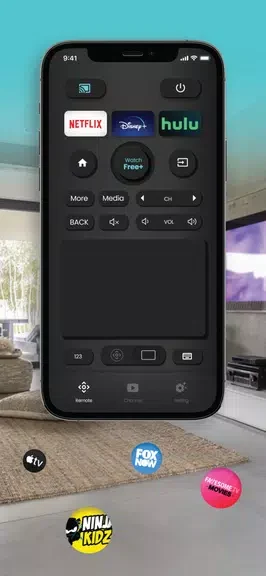
Vizio TV Remote: SmartCast TV enables users to operate their Vizio Smart TVs directly from an Android device, eliminating the need to locate a physical remote control. By connecting both the phone and the television to the same wireless network, the application transmits commands for basic functions such as volume adjustment and channel selection. This approach proves especially practical in households where remotes are frequently misplaced or when multiple viewers prefer using their personal devices for adjustments. The interface presents available options clearly, allowing quick access to supported television models without requiring additional hardware.
Supported Models and Compatibility
The application works with several Vizio television lines, including the D-series, V-series, M-series, P-series, and OLED displays. Users with any of these models can rely on the app to handle routine operations once the network connection is established. Compatibility covers a range of screen sizes and types within the Vizio SmartCast ecosystem, so owners of newer or older sets in these series receive consistent command support.
Available Commands and Controls
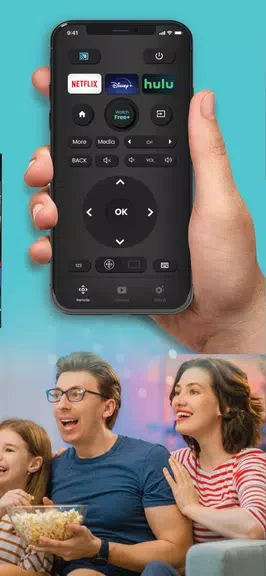
Through the app, individuals can issue a variety of instructions to the television. These include switching between channels, modifying audio levels, and moving through menu settings. The controls mirror those found on a standard remote, providing a familiar experience on the phone screen while allowing simultaneous use by multiple household members.
Accessing Television Channels
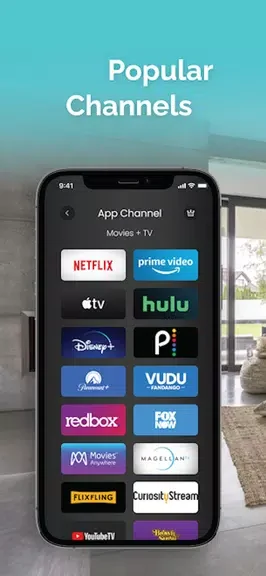
Channel selection occurs by choosing from a list displayed in the application. This method allows viewers to locate programs rapidly and switch content without scrolling through the television's own menu system. The direct selection reduces the steps needed to reach favorite stations or explore additional programming options.
Network Connection Requirements
Both the Android phone running the app and the Vizio television must share the same Wi-Fi network for communication to occur. Without this shared connection, the remote functions remain unavailable, making initial setup dependent on a stable wireless environment for both devices.