
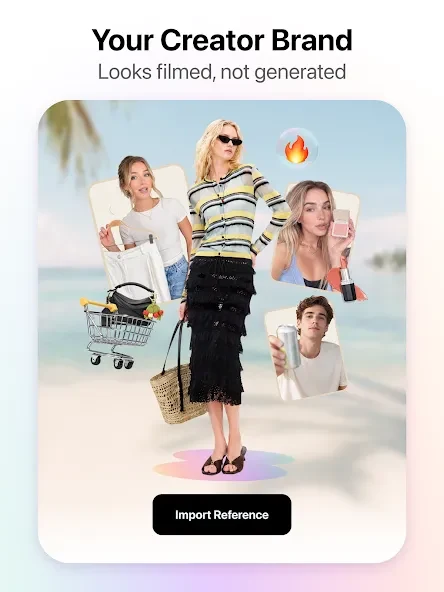
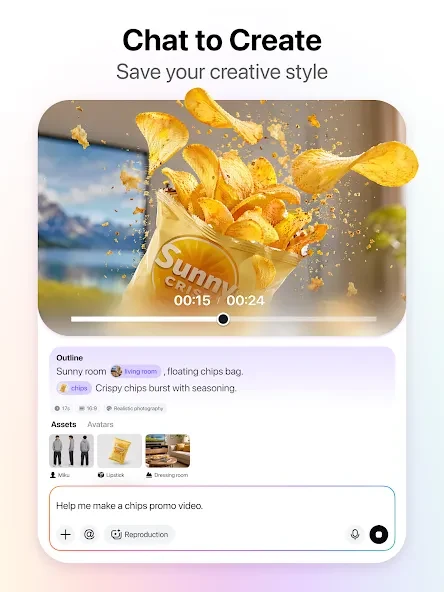
Virbo is an AI-assisted video creation and editing app that turns inputs such as text, voice, and photos into videos using styles and templates selected by the user. It is designed to help creators produce video drafts and finished scenes without building every element from scratch. The app includes AI-generated scripts, virtual presenters, subtitles, image transformations, voiceovers, music, and editing materials such as effects and character models. These tools may help individuals and teams develop video content for different creative needs.
How can you create a video with Virbo?
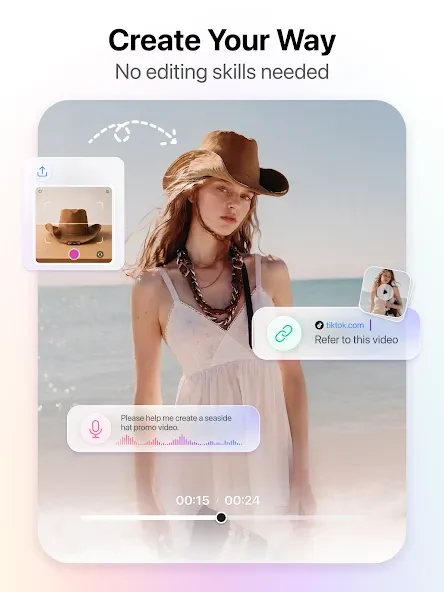
Users can describe their requirements through text, voice, or photos, then choose a suitable template to guide the video’s style. The app also supports text-to-video conversion, turning a script into scenes, and AI script development for users who need help preparing video content. Generated subtitles, image transformations, and voiceovers are among the elements users can add to a project.
What presenters, templates, and editing assets are available?
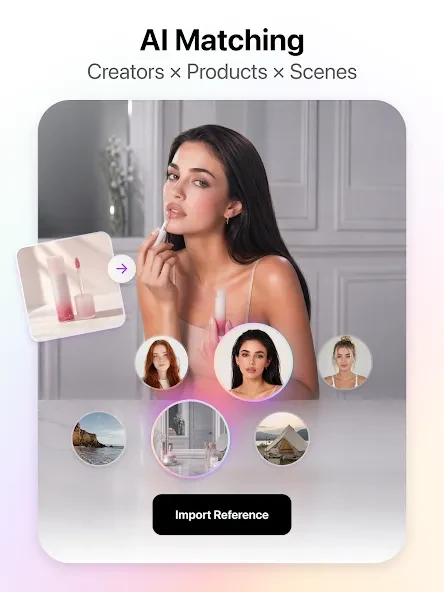
The listed features include 300 AI realistic avatars and more than 300 professional templates. Templates are described as customizable for a brand image or industry, with styles ranging from corporate presentations to social media videos. The editing library also includes special effects, transitions, filters, animations, character models, and a growing collection of video assets.
Can Virbo make videos for different languages and formats?
The app describes support for more than 120 languages, with different accents and vocal styles. Its avatar presenters can deliver on-screen content, while voiceovers and a royalty-free stock music library provide additional audio options. The source highlights music spanning different genres and moods, and says the templates can be adapted to a project’s intended style.
Who might find Virbo useful?
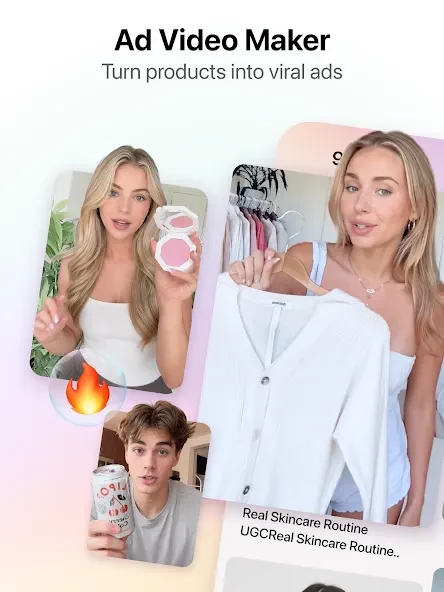
Virbo is presented for creators such as YouTubers and vloggers, as well as small businesses and marketers. Its tools can help turn existing talking points into a video draft, create promotional content, or give a team a visual concept to review. The app is intended to make video production accessible without requiring a studio, actors, or costly equipment, though the source does not specify the limits of its free or paid features.