

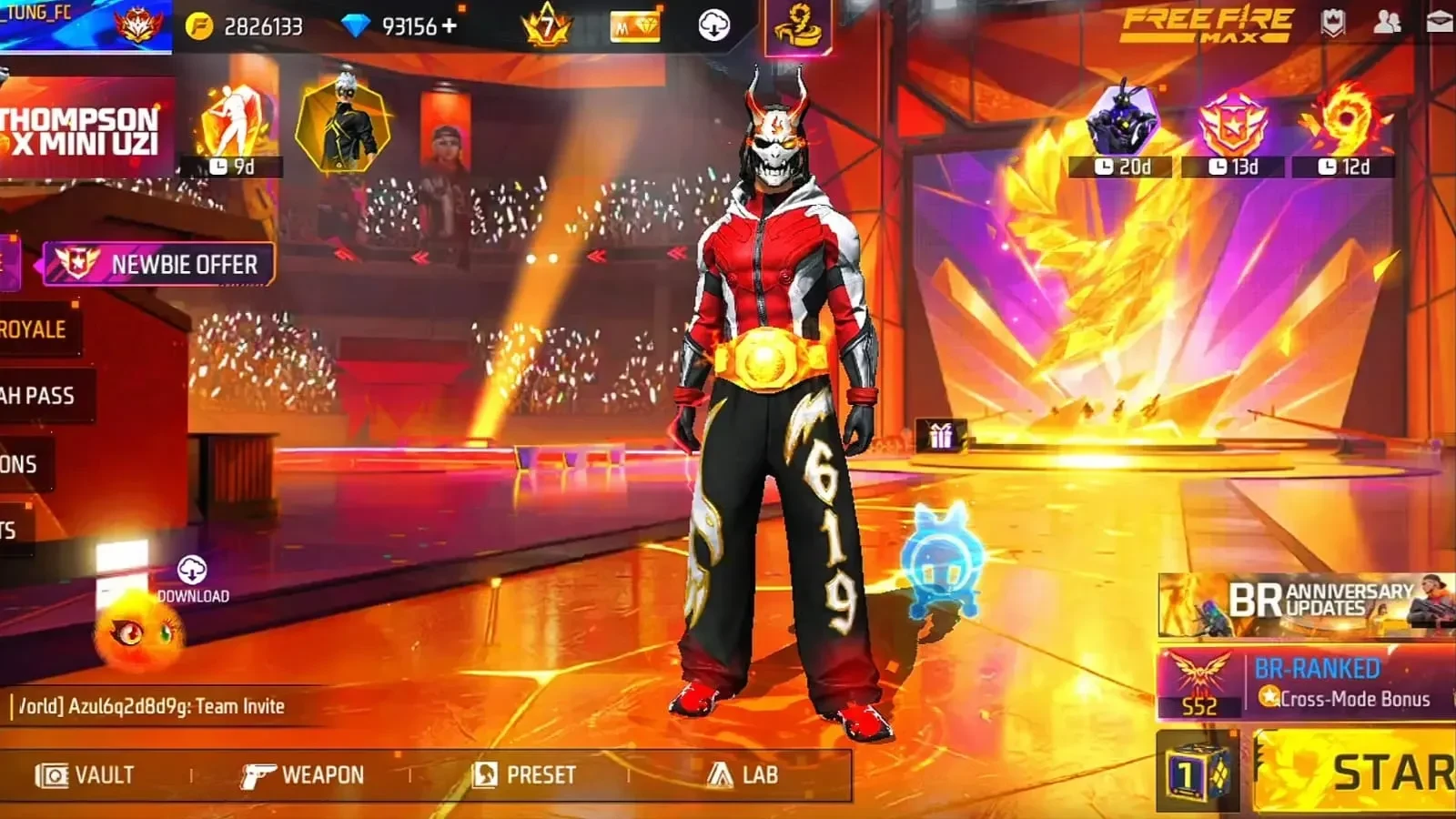
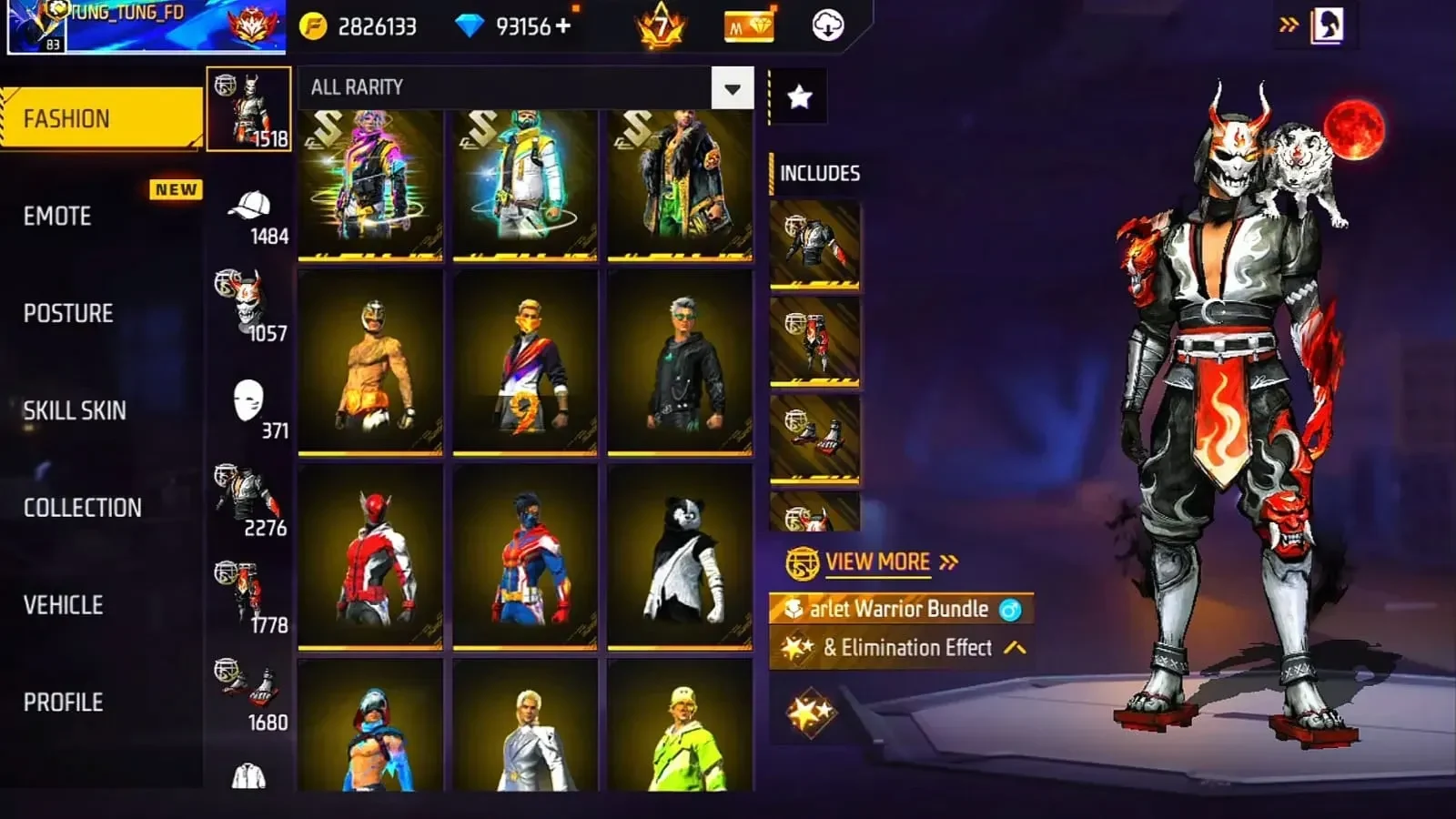
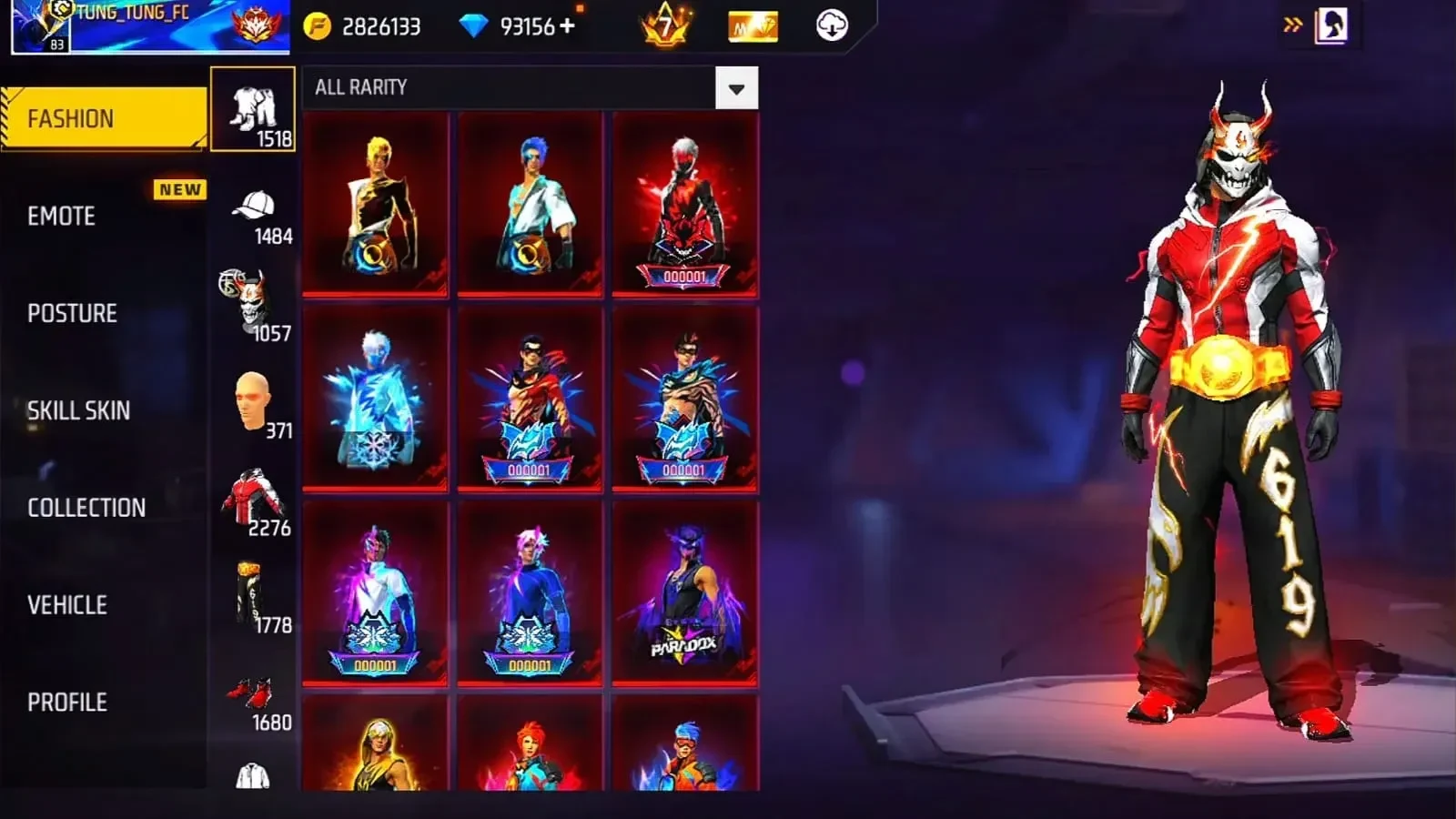
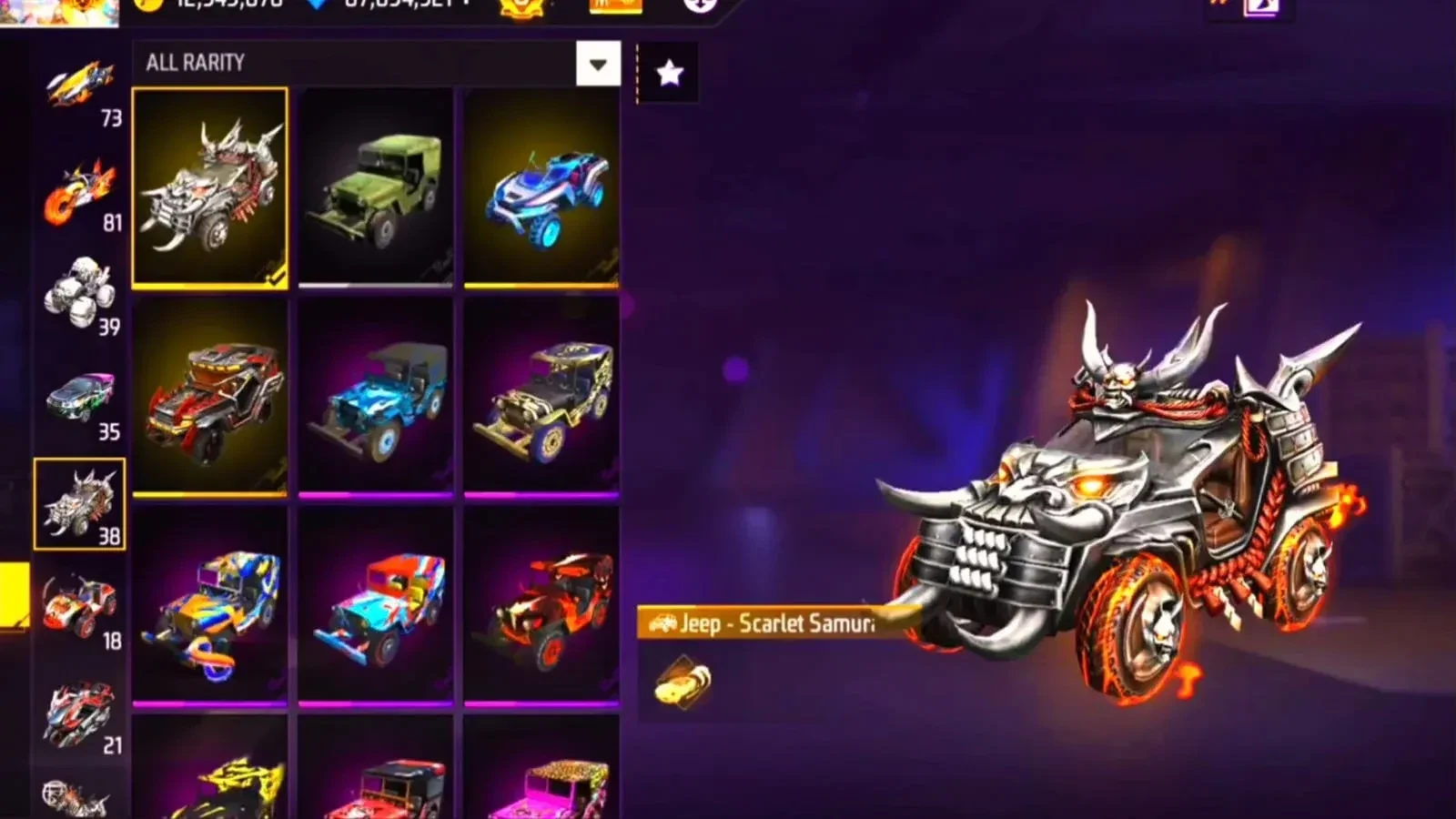
Vip Proxy Server is an Android gaming tool that routes traffic through proxy servers, with Free Fire and Free Fire MAX named as its main use cases. It is intended for players dealing with high ping, delayed responses, or unstable routing, and lets users choose among server locations. The listing says that different routes and higher-bandwidth servers may help with latency or connection stability, depending on the network. It also advertises gameplay modifications, so the app’s stated purpose goes beyond connection management.
How does the app try to improve a game connection?
The app describes using alternative network routes between a device and a game server. This may help when an internet provider’s routing is inefficient, but the listing does not guarantee lower ping or smoother gameplay in every situation. It also describes its servers as having higher bandwidth and says that routing through them aims to reduce sudden ping spikes. Results will depend on the player’s connection and the server selected.
Users can choose from locations around the world. The listing suggests starting with a physically nearby location, since a shorter route may reduce transmission time. It also advises checking latency before a match and switching locations if the connection is unsatisfactory; its suggested ping thresholds are guidance in the source, not a promise of performance. The tool is presented as potentially useful during busy network periods or where local routing is inconsistent.
What privacy and gameplay functions are described?
The proxy routes internet traffic through another server, which the listing says hides the user’s original IP address while connected. This describes an IP-masking function; it should not be read as a guarantee of account security or protection from bans. The source also promotes game modifications such as automatic enemy targeting, unlimited ammunition, and a full-map display. These are advertised features, but the listing does not explain how they work or establish that they are permitted by the games.
What setup and maintenance information is provided?
The listing characterizes setup as simple: install the app, configure its settings, and connect to a server. It does not provide a detailed configuration walkthrough. It also recommends keeping the app updated, saying updates may include server additions, bug fixes, and routing improvements. That is presented as general guidance rather than a description of a specific update.
What can users try if connection or loading problems occur?
For an installation failure, the source suggests clearing the device’s cache and storage before trying again. For network errors, it advises testing another Wi-Fi network or mobile data. If a game will not load, it suggests changing proxy location or restarting the app. For crashes, the listed steps are checking for device software updates, clearing the app cache, or reinstalling it.
If the proxy itself will not connect, the source recommends checking internet settings and proxy configuration, trying another server, or updating the app. Taken together, the stated features may interest Free Fire players who want to test alternate routes and server locations, particularly when they experience inconsistent connections. The listing does not establish that routing will resolve every network issue, and its separately advertised game modifications are distinct from its connection tools.