

Vimeo helps you create, share, and watch videos from an Android device, bringing creator tools and viewing features into one app. Its AI-powered tools support script generation and video editing, while team features let users upload, manage, and share video projects. For businesses and organizations, videos can also support training and communication with deskless workers. On the viewing side, Vimeo offers ad-free HD playback and the option to save videos for offline viewing, alongside content from creators to explore.
Tools for making and managing video
The app’s script-generation and editing features are intended to help users produce videos from their Android device. Once a video is ready, users can upload it, organize company video content, and share it with a team. These creation and management functions can support both individual projects and workplace video use.
Sharing video at work
Vimeo’s collaboration features focus on working with team members and sharing video projects. Organizations can use videos for training or communication, including for deskless workforces. Bringing upload, management, and sharing together gives teams a way to handle video content in one place.
Watching and discovering creators
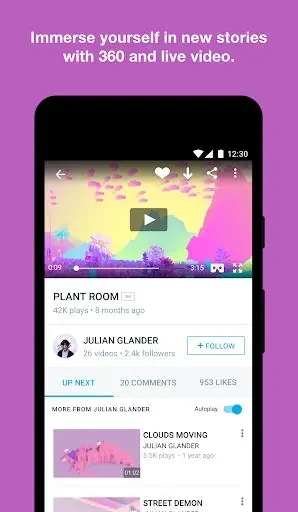
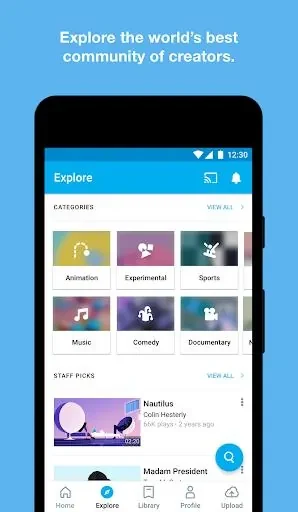
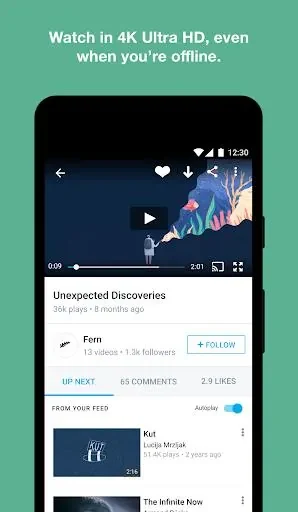
For viewers, Vimeo offers ad-free HD video playback and a selection of creator content to browse. Users can explore categories and follow creators to tailor their feed toward videos that interest them. Saved videos can be watched offline, which is useful when an internet connection is unavailable.