

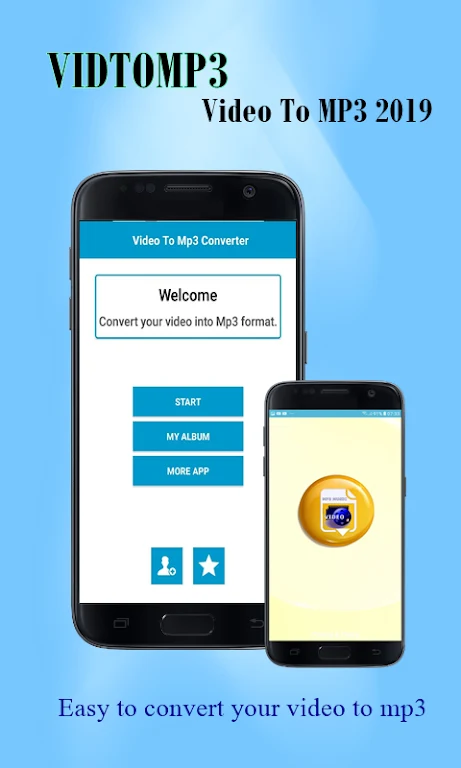
vidtomp3 - video to mp3 2019 is an Android app for converting video files into MP3 audio. Users can choose videos stored on their device, including through the device’s file manager, or use videos downloaded from the internet. The app then processes the selected files as audio conversions.
Selecting and converting videos
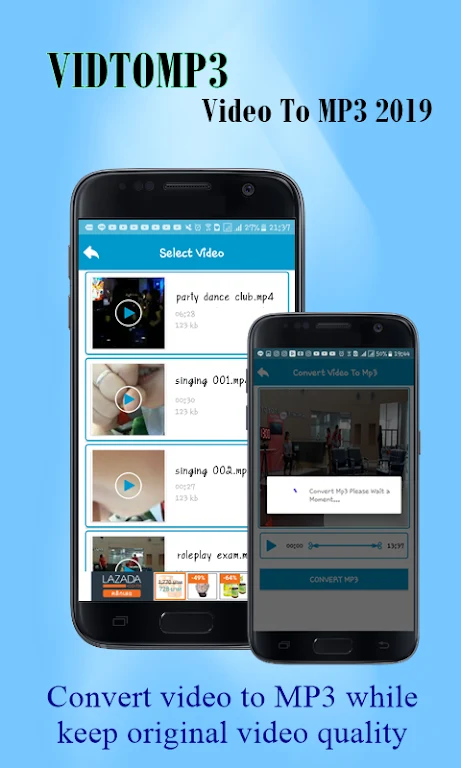
The workflow starts by browsing for a video and selecting it for conversion. The app describes support for a range of video and audio formats, with examples including M4A, M4V, MOV, OGG, and WMV. These examples indicate the formats mentioned in the source; it does not specify a complete format list. After choosing a file, users can start the video-to-audio conversion from the app.
Audio output settings
Before conversion, users can choose settings for the resulting MP3, including bitrate, frequency, and channel configuration. These options allow adjustment of audio specifications. The description does not provide particular setting ranges or explain how each option affects the output, so those details are not specified here.
Finding and using converted files
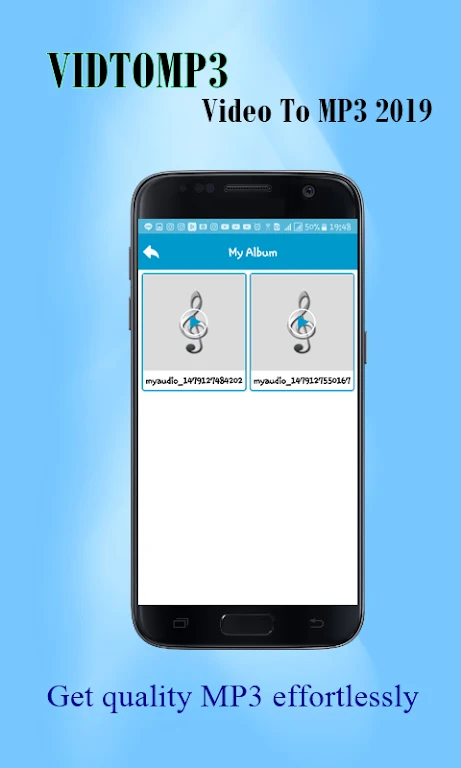
Converted MP3 files are saved in a folder on the phone, where they can be accessed through the app’s converted-file browser. The app also lets users play or share the resulting files. This brings file selection, conversion, and access to completed audio into a single workflow without requiring a separate file-selection step inside another app.