

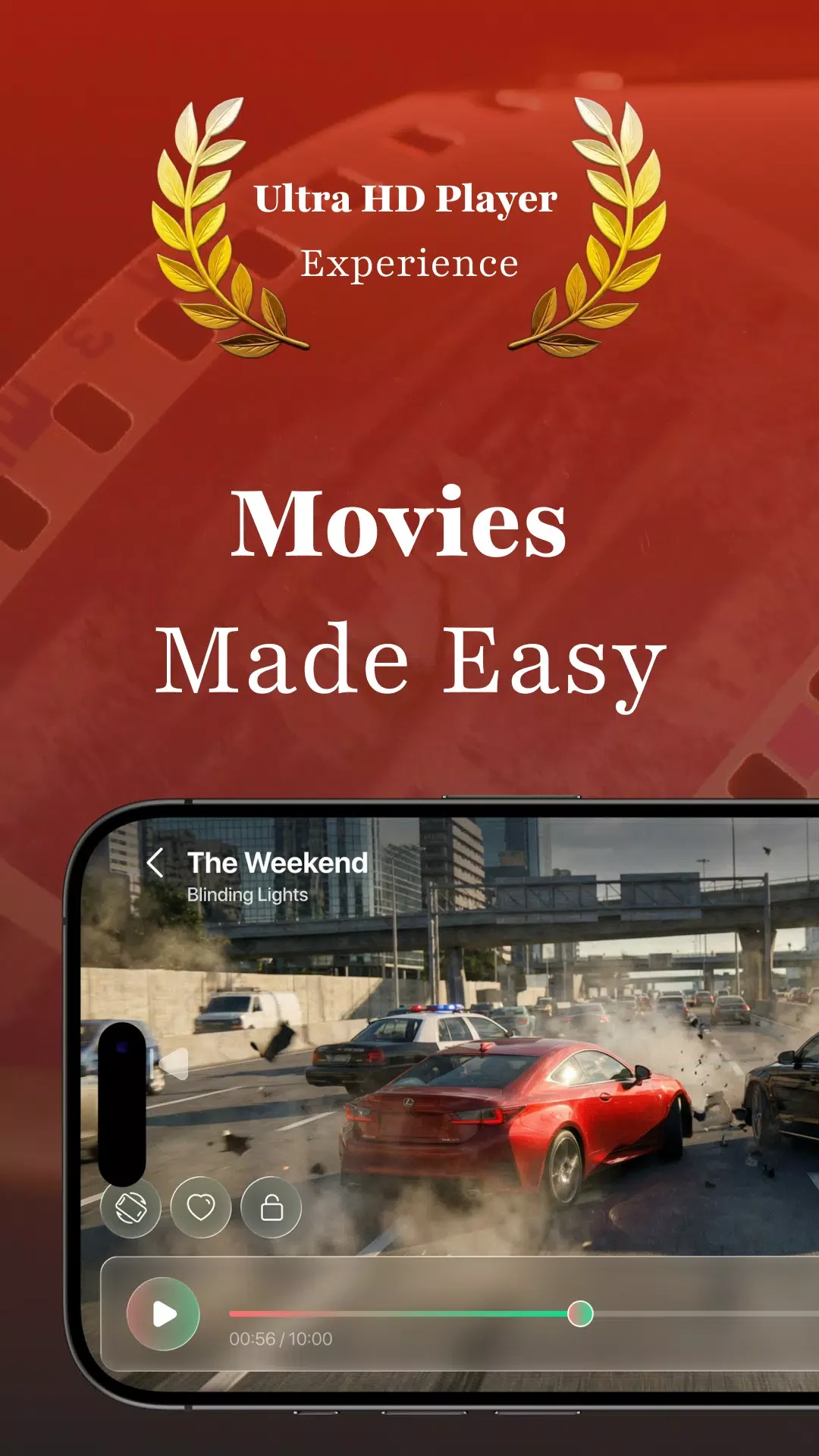
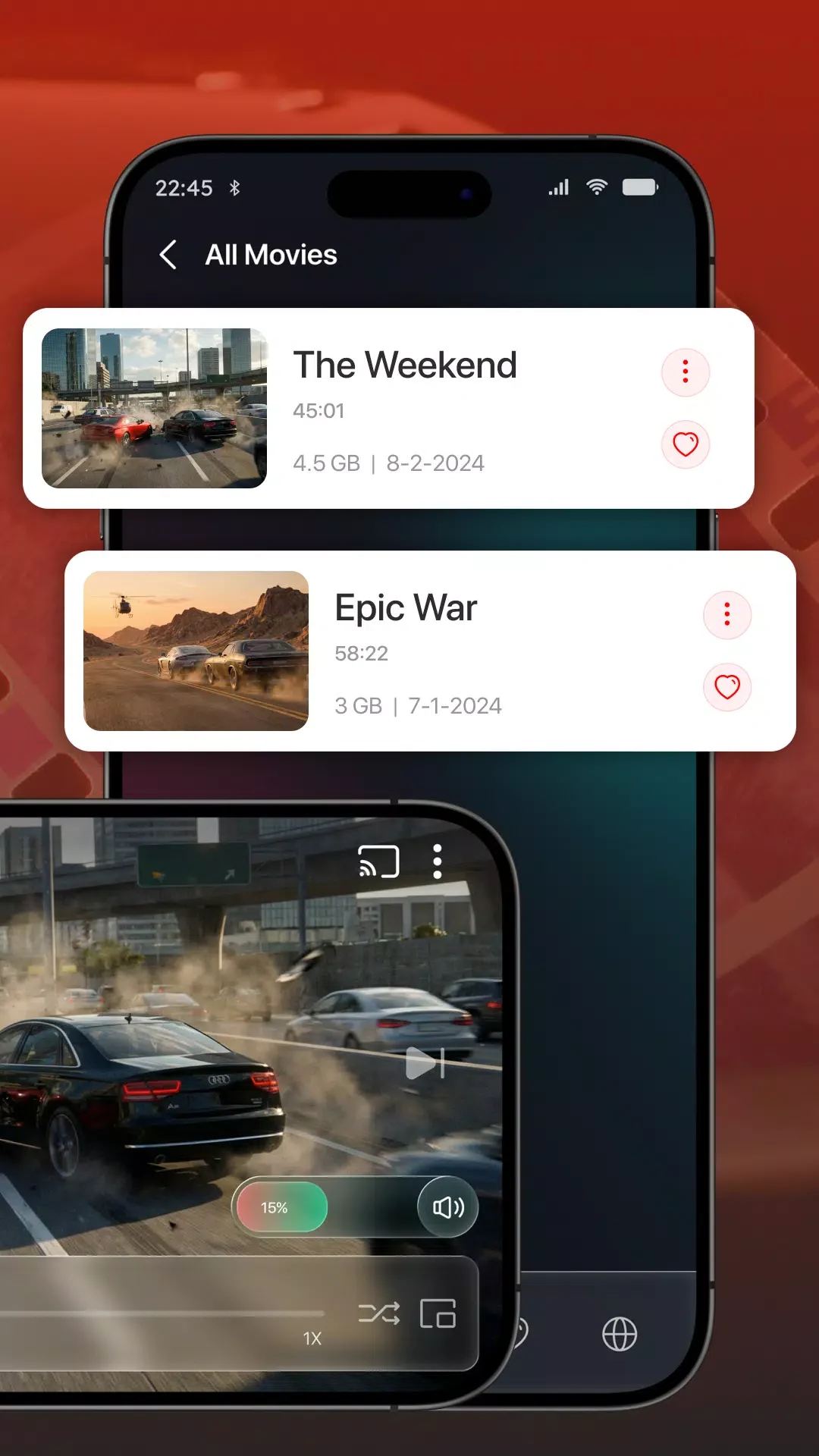
Video Player Pro helps users play video and audio files on Android devices by supporting a wide range of formats and providing tools to adjust playback according to personal preferences. The app identifies files stored on the device and SD card, enabling quick access to content without manual searching. Hardware acceleration contributes to steady playback that reduces interruptions during viewing sessions. Users can save progress on individual videos so that sessions can resume later without restarting from the beginning. These functions address common needs when managing personal media libraries on phones and tablets running Android 7.0 and later.
Format Compatibility and Playback Quality
The application handles numerous video formats including MKV, MP4, M4V, AVI, MOV, 3GP, FLV, WMV, RMVB, and TS. Support extends to 4K resolution files, which allows high-detail content to render without additional conversion steps. Automatic detection of files across storage locations simplifies the process of locating media. Night mode and quick mute options further adapt the viewing environment for different lighting conditions or situations where sound must be silenced rapidly.
Gesture Controls and Navigation
Intuitive gestures handle common actions such as swiping to rewind or fast-forward, pinching to adjust zoom, and tapping to pause or resume. These controls reduce reliance on on-screen buttons during playback. Navigation through the library uses a straightforward interface that displays available videos and allows sorting or browsing without complex menus. Auto-rotation and aspect-ratio adjustments maintain appropriate framing when the device orientation changes or when content requires specific screen proportions.
Audio Enhancements and Subtitle Options
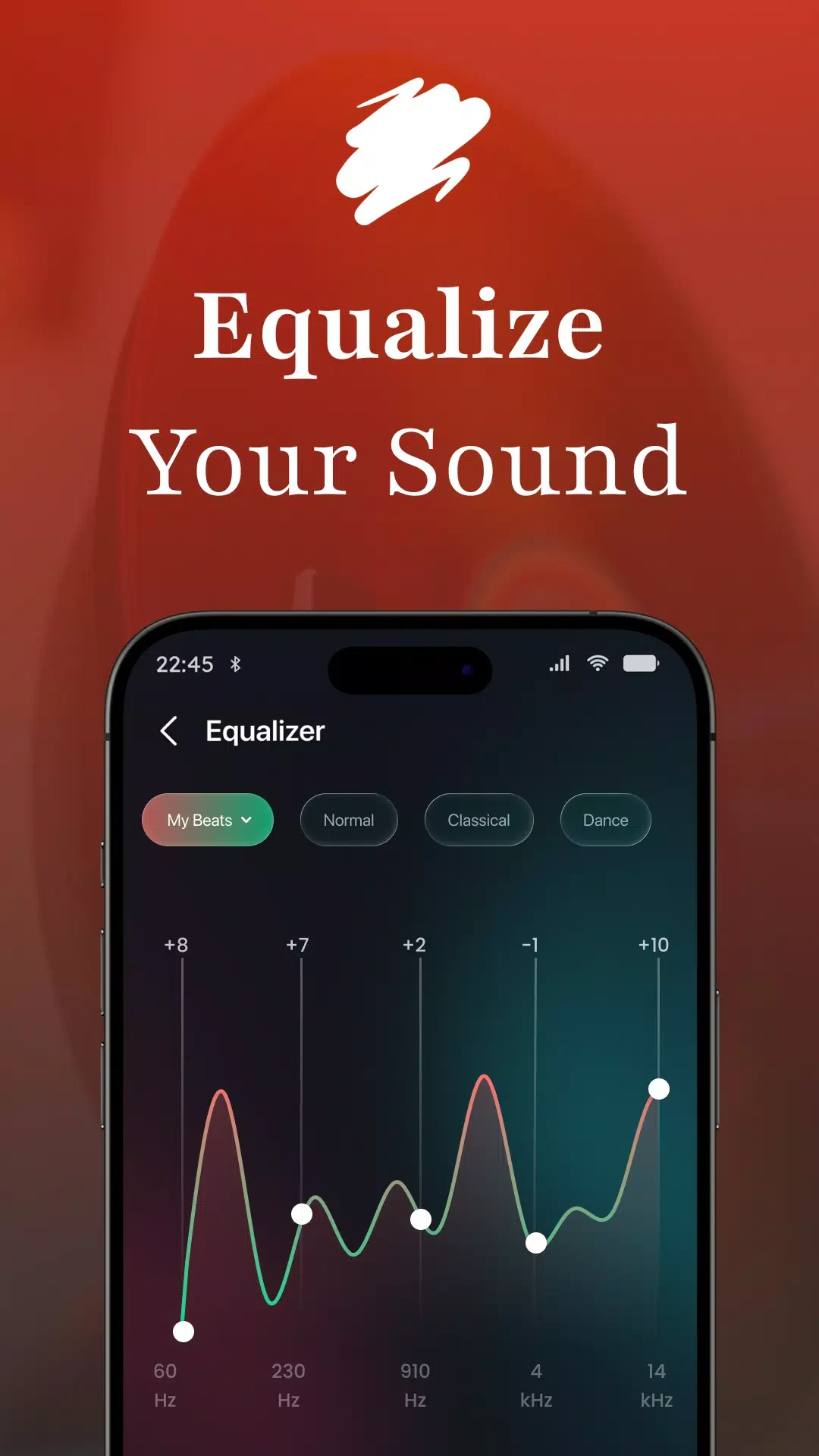
Built-in audio tools improve clarity through equalizer settings and support for surround sound output. Subtitle styles can be modified for size, color, and position to match user readability needs. The combination of these audio and text features supports consistent viewing of foreign-language material or content recorded in varied acoustic environments. Lock-screen playback controls extend similar audio management to background listening without opening the main interface.
Additional Viewing and Music Features
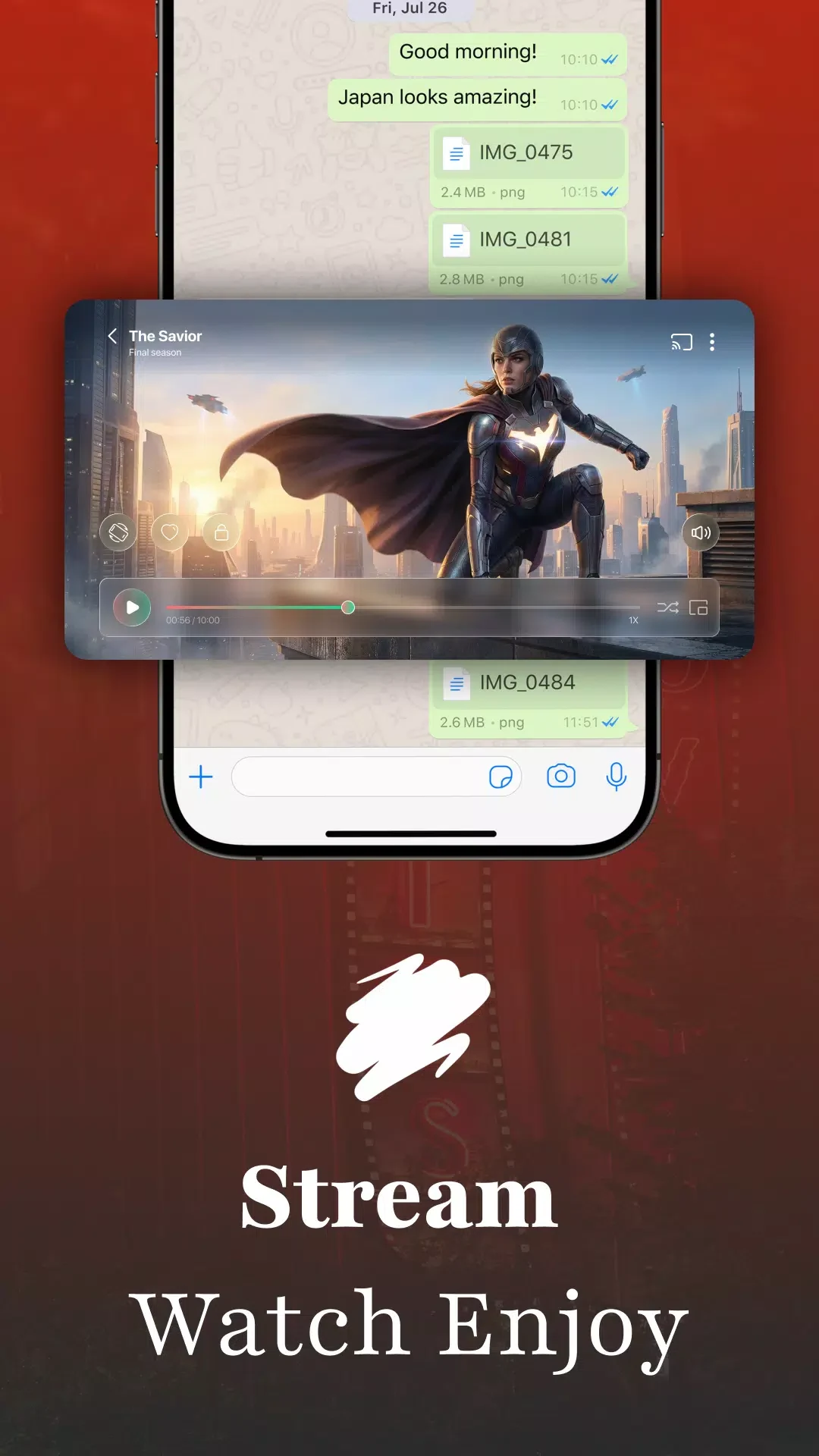
Pop-up window mode permits simultaneous video playback alongside other device tasks. Chromecast compatibility streams content to external displays when available. For audio files the app organizes tracks into album and artist categories while providing dedicated playback controls. Screen-lock functions prevent accidental interruptions during extended sessions. These elements work together to cover both video-focused and music-oriented use cases within a single application.
Limitations
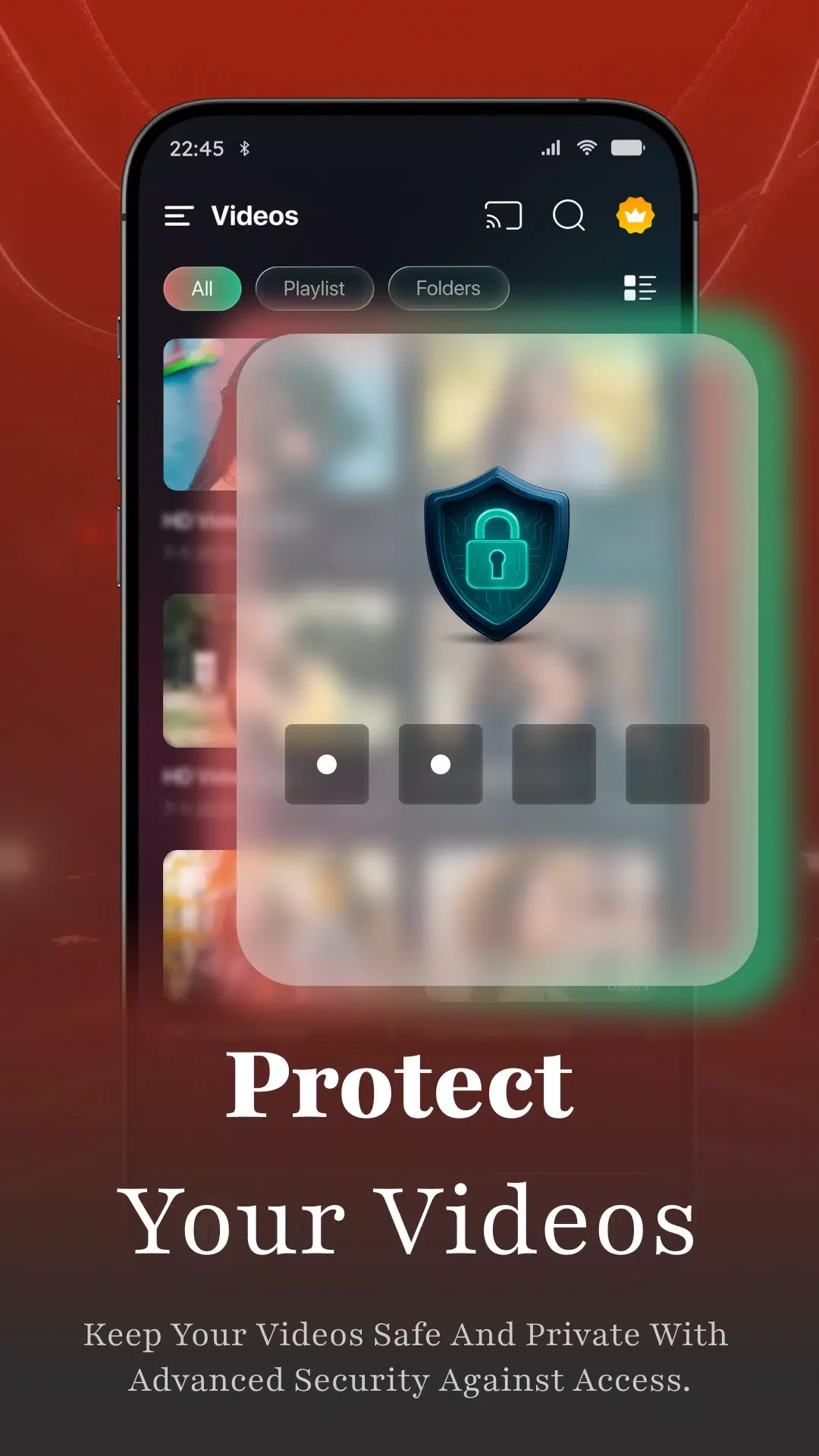
Private folder storage requires manual setup for each video collection, and multi-playback sessions remain subject to device hardware constraints on simultaneous decoding.