
Video Editor Star Maker - Mago is an Android video-editing app for creating social videos with visual effects, animation, music, and custom intros. It addresses the task of adding several kinds of creative elements to a video in one editing workflow, including effects such as glitch and RGB as well as animated text and stickers. Its clearest supported benefit is the range of editing options described: users can work on a video’s look, add moving elements, create opening or closing scenes, and include music for content intended for platforms such as TikTok, Instagram, and YouTube.
What visual effects can you add to a video?
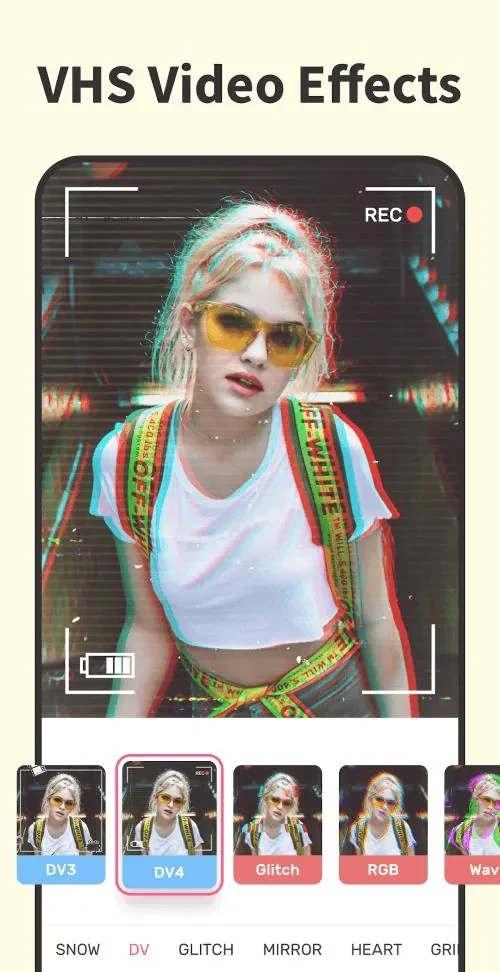
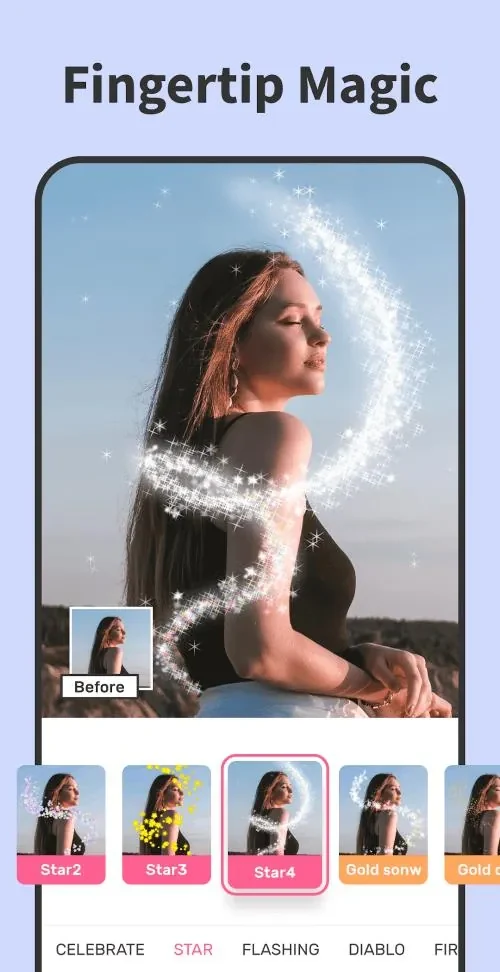
The app includes effects such as ccp, wave, glitch, and RGB, along with effects described as Fire, Bomb Effects, and Magic Energy. These options let users change the appearance of their videos and combine different effects to create a style suited to a particular clip.
The source also suggests experimenting with effects and mixing them with other editing elements. It does not specify detailed adjustment controls for individual effects, so the documented appeal is the variety of effect types rather than a particular level of customization.
How do keyframe animations work in Mago?
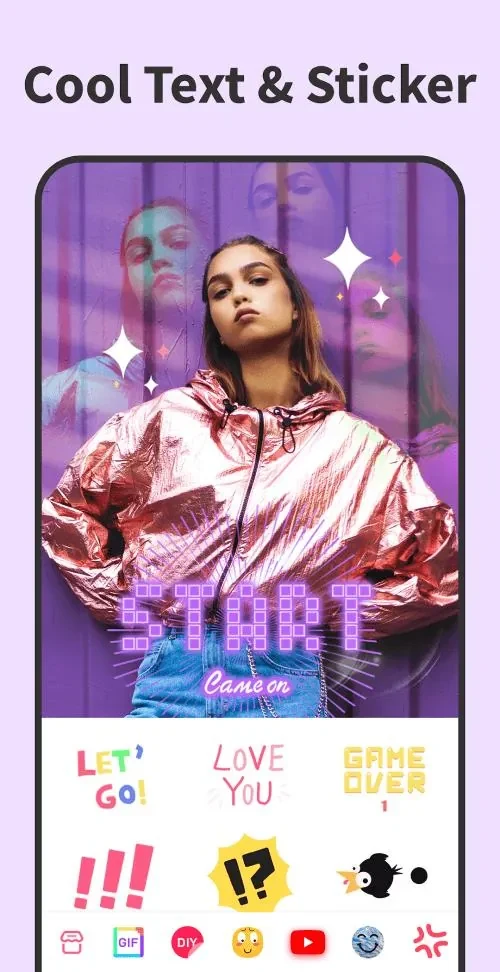
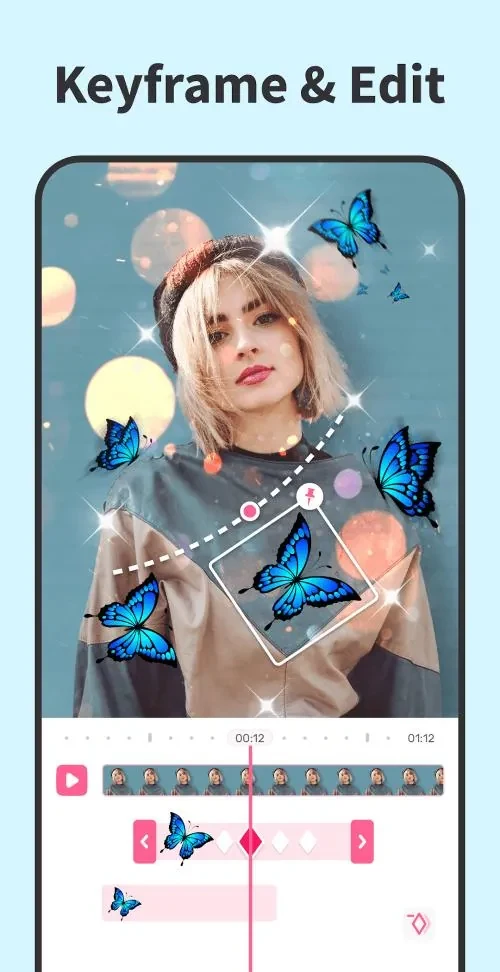
Mago’s keyframe animation feature can animate stickers and text in videos. The listed elements available for creative overlays also include memes, GIFs or emojis. This makes the feature relevant to users who want added graphics or words to move during a clip rather than remain as static additions.
Can you make an intro or closing scene?
The intro maker can be used to create closing scenes, grids, and film-like intros. These options are intended for adding a designed opening or ending to a video, alongside the app’s other effects. The source does not describe specific templates or editing steps, but it identifies these scene types as part of the tool.
What music options are available, and who might use the app?
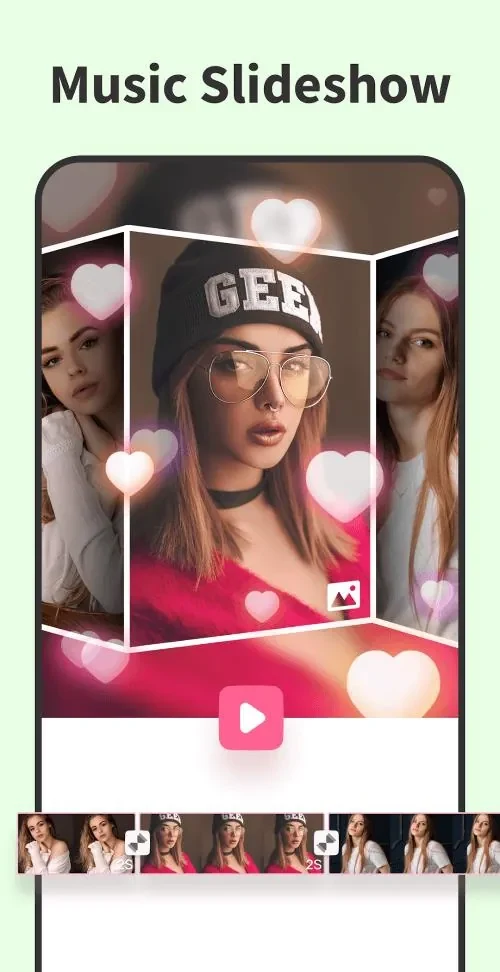
The music video editor supports adding lip-sync music. Users can choose from featured songs or add their own music, according to the app description. This may suit creators who want to pair a clip with music as well as those focusing on visual effects and animated overlays.
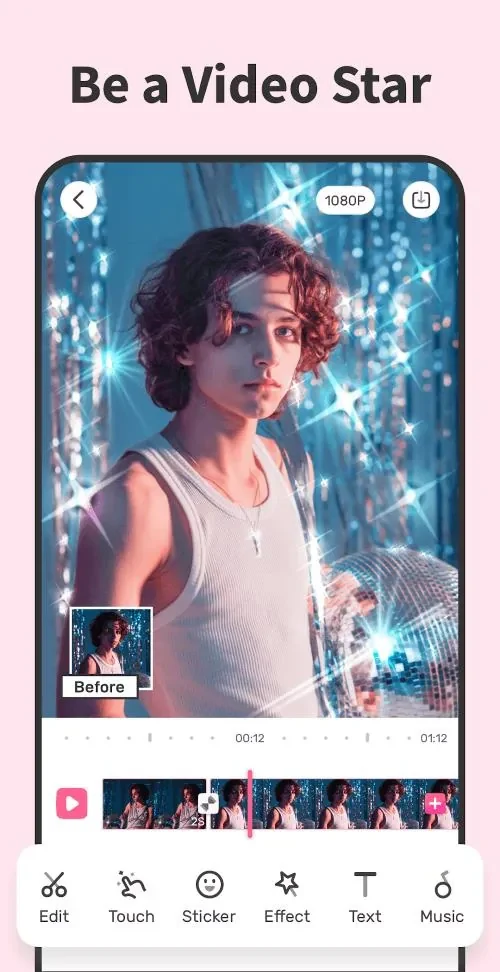
The app is presented for making content for TikTok, Instagram, YouTube, and other platforms. Its combination of effects, keyframe animation, intro-making, and music tools may be useful to people looking for these types of editing options for social videos.