


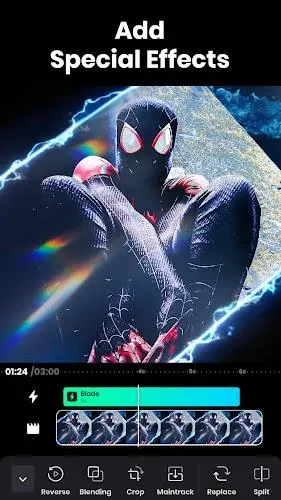
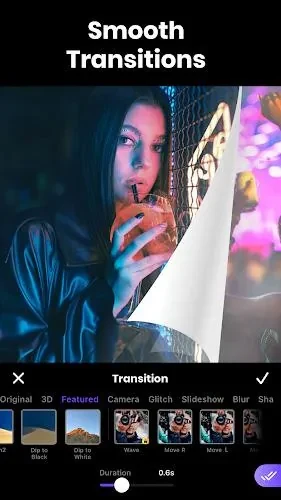

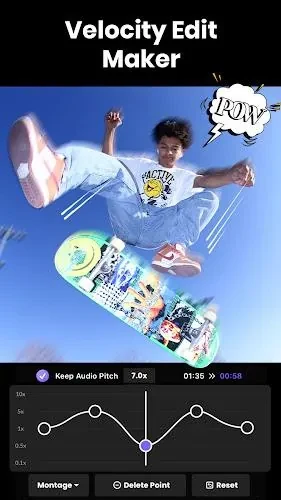
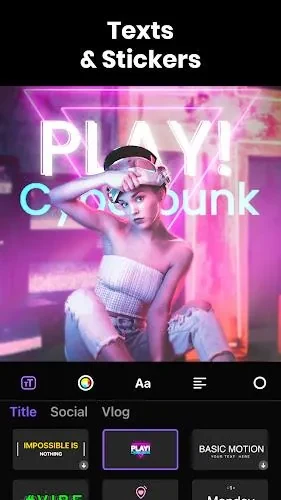

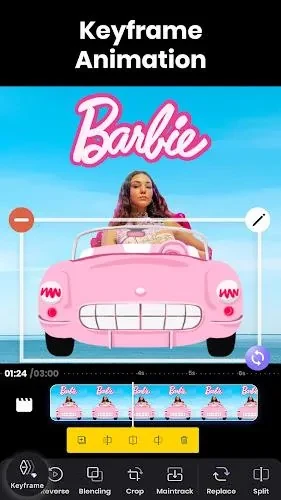
Video Editing – Vidma Editor helps you customize footage with visual effects, music, and on-screen additions in one editing app. Its tools cover color enhancement, filters, overlays, and transitions, alongside text, stickers, and 3D effects. Having these options together is useful when a video needs both a different visual style and an accompanying soundtrack. The source describes an easy-to-use interface intended for beginners as well as more experienced editors, with support for high-resolution video and smooth playback of edited work.
Adjust color and layer visual effects
Color-enhancing tools and a choice of filters let you change the appearance of your footage. Overlays provide another way to customize the image, while 3D effects add a separate creative option. These tools serve related but distinct purposes: color adjustments and filters shape the overall look, while overlays and effects add visual elements to the edit.
Combine footage with music
The app includes a music library and also lets you add external music. This gives you a choice between using the supplied selection and bringing in audio from outside the library. Music can accompany the visual changes, allowing the soundtrack and the edited footage to form part of the same project.
Add transitions, text, and stickers
Transitions support changes between parts of a video, while text and stickers add content on screen. Together with the color and audio tools, these options make it possible to work on several aspects of a video within the same interface rather than focusing only on its appearance or soundtrack.