
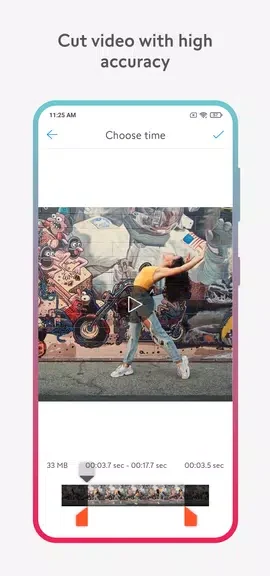
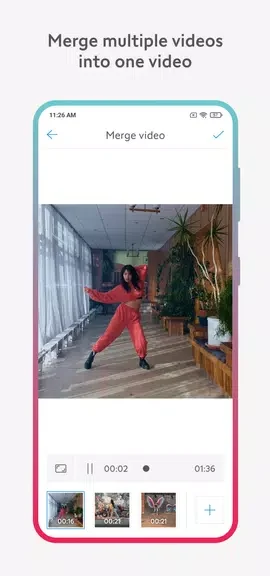
Video Cutter, Editor & Maker helps users turn existing clips into finished videos by combining trimming, adjustment, audio, playback, and conversion tools in one place. Its practical benefit is that common editing tasks—such as cutting unwanted footage, joining clips, changing orientation, or reducing file size—can be handled within the same app. The interface is described as simple and intuitive, making the tool suitable for people who want direct access to editing controls without a complicated workflow. Edited videos can also be prepared for sharing on services such as YouTube, TikTok, and Facebook.
Editing tools for everyday video tasks
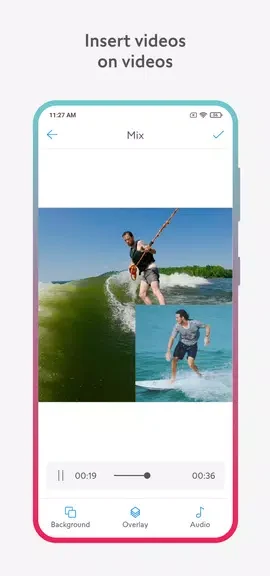
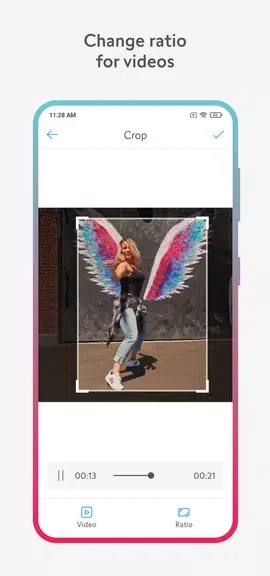
The app covers a broad set of basic transformations. Users can cut and merge clips, mix video material, crop the frame, rotate or flip the image, and compress a file when a smaller output is needed. Playback can be changed by adjusting speed or reversing a clip, which gives users more control over how the finished video looks and plays.
Audio and creative adjustments
Music can be added to a video, allowing the soundtrack to be handled alongside visual edits. The available tools can be combined in a single project: for example, a user might crop a clip, change its speed, add music, and then preview the result before saving it. This makes the app useful for straightforward creative edits as well as simple preparation of clips for online sharing.
Format conversion and clean output
Video Cutter, Editor & Maker supports multiple video formats and includes a conversion tool. The source specifically identifies conversion to MP4, MP3, and animated GIF among the available options. The app is also described as producing edited videos without a watermark, so the saved result does not carry an added app mark.
A simple review-and-share workflow
The interface is intended to make its tools easy to find for both beginners and more experienced users. Before saving, users can preview their edits and make adjustments if the result is not as expected. Once a video is ready, it can be shared to platforms including YouTube, TikTok, and Facebook, connecting the editing process with common social publishing tasks.