

Overview
VidCompact is an Android video utility for trimming, compressing, and converting clips stored on your device. Its main value is bringing several everyday editing and file-size tasks into one app: you can cut a clip, reduce its size, process multiple videos in a batch, or convert a file to another format. The source lists common formats including AVI, MKV, FLV, RMVB, 3GP, MPEG, WMV, and MOV, and describes conversion to MP4, MOV, and GIF. Finished videos can be shared through social networking apps installed on your device.
What You Can Do
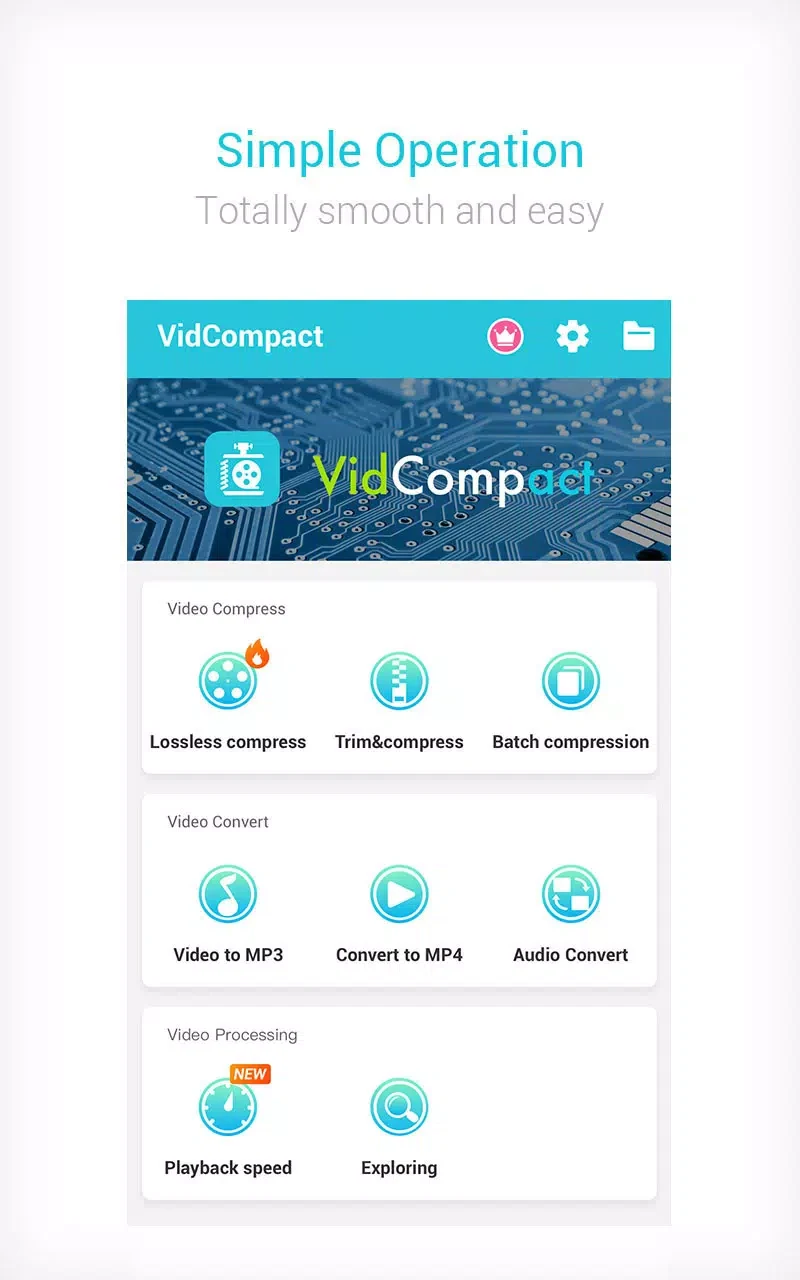
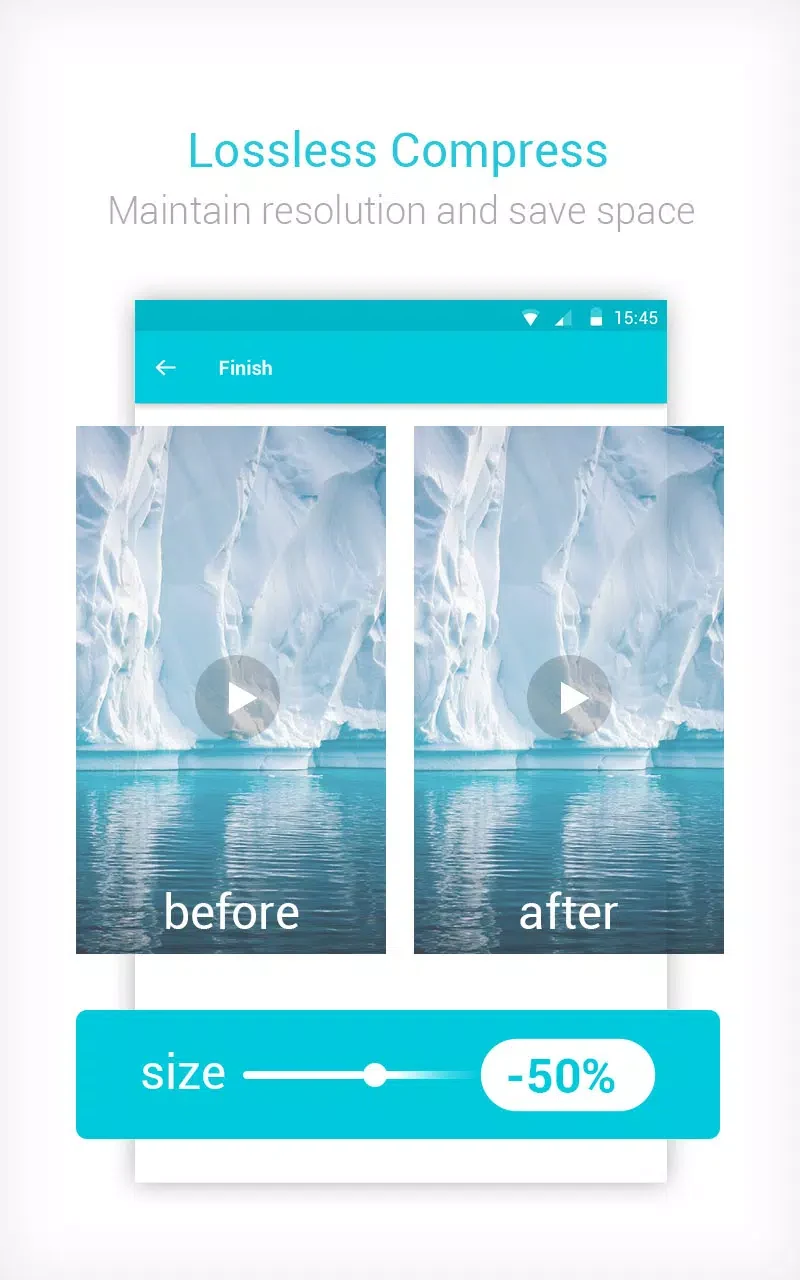
⭐ Trim and compress a video in one workflow. The app’s “trim and compress” option lets you select part of a clip and reduce the resulting file size, which can be useful when preparing a shorter video to send or share.
⭐ Compress two or more videos together using the batch-compression option. Rather than handling each clip separately, you can select multiple videos for processing.
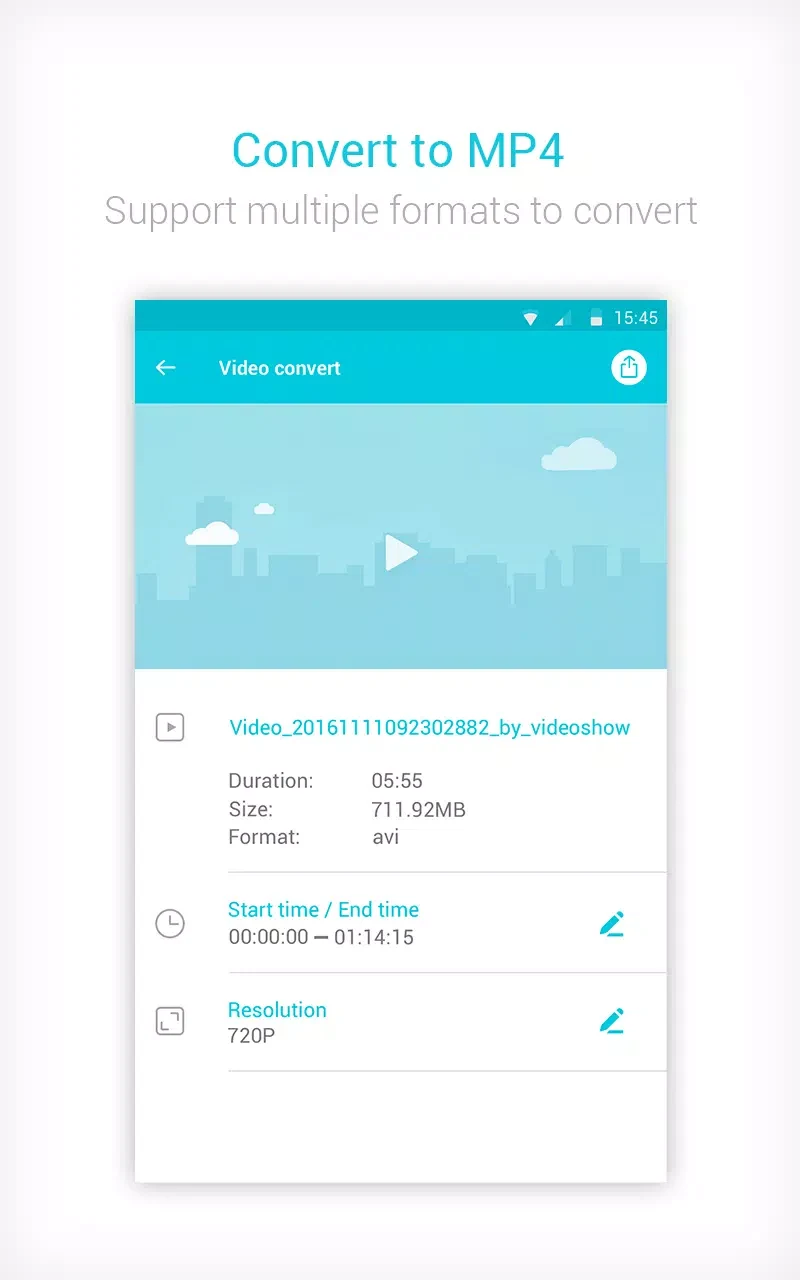
⭐ Convert video files to other formats. The source describes MP4 as a conversion option and also lists MOV and GIF among the available outputs. It names AVI, MKV, FLV, RMVB, 3GP, MPEG, WMV, and MOV as supported common formats.
⭐ Make basic edits on the device, including cropping and trimming. The description also lists merging, reversing, and slow motion as editing functions.
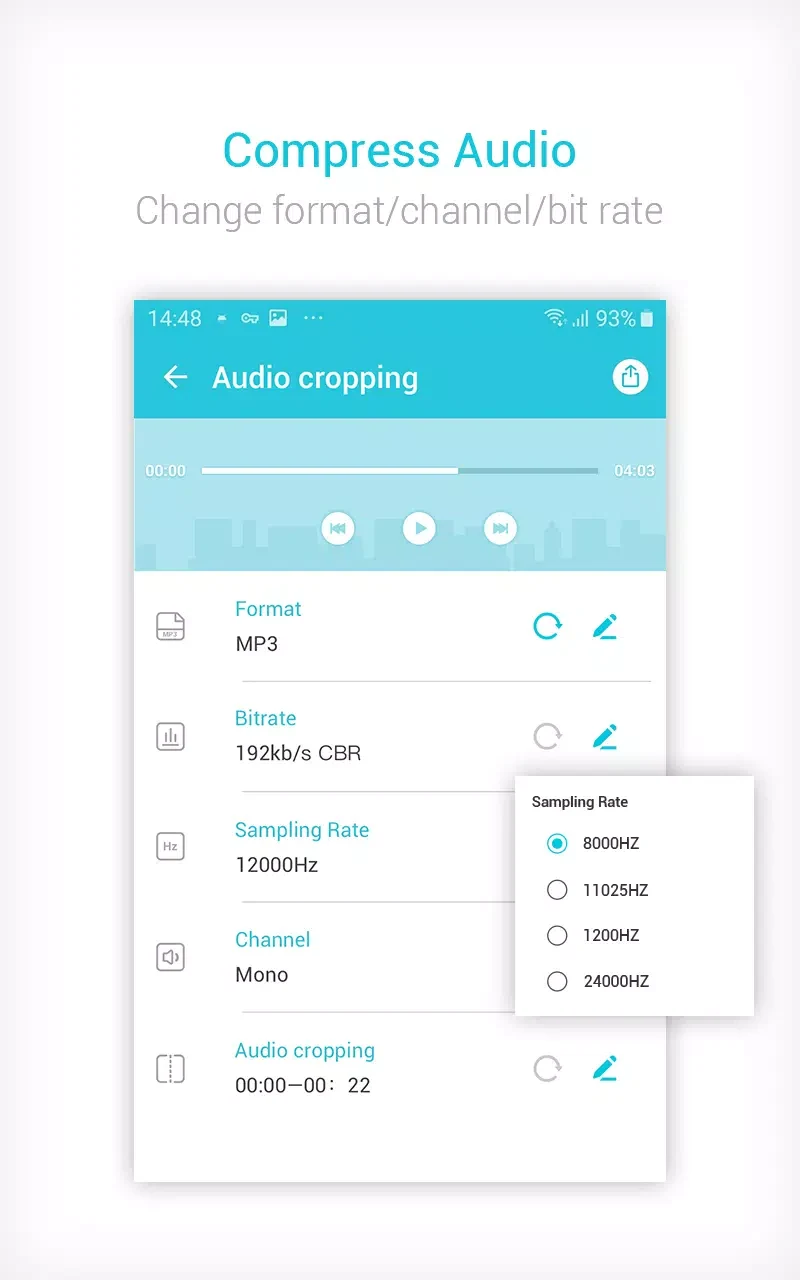
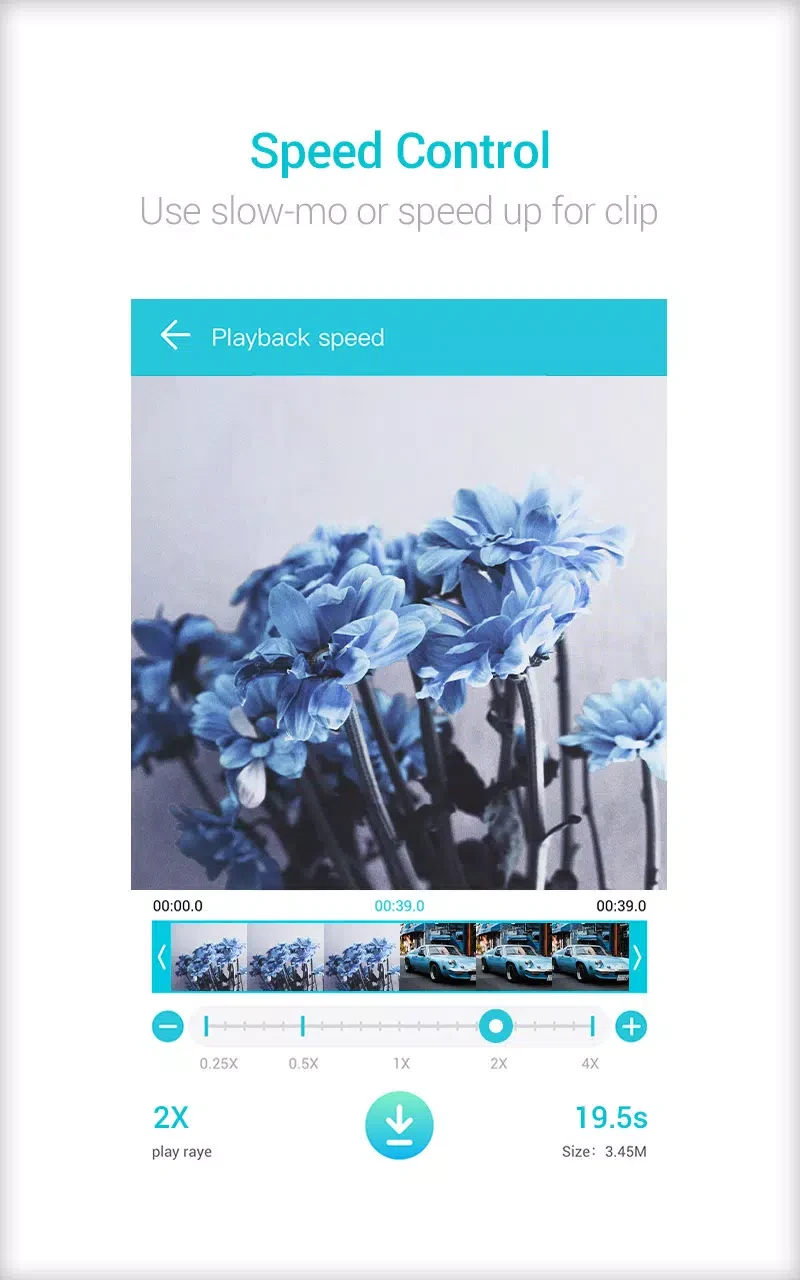
⭐ Adjust playback speed. The source says audio frequency can be changed to speed up or slow down video playback, though it does not explain the specific controls.
⭐ Play clips and manage video files by renaming or deleting them. The source also lists video-to-MP3 conversion among the app’s capabilities.
Using the App
The described workflow starts by choosing one of three options: trim and compress, batch compress, or convert to MP4. For a single clip, you can cut it and reduce its file size; for several clips, batch compression processes them together. The app is described as having a simple interface, with common tasks taking a few taps. After processing, you can share a video through an installed social networking app. The source also mentions customization options and multiple compression resolutions, giving users some choice over the output. It does not specify exact settings or processing times, which may depend on the video and device.
Why It May Appeal
✅ VidCompact brings trimming and compression together, so users can shorten a video and reduce the size of the edited clip in the same workflow.
✅ Batch compression can save repeated steps when preparing several videos. Direct sharing through installed apps also keeps the handoff from editing to sharing straightforward.
✅ Its support for several common input formats may be useful for people working with videos from different sources. The app also includes basic file management tools alongside editing and conversion.
Things to Consider
❎ The source notes that the free mode can show frequent, sometimes intrusive advertisements. This may interrupt editing or file processing.
❎ Output-format flexibility is described as limited, and some advanced features require in-app purchases. Check the available format and feature options in the app if a particular output or tool is essential.