

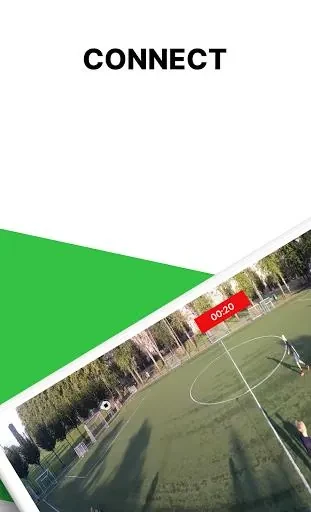
Veo Camera connects your Android device to a Veo camera so clubs, coaches, and players can start and stop recordings, view stored footage, and check device status in one place. The app handles first-time setup and lets users manage all recordings stored on the camera through a simple interface. Once footage is uploaded, Veo software automatically creates videos that zoom and pan to follow the action on the field, supporting match analysis, highlight clips, and team sharing. Camera health metrics such as battery level, firmware version, and temperature are displayed so users know when the device is ready for use. Strategic camera placement that covers the full field combined with the automatic zoom and pan feature during playback helps focus on specific players or key moments without manual editing.
How do you set up the Veo camera for the first time?
The app guides users through a step-by-step process that pairs the phone with the camera and confirms correct positioning to capture the entire playing field. This setup flow removes the need for separate tools or complex configuration steps.
What recording controls are available in the app?
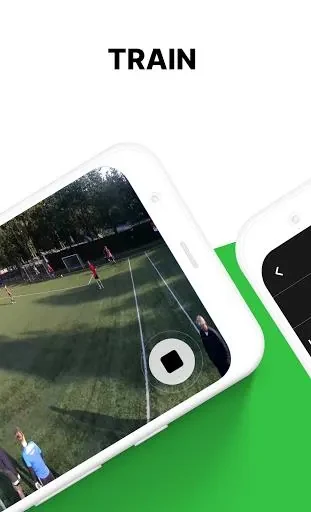
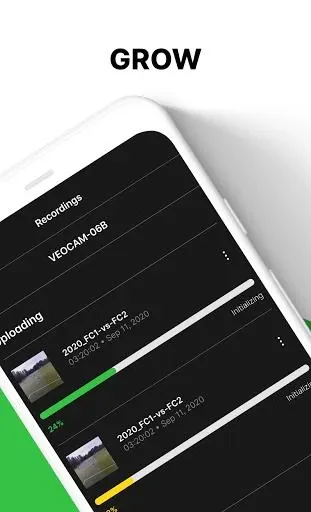
Users can start or stop recordings with a few taps and browse all stored files on the camera to review or organize footage before upload. The same interface shows when a recording session is active and allows quick access to previously captured matches or training sessions.
How does the app display camera health information?
Battery level, current firmware version, and operating temperature appear directly in the app so users can verify the device is in good condition before heading to the field. These metrics update in real time while the camera is connected.
What occurs after recordings are uploaded?
Uploaded files are processed by Veo software to generate dynamic videos that automatically zoom and pan. Coaches and players can then review full matches, create highlight reels, and share selected clips with the team for analysis and improvement discussions.