

Overview
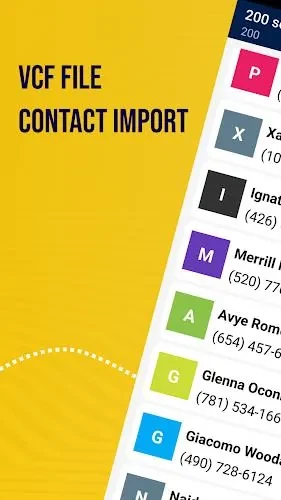
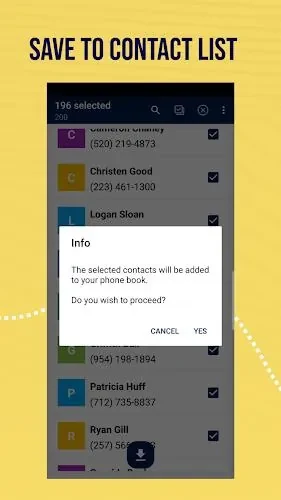
Vcf File Contact Import helps you move contact information from a VCF file into your phone’s contact list without entering each record manually. You select a file stored on your phone, choose the contacts you want, and save them. This selective approach is useful when a file contains both relevant and unwanted entries, since you do not have to import everything together. The app also supports exporting contacts to a VCF file and updating contact details after import, bringing contact transfer and basic maintenance into the same workflow.
What You Can Do
⭐ Import contacts from a VCF file in your phone’s storage. Choose the file, select the entries you need, and save them to your phone’s contact list.
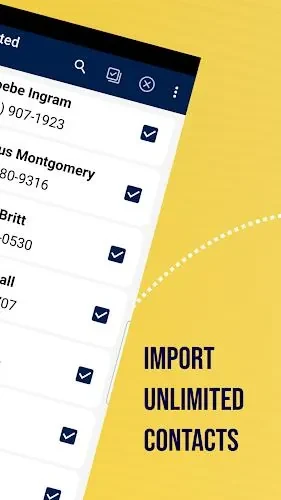
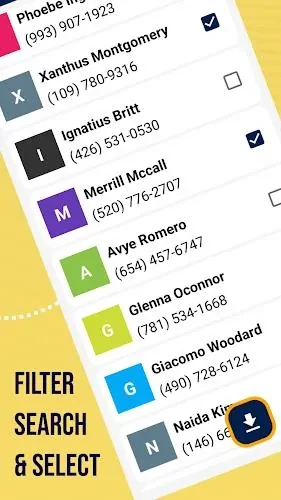
⭐ Select individual contacts before importing rather than adding every entry in the file. Reviewing the selection helps keep unrelated records out of your contact list.
⭐ Import contacts without a stated numerical limit. The source describes support for both small groups of contacts and longer lists, including business contacts.
⭐ Export contacts to a VCF file for backup. This gives you a way to keep a separate copy of your contact information for safekeeping.
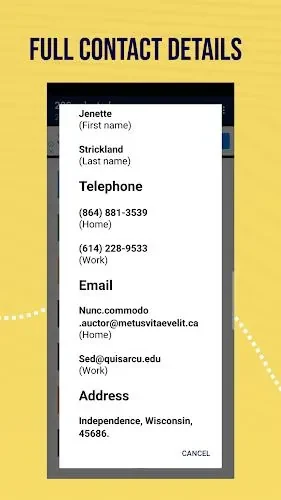
⭐ Customize contact details after importing. You can edit names, add photos, and update phone numbers to keep records accurate and recognizable.
Using the App
The import workflow follows three main steps: select a VCF file from local storage, choose the contacts to bring across, and tap save. Before saving, review which entries are relevant rather than importing the whole file by default. Afterward, check the imported details and make any necessary changes to names or numbers. Exporting your contacts periodically can form part of a regular backup routine; the source does not describe automatic backups.
Why It May Appeal
✅ Selective importing offers more control over what enters your phone’s contact list, particularly when a shared VCF file contains entries you do not need.
✅ File-based transfer reduces the need to type contact information manually, while editing and export tools support ongoing maintenance after the initial import.
Developer and Version
Vcf File Contact Import is listed as a Productivity app by The AppGuru. The supplied version is 4.3.