

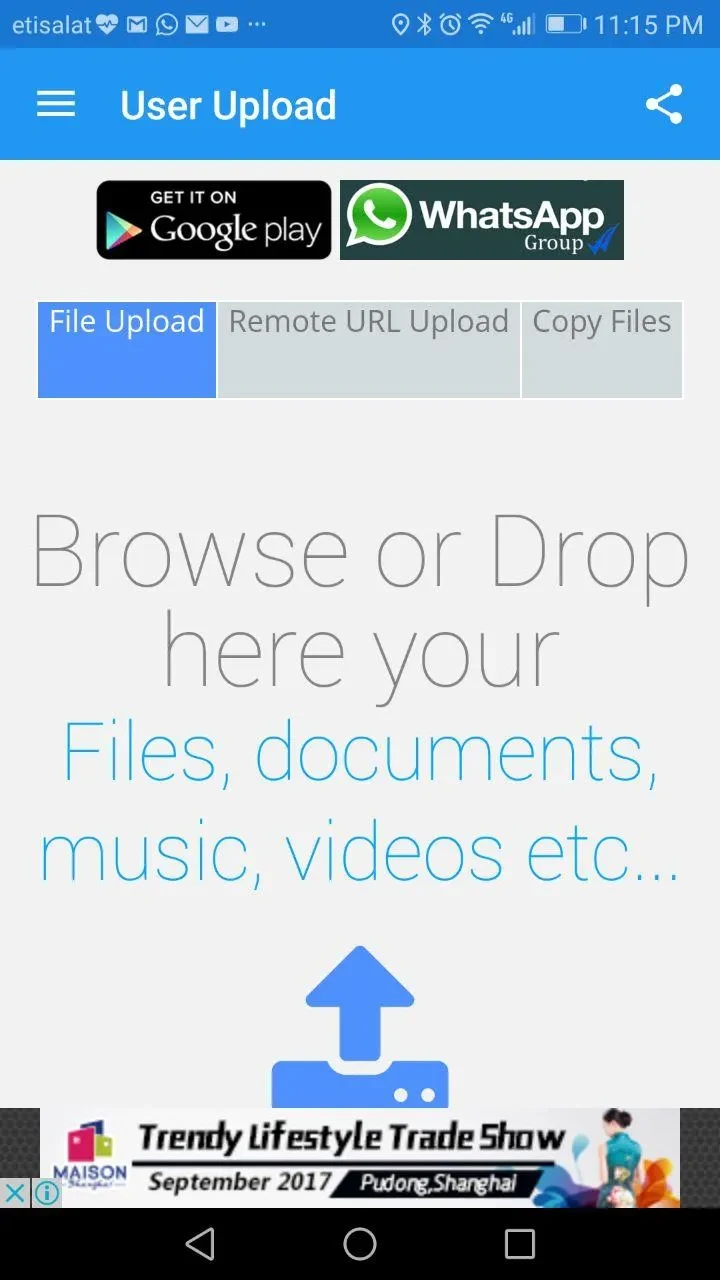
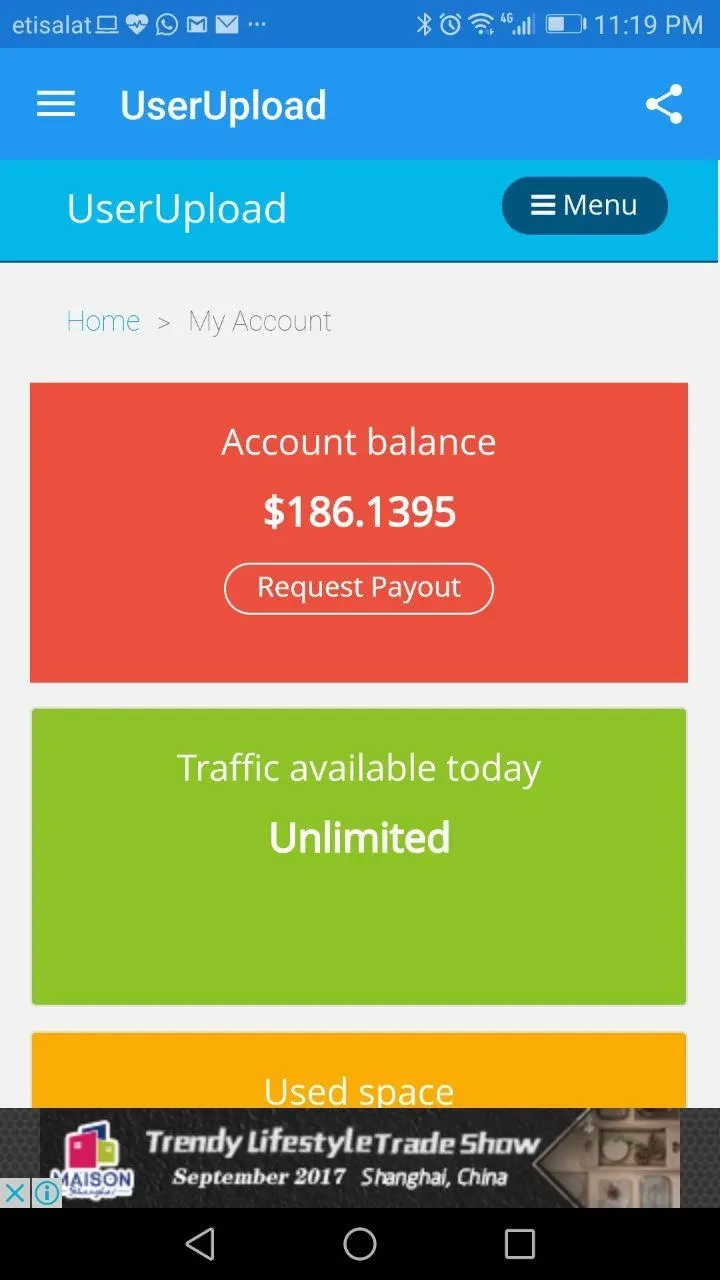
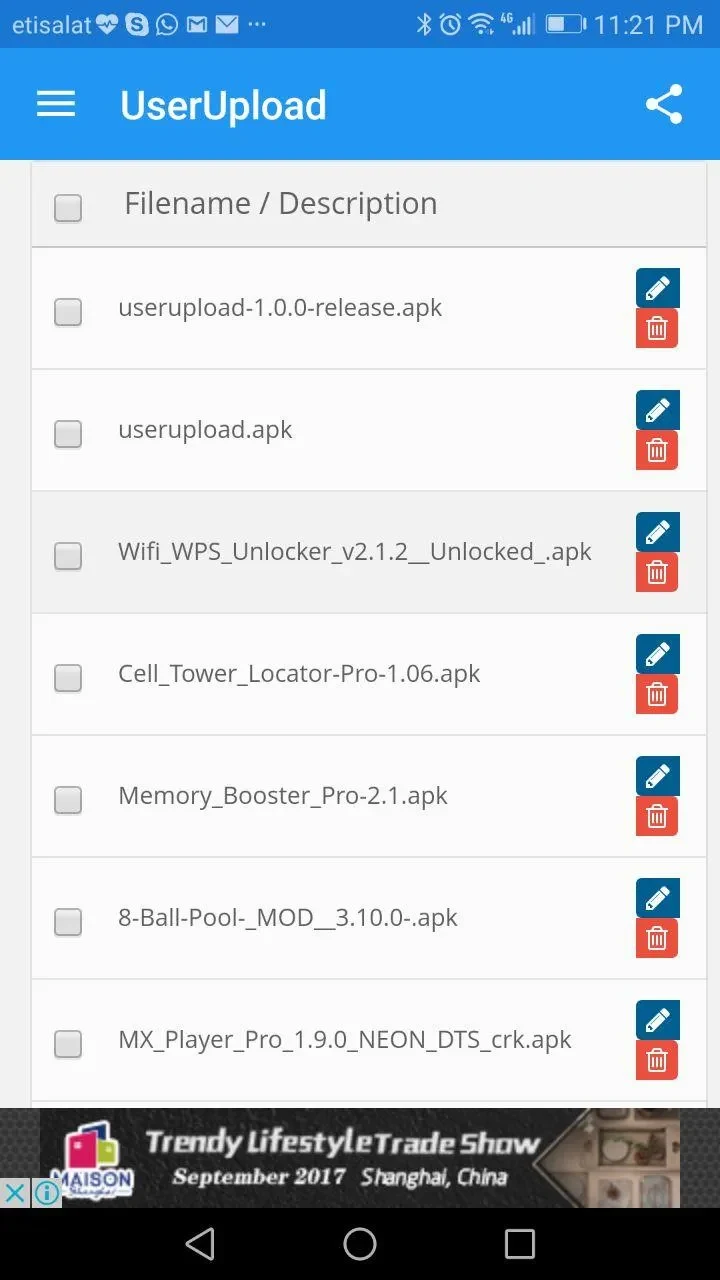
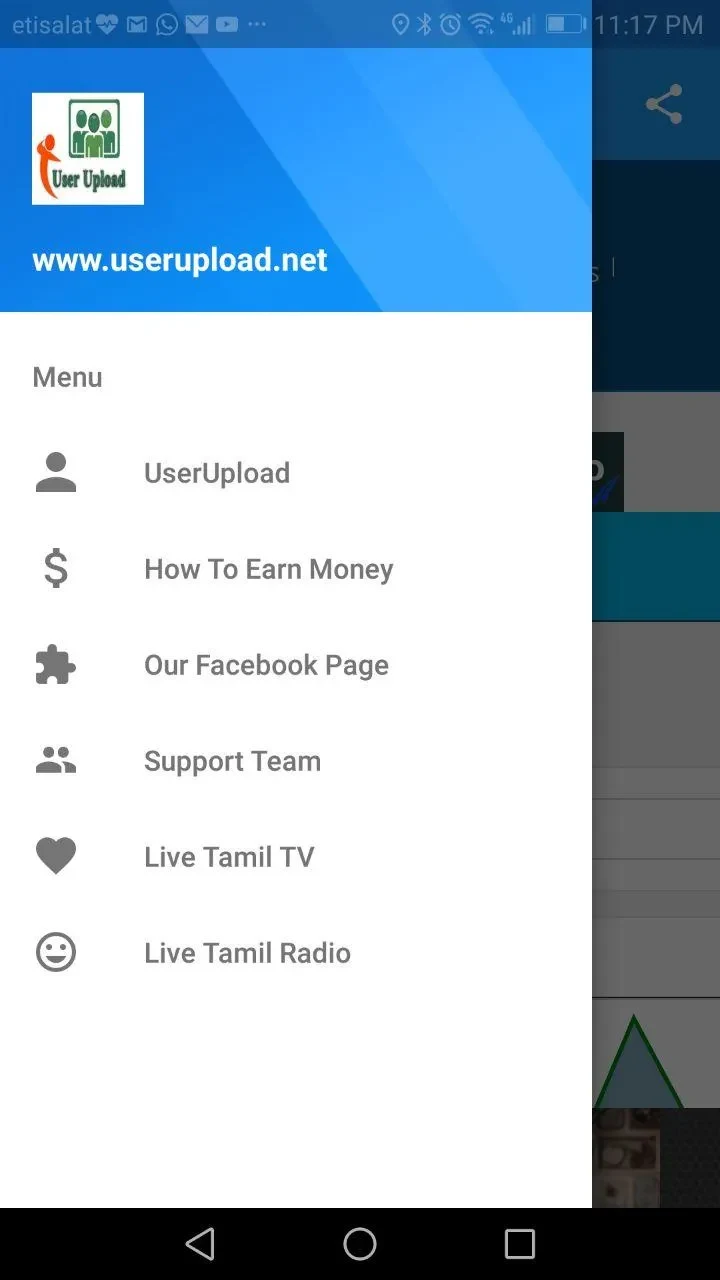
UserUpload helps you send files from an Android device when email is not a practical option, while keeping photos and videos in their original quality without compression. You can upload multiple files, check their download status and manage uploaded items in the app. Sharing can be arranged through customizable links, with options to add a password or set an expiration time. No registration is required, so the transfer process does not begin with creating an account. These tools also suit keeping a file for personal access rather than sharing it broadly.
Upload and track files
Files can be uploaded directly from an Android device, including several files in one go. The app shows download status and provides file-management functions, bringing the upload and follow-up steps together. Individual files can be as large as 2GB, according to the supplied feature information. The description also says downloads can continue without a bandwidth limit until a file is deleted or its expiration time is reached.
Share with control over access
UserUpload creates links for sharing files with chosen recipients and allows links to be customized. Passwords can be set for shared files, and an expiration period can be chosen so files are automatically deleted afterward. The source describes uploads as not necessarily available for everyone to find: users may share them with selected people or keep them as a backup for access later. It also says downloads are supported from locations worldwide and that sharing works across platforms and devices.
Original quality and transfer details
Photos and videos can be sent without compression, which preserves their original quality during sharing. Transfers use encryption technology, as stated in the app description. UserUpload is described as ad-free and usable without registration, with a straightforward interface for sending documents and media. These details explain the app’s focus on direct file sharing rather than requiring recipients or senders to create an account first.
Compatibility and use
The listed minimum operating-system requirement is Android 2.2 or later. UserUpload can be used to send files, retain uploads for personal backup, or provide access through a link. The source does not describe a public file-search feature; instead, it presents sharing as something the uploader can direct to chosen recipients. Expiration and deletion give users a way to limit how long a shared upload remains available.