
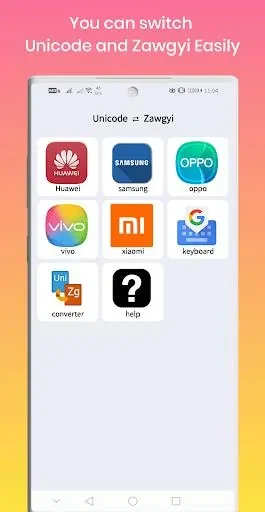
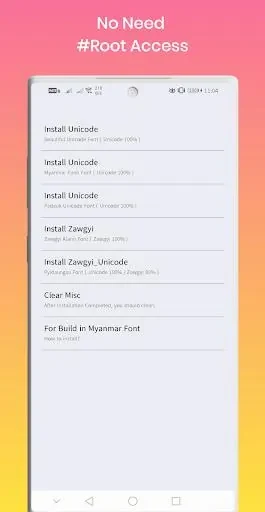
Unicode ⇄ Zawgyi helps Android users convert text between Unicode and Zawgyi font encodings. This capability proves useful when messages or documents appear garbled due to encoding mismatches across different platforms and applications. The tool provides a direct way to handle such incompatibilities without relying on external converters or manual edits. Users can apply changes quickly through a few interactions and review results immediately on screen.
Switching Between Font Encodings
The main function lets users toggle text from one encoding to the other in a straightforward sequence. This supports access to websites or messages that render correctly only under a specific font set. Repeated switches remain responsive because the process avoids lengthy reloads or intermediate steps.
Adjusting Display Preferences
Options exist to modify font appearance according to individual taste. Users may select styles that range from compact Unicode forms to more pronounced Zawgyi variants. These adjustments combine with the core switching action so that a chosen style stays applied after each conversion.
Additional Text Controls
Further settings cover font size changes and text alignment choices. These elements work alongside the encoding switch so that converted content can be resized or repositioned without leaving the same interface. Experimenting with combinations helps determine which settings suit particular documents or chats.
Storing Preferred Configurations
Users can keep selected styles for later use instead of reapplying settings each time. This reduces repeated effort when the same encoding and formatting are needed across multiple sessions or different parts of the device.