
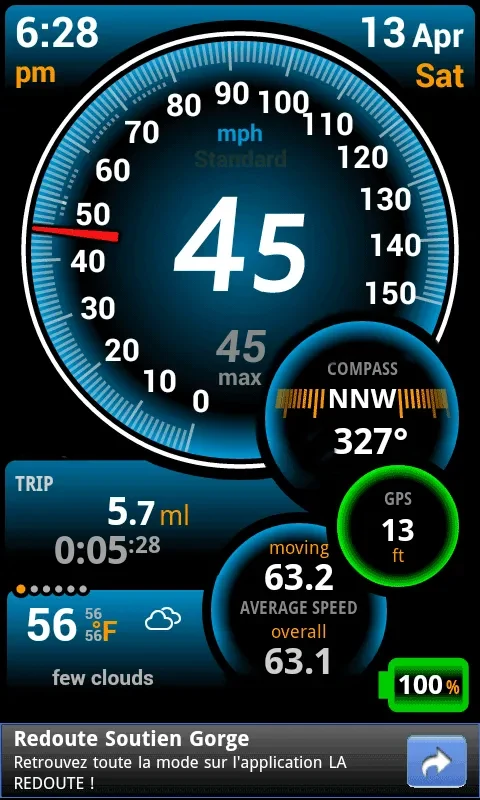
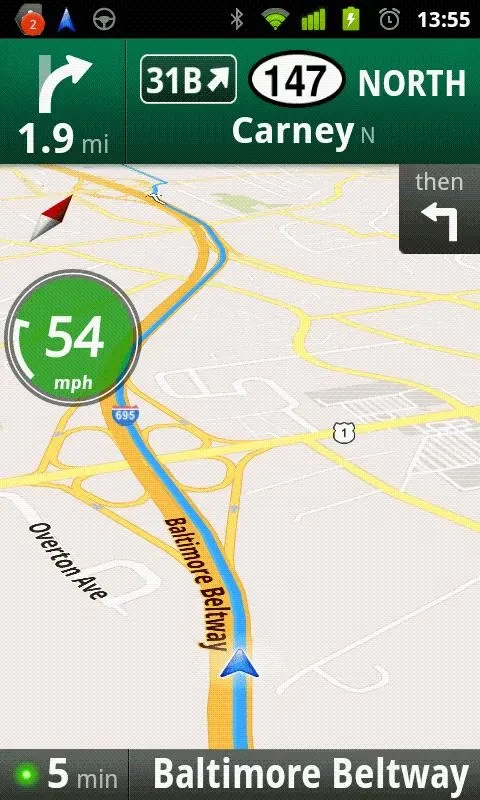
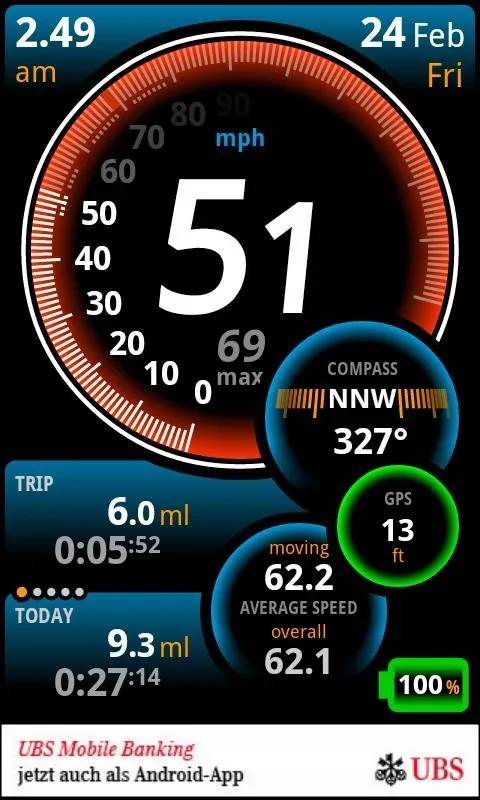
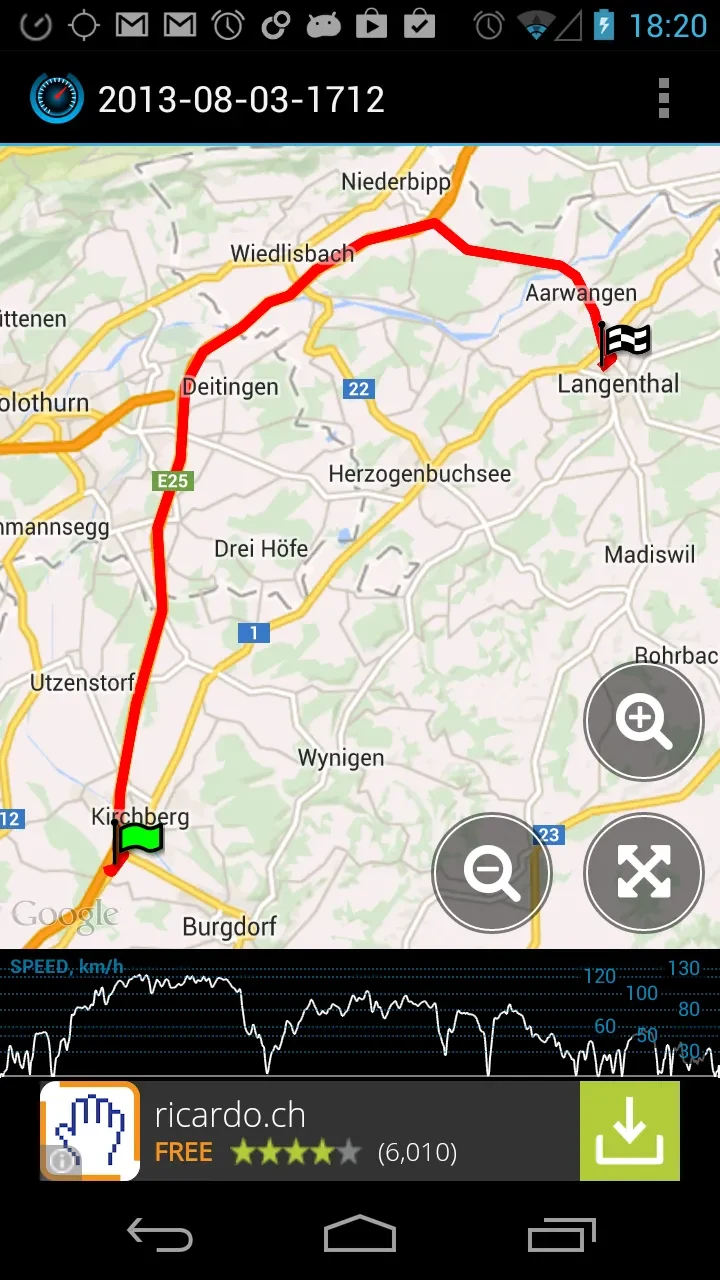
Ulysse Speedometer Pro uses GPS to show speed and journey information on an Android device. Alongside speed, its display can include distance travelled, average speed, elevation, direction, local temperature and weather, and estimated time remaining to a destination. The app is described for use across different modes of transport, with profiles for cars, bikes, bicycles, walking, and skiing.
What journey information and GPS tools are available?
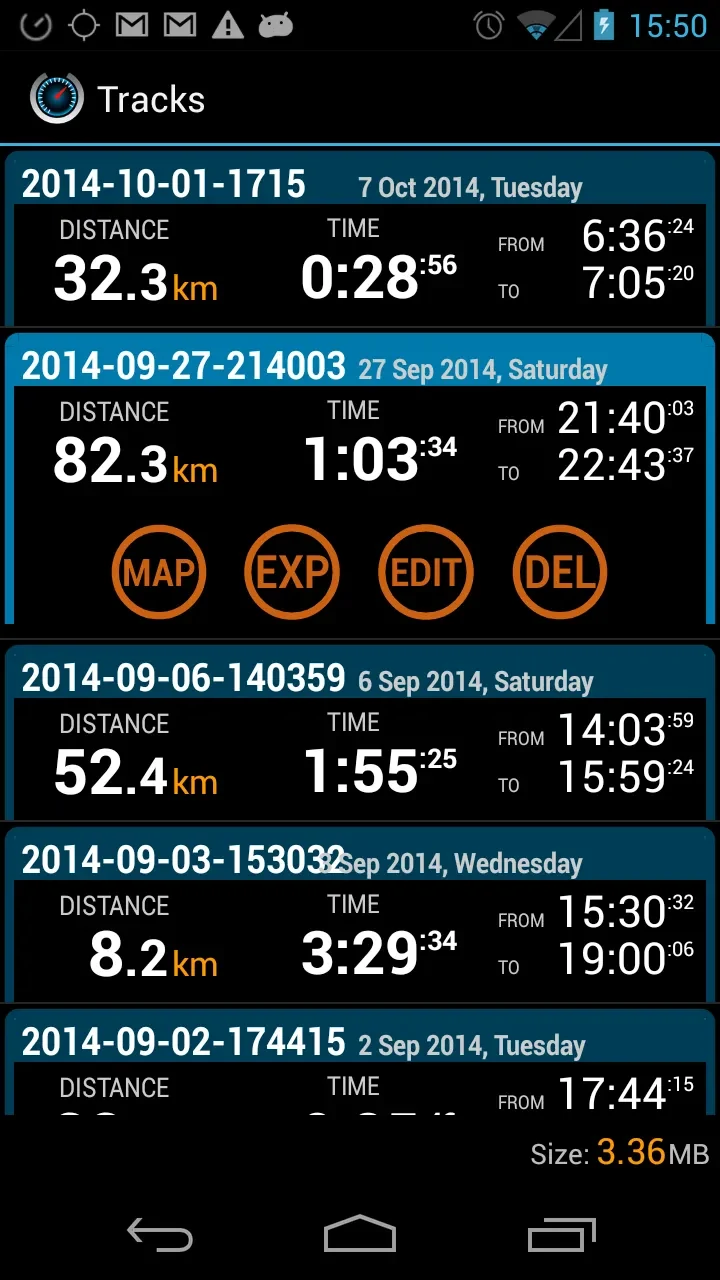
The GPS tools include a compass, altimeter, and latitude and longitude display. The speedometer can show current and average speed, while the trip computer keeps journey records for periods including the current trip, yesterday, today, the week, and the month. After a trip, users can review the route and total change in altitude. A parking-location feature saves a position so it can be found on the map when the app is opened again.
Can the app record and export a route?
A track recorder traces a journey and supports exporting the recorded track. The app also includes a racing meter for measuring acceleration over 0–100 km/h, 0–60 mph, and a quarter mile. These features serve different purposes: route recording preserves where a journey went, while the racing meter covers specific acceleration measurements.
What controls can be adjusted while using the app?
Users can choose speed and distance units, set audio and visual speed-limit warnings, and customize the interface colors. A switchboard opened from the main speedometer dial provides access to function settings. The display can be used in portrait or landscape orientation, and a head-up display option presents information for viewing on a windshield.
How does it work alongside other apps?
Speed, direction, and time information can appear as an overlay over other installed apps. In background mode, speed can be shown in the status bar, with visual speed-limit notifications also described. Three shortcut pages cover applications, communication, and navigation, with up to 36 user-defined app shortcuts. The app can also control an installed music player and supports car-dock behavior that starts or exits the app when docking or undocking.
What extra device information does it show?
The app can display battery charge and temperature. Its features bring together GPS-based movement information, trip records, alerts, and app controls; the source does not specify a minimum Android version.