

Overview
Ultrasurf VPN is an Android app described as a way to access websites through a proxy or VPN-style connection. Its stated uses include browsing when websites are restricted on a network and viewing online video, with no account registration or login required. The supplied description lists VPN, HTTP proxy, and Socks connection options, while its FAQ describes Ultrasurf as a proxy that routes browser traffic rather than the entire device. That difference matters: the information provided does not establish which traffic each mode covers. It also gives conflicting accounts of data logging and security, so the app should not be treated as a verified privacy solution based on this listing alone.
What You Can Do
⭐ Connect through a proxy-style service to access websites that may be unavailable on your current network. The source describes this as useful for bypassing some website restrictions, though access can depend on the network and destination site.
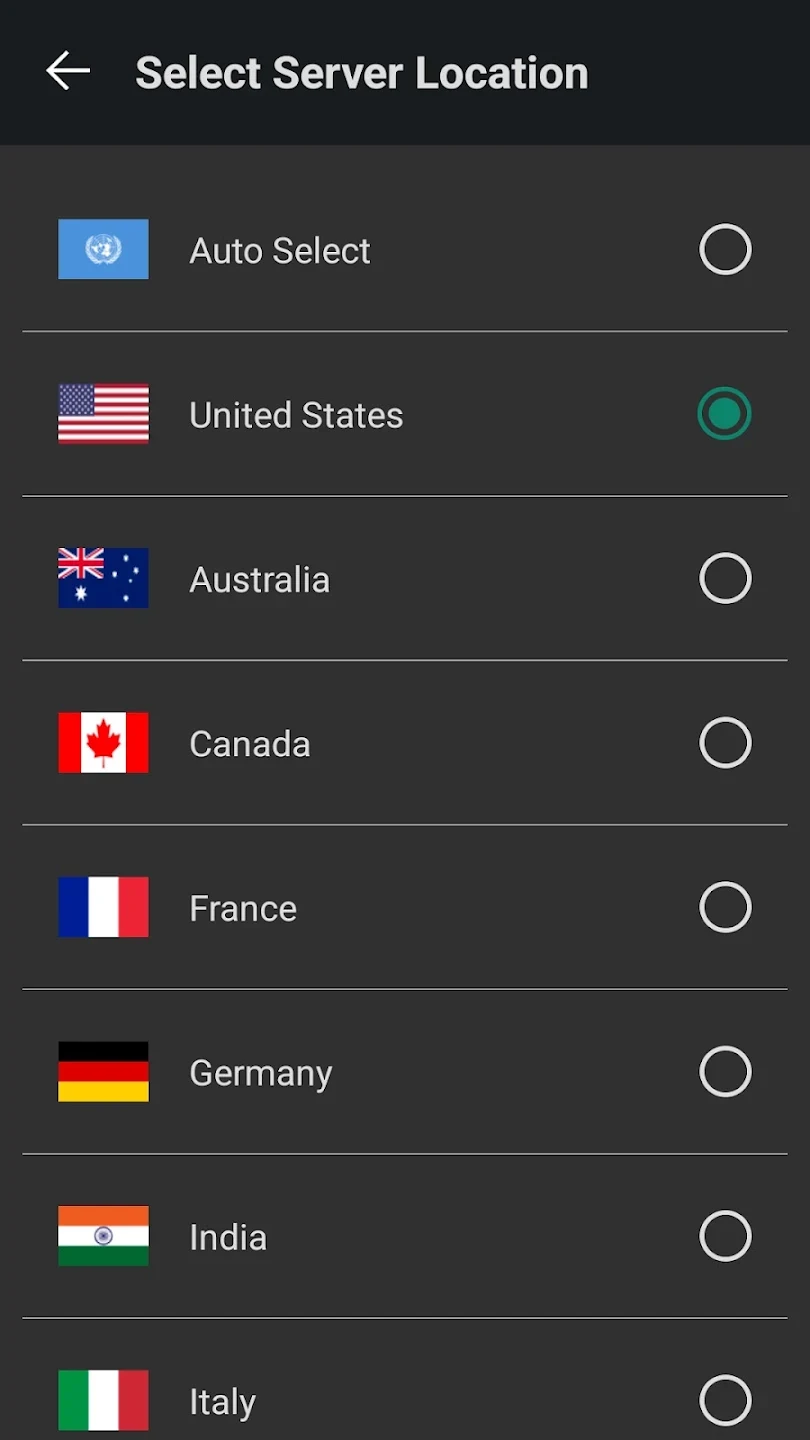
⭐ Choose among VPN, HTTP proxy, or Socks options, which the feature list presents as ways to adapt a connection. The supplied information does not explain how to select a mode or what traffic each option covers, so check the app’s controls and behavior before relying on a particular one.
⭐ Browse without creating an account, according to the description. It says registration and login are not required, which may make starting a session more straightforward.
⭐ Use the connection on Wi-Fi or mobile data. The source says the app supports both network types, so it is intended for use across different internet connections.
⭐ Send feedback or report an issue. The description says the app includes online customer support for feedback and suggestions, although it does not provide response times or support hours.
⭐ Try the service for general browsing. The source mentions video viewing, but its FAQ specifically says Netflix does not work with the proxy; streaming access should not be assumed for other platforms either.
Using the App
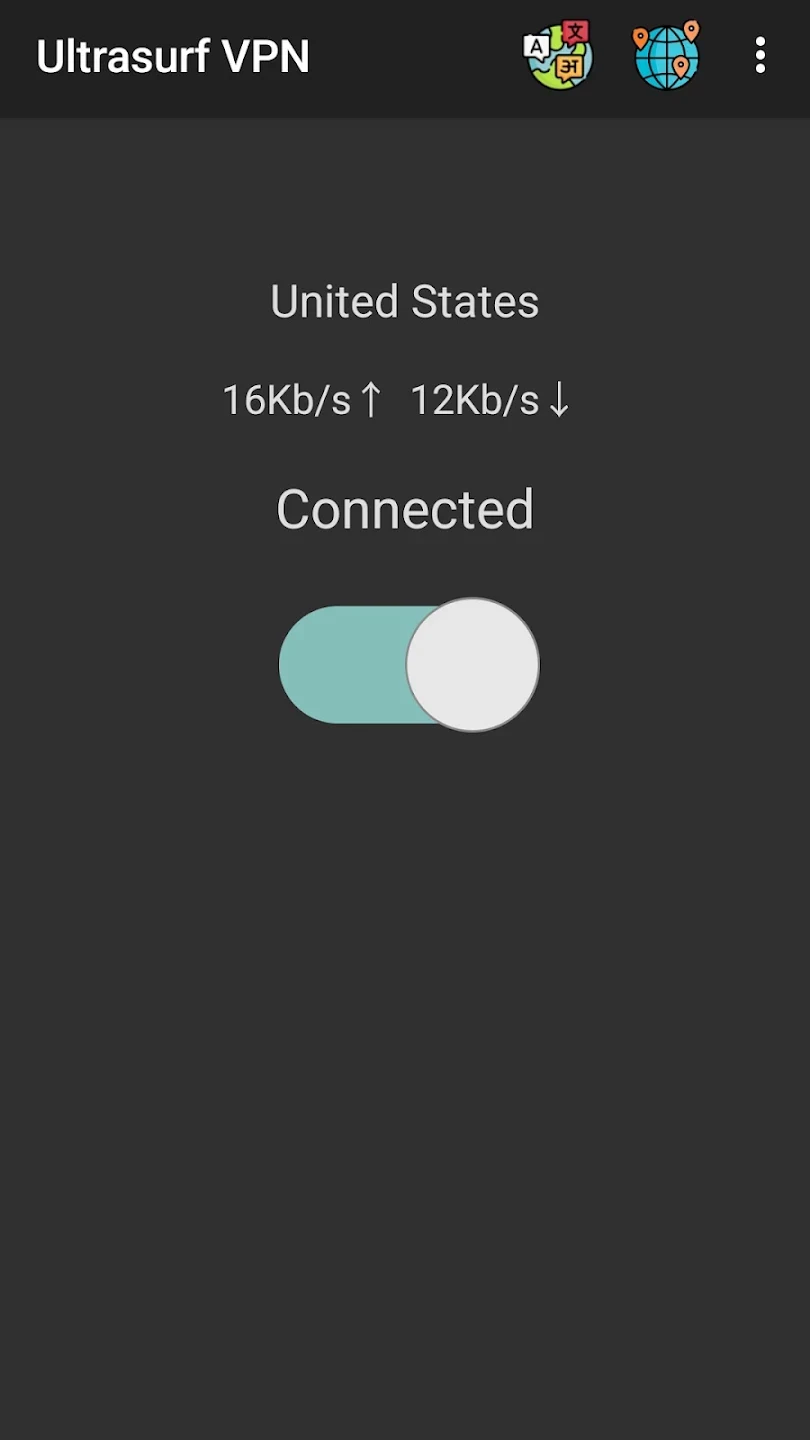
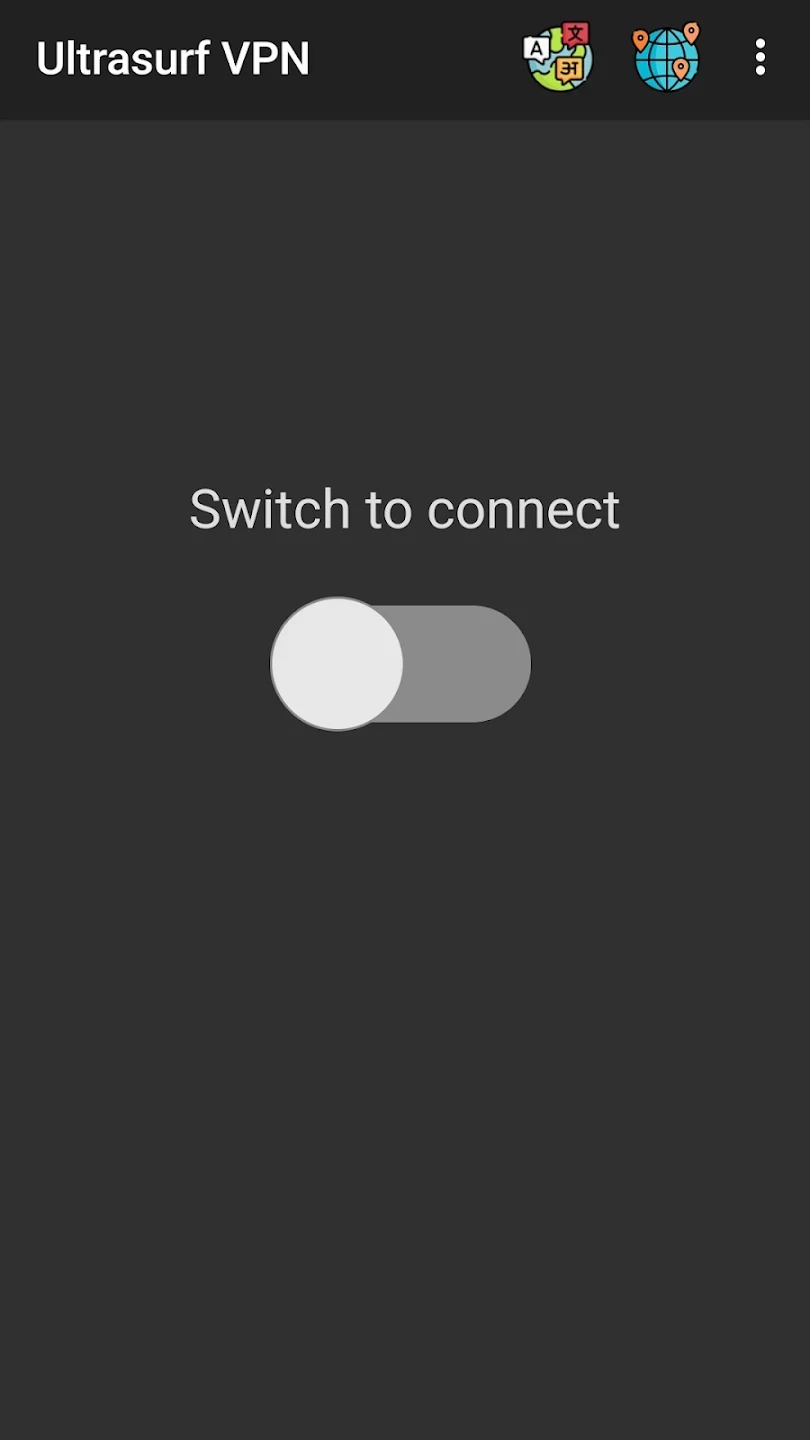
User comments in the supplied material describe a simple, one-tap connection process. One reviewer says the app connects after pressing an activation button, while another praises its straightforward interface. These are individual experiences rather than a guarantee of how quickly it will connect on every device or network. The description calls the app lightweight and says it is designed to work with minimal effort, but it provides no device requirements or measured performance results. It also does not specify whether the connection remains active when switching between Wi-Fi and mobile data.
The source says multiple connection types are available, but gives no detailed setup steps or explanation of how to switch between them. It also includes a user report of difficulty turning the app off, involving repeated redirects to a webpage. That is a reported experience, not evidence that every user will encounter the same problem, but it is relevant when considering the connection controls.
Why It May Appeal
✅ No registration or login is listed as a requirement, and the connection is described as usable on both Wi-Fi and mobile data.
✅ The stated one-tap workflow and simple interface may suit someone looking for a basic way to try proxy-based browsing without configuring a more detailed setup.
✅ The source provides a feedback route through online customer support, giving users a stated channel for raising issues or suggestions.
Things to Consider
❎ The source gives conflicting privacy information. The main description says browsing history and logs are not recorded, but the FAQ says the app may collect IP addresses and browsing activity. These claims cannot be reconciled from the supplied material, so it does not establish what data is collected or retained.
❎ Security claims are also inconsistent: the feature list mentions encryption and leak protection, while the FAQ says the service lacks strong security features and is unsuitable for sensitive activity. The listing does not provide evidence to verify either account. Avoid relying on it for confidential tasks or treating it as a security guarantee.
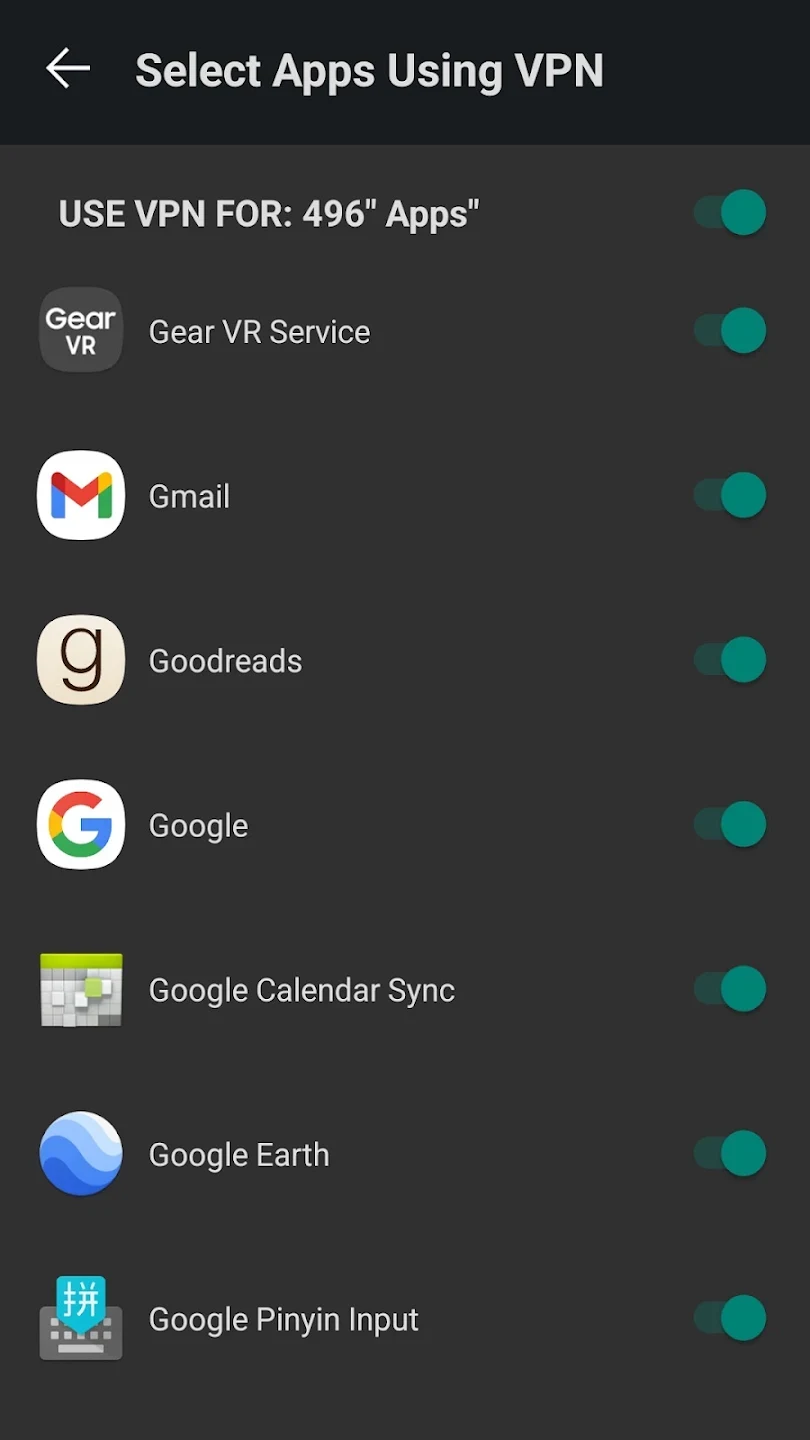
❎ The source differs on whether Ultrasurf operates as a VPN or a browser-only proxy. If you need to protect traffic from apps other than a browser, confirm what the installed version actually routes. The FAQ also says Netflix is not supported, and a user review reports trouble switching the app off.