

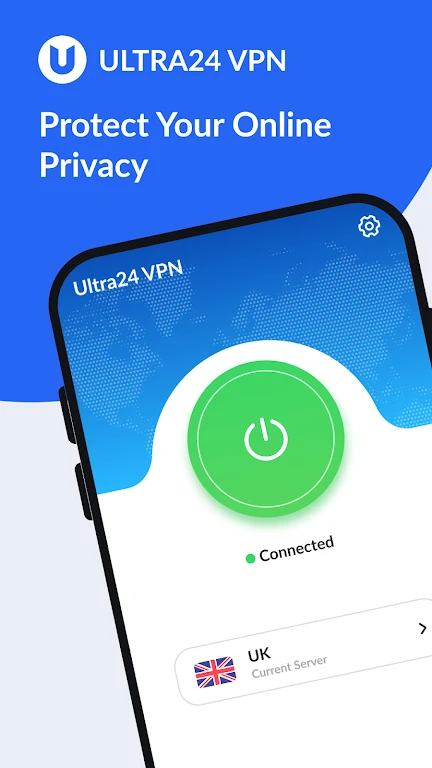
Ultra24 VPN : Secure Privacy helps Android users connect to the internet through a VPN proxy while adding DNS-focused privacy controls. The app description says it encrypts traffic and is designed to prevent DNS leaks, giving users a way to route browsing through its proxy network when using ordinary or public WiFi connections.
VPN connections through global proxy servers
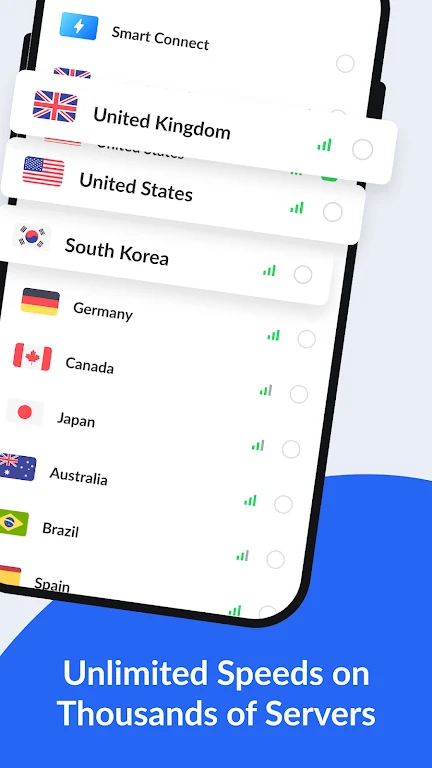
The service lists proxy servers in more than 30 regions, with a network of over 1,000 servers worldwide. Users can select a VPN proxy server to establish a connection and use a different network route for internet access. The description also presents the service as a way to reach content from different locations, although the available connection quality can depend on the selected server and network conditions.
Simple connection controls
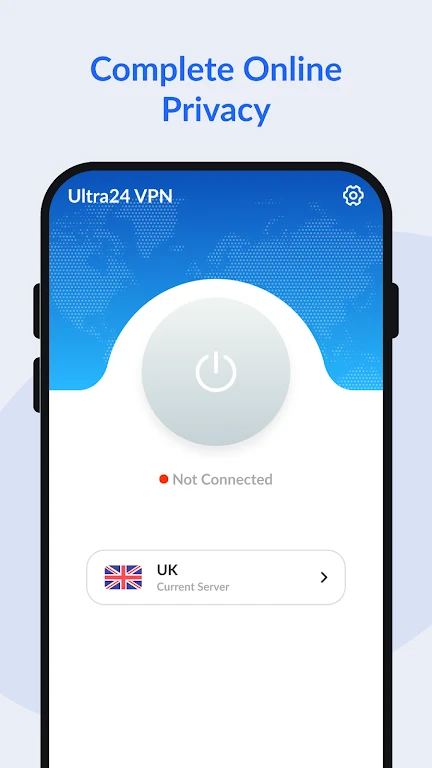
Ultra24 VPN : Secure Privacy is designed around a one-touch connection interface. The source states that it does not require registration, a login, or a password, so the connection process does not include creating or entering an account. It also describes the app as free to use without a credit card or in-app purchases.
DNS proxy and WiFi privacy features
The DNS proxy feature is intended to help prevent DNS leaks and protect privacy information while the VPN connection is active. The app description specifically recommends using this feature when browsing through public WiFi hotspots, where it is presented as a way to protect network traffic and reduce tracking exposure.
Choosing a proxy server
For connection performance, the supplied guidance recommends choosing the fastest and most recent VPN proxy server available. This gives users a practical control when a selected server does not provide the desired browsing speed or stability. The app description characterizes its connections as fast and stable, but actual results can vary by server and network.