
Overview
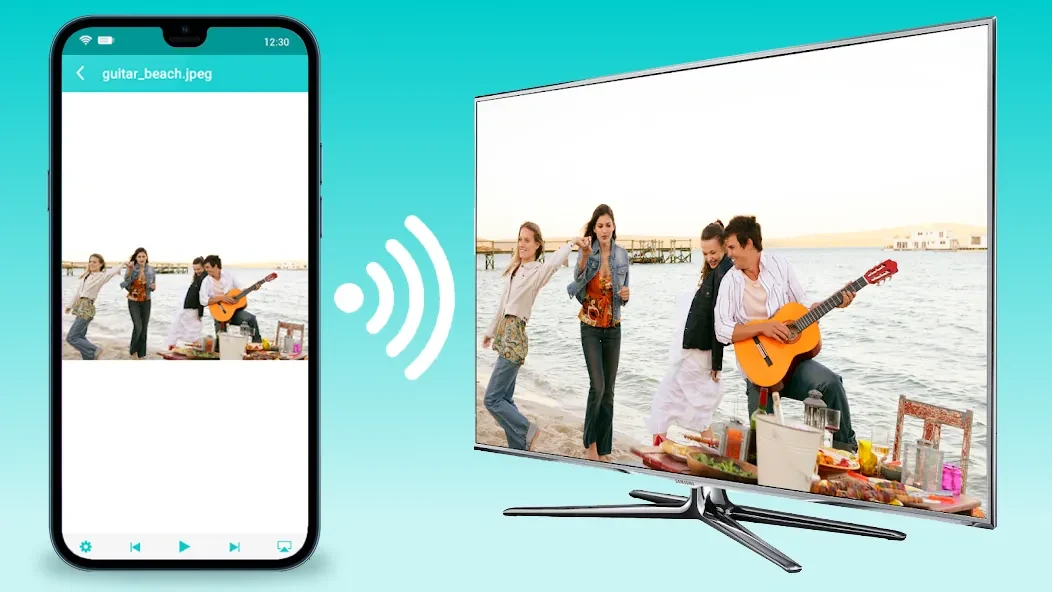
TV Cast: Nero DLNA/UPnP Player lets users send music, photos, and videos from an Android phone to Smart TVs, Chromecast, Roku, Fire TV, and other DLNA or UPnP receivers. The app works over a shared Wi-Fi network without cables and supports playback from local storage, PCs, NAS devices, and online sources such as YouTube. It delivers 4K HD video quality where supported by the receiver and includes options to adjust image settings for faster loading. The tool also offers an ad-free experience through its related PRO version. Everyday tasks such as viewing a photo slideshow or playing a playlist become simple once the phone and target device share the same network.
What You Can Do
⭐ Stream favorite songs or playlists directly to any connected DLNA or UPnP music receiver.
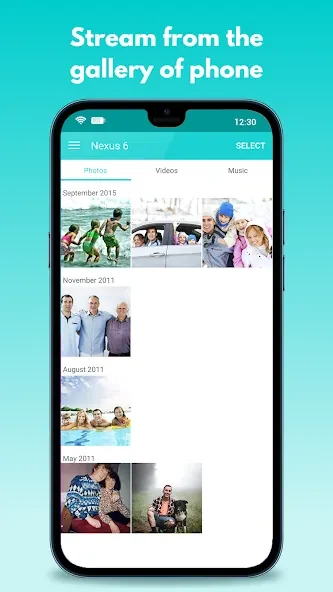
⭐ Display single photos or run a slideshow on the television screen from the phone gallery.
⭐ Play videos in up to 4K HD quality through DLNA to a compatible big-screen device.
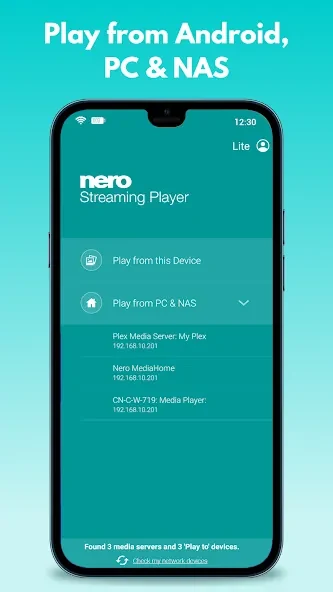
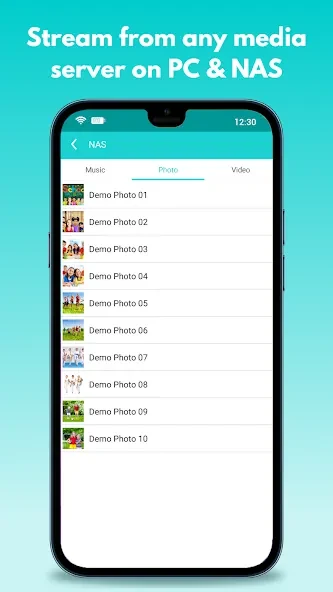
⭐ Access and play photos, movies, and TV shows stored on a PC or NAS without copying files to the phone.
⭐ Cast online videos, including YouTube content, to Smart TVs, Chromecast, Roku, Fire TV, or other UPnP receivers.
Using the App
Users connect their phone and the target TV or media player to the same Wi-Fi network, then select media through the app or a file explorer. Image quality can be lowered to reduce CPU load and network usage during streaming. Navigation through photo collections is handled by swiping left or right on the phone screen. The online video feature extends casting to live channels and web content on additional smart TVs.
Why It May Appeal
✅ Media remains on the original device or online source, avoiding extra storage use on the phone.
✅ A single app handles local files, network shares, and web videos for multiple receiver brands.