

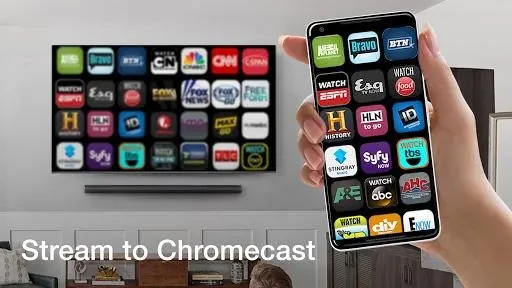
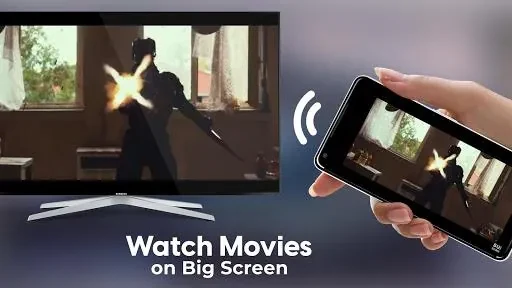
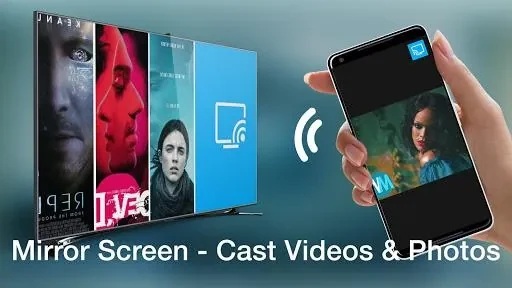
TV Cast for Chromecast is for viewing photos, videos, and music from a phone or tablet on a TV. It also supports streaming content from popular websites and apps, bringing personal media and online viewing together in one casting app.
When you want to view personal media on a TV
Choose videos, photos, or music from the app’s media library to cast them to the larger screen. The app organizes these file types for browsing and supports a range of file formats, though the source does not specify which formats. It also supports cloud storage services, providing another source for content to cast.
When you need control during playback
Video playback controls let you pause, play, rewind, and fast-forward from the app. Volume can also be adjusted on the mobile device. For films or series with spoken content in another language, subtitle support can make viewing more accessible. The app additionally offers brightness, contrast, and color adjustments, along with automatic resolution adjustment, for changing the viewing presentation.
When you want to return to selected media
The organized library helps users browse videos, photos, and music, while playlists provide a way to group selected content. Videos can also be marked as favorites for quicker access within the app. These library tools complement casting by helping users find and revisit media they have chosen.