

Overview
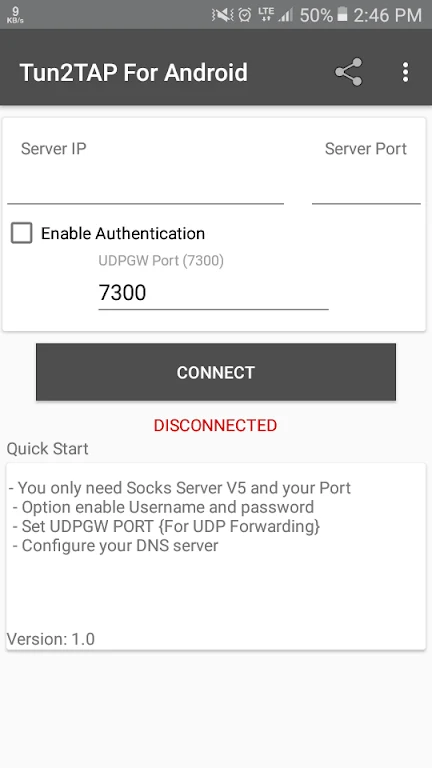
Tun2TAP Socks/HTTP to VPN routes all internet traffic on an Android device through SOCKS5 or HTTP proxy servers. The app supplies complete routing, per-application controls, manual DNS settings, and extended UDP options that together give users direct oversight of network paths. By directing traffic this way, the tool supports privacy-focused browsing and allows selective bypass for chosen applications. Configuration begins with entering proxy details, after which users can refine DNS values and decide on UDP modes such as badvpn-UDP or SOCKS5 UDP Associate. The interface presents these choices in a straightforward layout suitable for everyday management of connections.
What You Can Do
⭐ Redirect every internet connection through a chosen SOCKS5 or HTTP proxy to keep traffic inside the selected path.
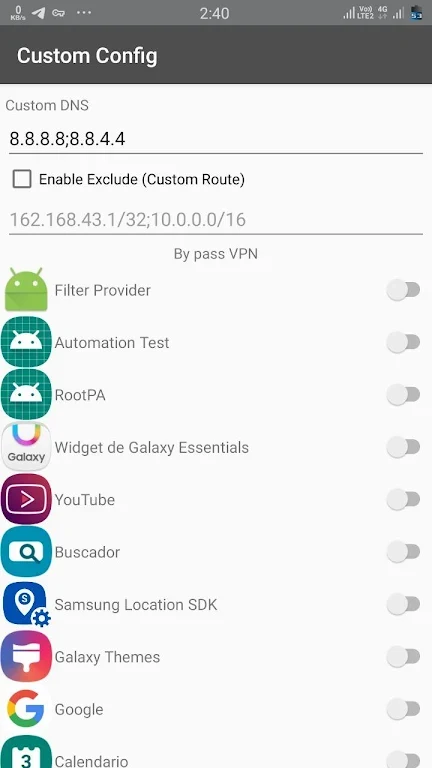
⭐ Choose individual applications that must use the proxy while allowing others to connect directly.
⭐ Enter custom DNS server addresses to influence resolution speed and routing behavior.
⭐ Activate badvpn-UDP or SOCKS5 UDP Associate modes for applications that require UDP forwarding.
Using the App
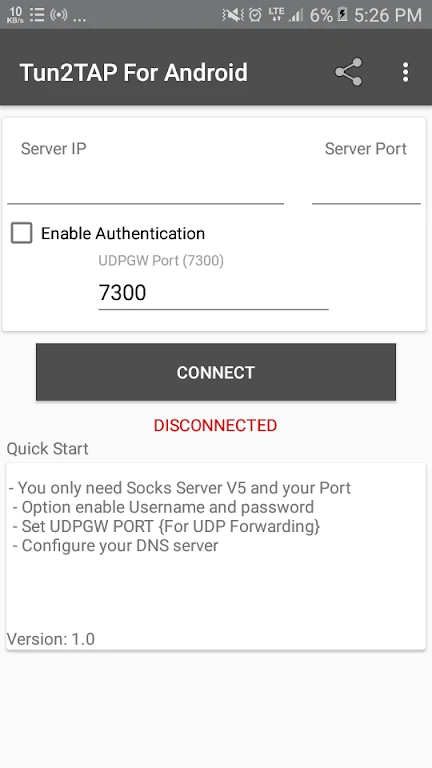
Users enter proxy address and port information, then review the list of installed applications to mark which ones should route through the proxy. DNS fields accept manual entries, and separate toggles enable the available UDP options. Once settings are saved, a connection command activates the routing layer for the selected traffic.
Why It May Appeal
✅ The app keeps routing decisions visible and adjustable without requiring system-level VPN profiles beyond the proxy layer.
✅ Per-app selection prevents unnecessary proxy use for local services or high-bandwidth apps that perform better without an intermediary.