

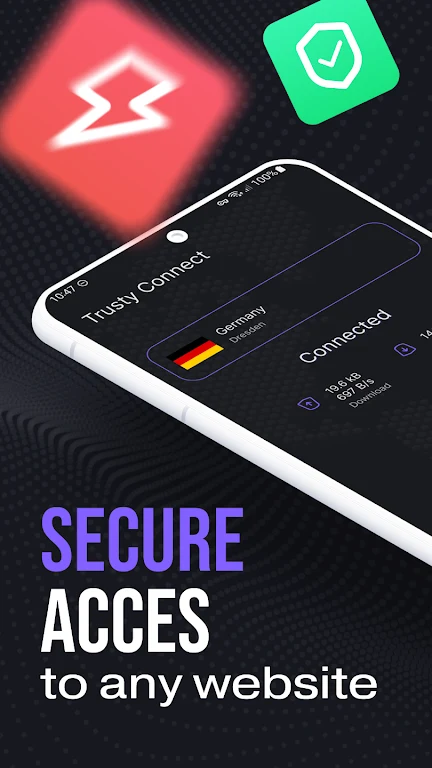
Trusty Connect - Secure VPN is a VPN app described as providing an encrypted connection for private browsing and access to content affected by geographical restrictions. Its central function is connecting a device to one of the service's servers so that online activity is presented through that connection rather than directly through the user's usual internet route.
Encrypted connections for browsing
The description states that the app uses encryption to help keep online activity confidential from prying eyes. This positions the VPN connection as the main privacy-focused function. The supplied information does not specify the encryption method, security protocol, logging policy, or other technical details, so those aspects cannot be assessed from the listing.
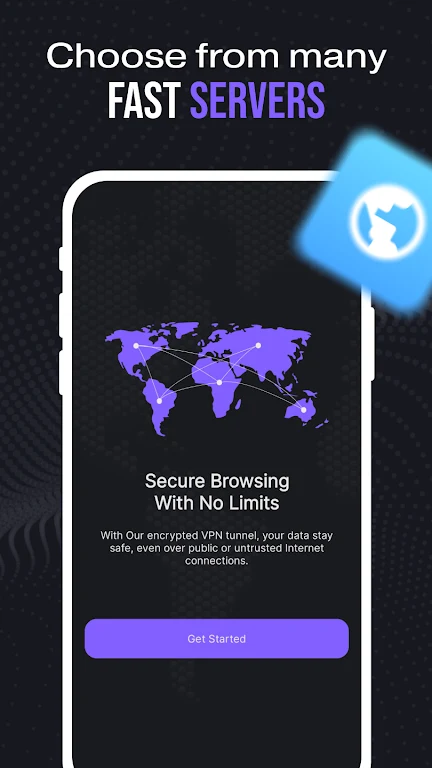
Server connections and location-based access
Trusty Connect - Secure VPN is described as having a broad network of servers. Users can connect through a server in another country, which the source presents as a way to access websites and other content that may be restricted in the user's location. The same capability is described in relation to bypassing censorship. The listing does not identify individual server locations, explain availability by region, or guarantee access to any particular website or service.
One-tap connection
The app emphasizes a simple connection process: users install it and tap to connect. The interface is presented as suitable for both beginners and people with more technical experience, without requiring complicated configuration according to the description. No specific settings, connection modes, or troubleshooting tools are documented.
Use during everyday internet activity
The source says the service can be used while streaming, gaming, or browsing and describes the connection as fast. It does not provide measured speeds, latency results, server-load information, or independent testing, so actual performance may depend on the connection and server in use.
Device and system claims
The listing says the service can be used on multiple devices simultaneously and names smartphones, tablets, and laptops. It also states compatibility with Android, iOS, Windows, and Mac, but does not provide version requirements or explain how device access is managed.