



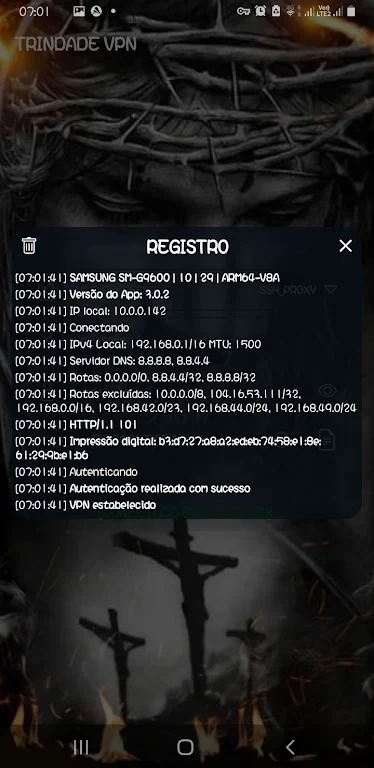
TRINDADE VPN helps users connect to the internet through a VPN, with settings for protocols including SSH, Proxy, and SSL Tunnel. The app description says it encrypts internet traffic and masks the user's IP address; it also presents access to some blocked websites as a use for the service.
Protocol and connection settings
The app brings several connection technologies into one client. Users can explore the settings menu and choose among the listed protocols according to their browsing needs. These options provide a way to configure the type of connection, rather than requiring a separate client for each listed protocol. The source does not explain the differences between the protocols or provide setup instructions for individual configurations.
Choosing a server
TRINDADE VPN describes a range of server locations that users can select before connecting. The suggested approach is to choose a location that fits the intended browsing use. Alternatively, Smart Connect is described as automatically selecting a server based on the user's location. Both options are presented as ways to establish a connection, with manual selection giving the user control over the location and Smart Connect handling that choice automatically.
Browsing through the VPN
The app is intended for browsing through an encrypted connection, and its description also identifies access to websites blocked by firewalls or geographic restrictions as a purpose. These are stated capabilities of the app, not a guarantee that every restricted site or service will be accessible. The supplied information does not detail server availability, connection requirements, or which locations and protocols work with particular websites.