


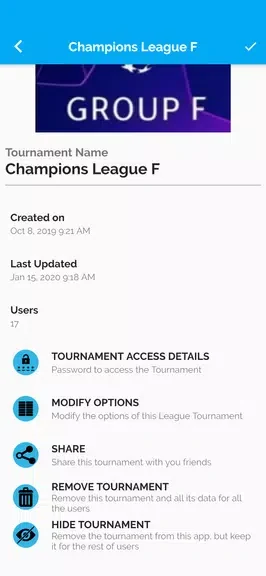


Set up an event and its format
Tournament Manager helps organizers plan and run competitive events. An organizer can add or import participants, choose a tournament format, and generate matchups. Supported formats include single elimination, double elimination, round robin, and custom pools. Match durations, scoring rules, tiebreakers, and team sizes can also be configured to fit an event.
Coordinate matches and schedules
The app brings match scheduling together with bracket views. Organizers can assign matches to tables, fields, or courts, and manually adjust brackets when needed. The schedule can be shared by link or displayed on a large screen. Check-in tools help record attendance, while notifications can inform participants about event updates. These tools support a workflow from initial event setup through match coordination.
Manage registrations and teams
Participants can be added on site or imported from CSV rosters, and the description also lists connections to registration forms. Custom registration fields allow organizers to collect player information. For team competitions, the app can track roles such as captain or coach and store contact details. Labels and color-coding help distinguish pools, divisions, and court assignments.
Record results and share records
Results entered during an event can be updated live for connected devices. Tournament Manager also provides reports covering match histories, standings, player statistics, and schedules. Organizers can export PDFs for handouts and spreadsheets for records, giving them options for sharing event information and keeping results after competition ends.
Continue when connectivity is unreliable
The app supports offline use with local caching, according to its description. Results can sync automatically after a connection is restored, allowing event work to continue during periods without reliable network access. This is relevant for organizers who need to record matches at a venue where connectivity may vary.
Delegate event duties
Role-based access lets organizers assign different responsibilities, including scoring rights for referees, display control for a stage manager, and read-only access for spectators. Audit logs record changes to brackets and scores, providing an event history that organizers can consult when reviewing results or changes.