

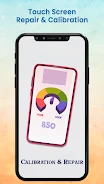
Touch Screen Repair & Calibrat is an Android utility for testing and calibrating a device’s touchscreen to support more responsive touch input. It also provides sensor testing information, giving users a way to view accelerometer readings and compass-related angles.
Touchscreen testing and calibration
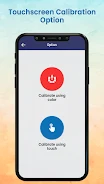
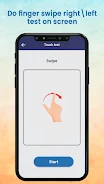
The app analyzes touchscreen calibration and provides tools intended to test and repair touch performance. Its main calibration screen offers two methods. The color option is described as automatically enhancing screen quality, while the touch option allows users to calibrate the screen manually through touch-based instructions.
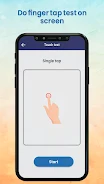
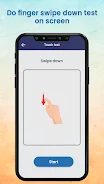
The calibration process is presented as a short procedure that takes about two minutes. Clear instructions guide users through the testing and calibration steps, so the process can be followed without specialised technical knowledge. After calibration, the stated purpose is to improve touch response and provide a smoother, more accurate interaction with the device screen.
Sensor information and accelerometer testing
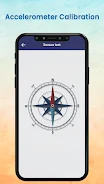
Touch Screen Repair & Calibrat also includes a sensor testing feature connected with accelerometer calibration. It reports readings for the X, Y, and Z axes and shows angles associated with the compass. These readings provide additional information about how the device sensors are registering movement and orientation.
Supported controls
Users can choose between color calibration and manual touch calibration, then follow the on-screen directions for the selected method. The app combines these touchscreen tools with sensor readings in one utility, while the supplied information identifies Android as its platform and lists version 5.0.