
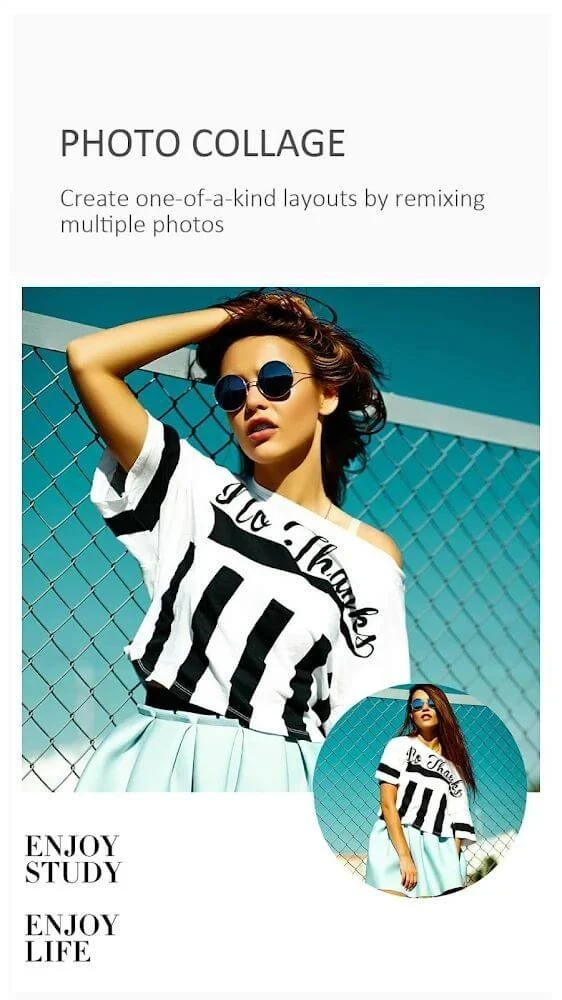
Toolwiz Photos is a photo editing tool designed for Android devices, supplying users with numerous practical editing resources to enhance their images. The application helps individuals rotate, crop, merge, and stitch pictures, as well as apply various styles of filters, effects, blur adjustments, and text captions. Users can freely apply these resources to achieve satisfying results and subsequently export photos directly to their devices or share them across social media platforms. By consolidating a wide array of functions into a single platform, the software aims to streamline everyday touch-ups and creative compositions without requiring complex navigation.
Core Editing and Geometric Tools
The application includes an essential image processing toolkit that handles basic modifications alongside advanced adjustments. Users can rotate, crop, flip, and resize images, apply perspective corrections, perform reshaping, and utilize healing or patching tools to remove unwanted elements from a scene. To address optical issues, the software provides lens correction and deskewing functions. Precise selections are supported via Lasso and Magic Cutout tools, while a Magic Wand accommodates quick area selections. Additionally, users can leverage a Blending Mixer for layer blending, alongside options to expand, shrink, and recompose images.
Color Control and Automated Tone Management
Image tone and color management forms a substantial portion of the editing features. The software allows users to fine-tune levels, brightness, contrast, and temperature, alongside separate white balance, color balance, and tint controls. Granular tonal manipulation is available through RGB curve adjustments. For faster workflows, automated modes include Auto-Tone for one-step color correction, Gradient Map for tone mapping, and Day Lighting for exposure adjustments. Specialized color features comprise Color Effect and Color Transfer for palette shifting, supported by independent toning controls for warm or cool adjustments.
Filters, Blur Variations, and HDR Processing
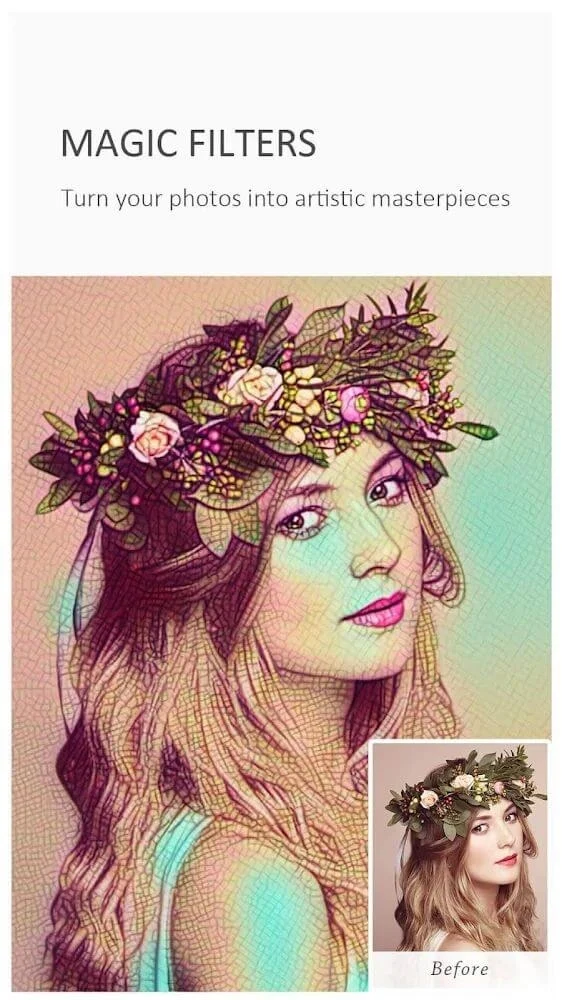
Effects and filters are organized across multiple distinct categories within the app. Magic Filters provide over 40 styles, whereas Art Filters include Landscape, People, Glamour Glow, Grainy Film, LOMO, Flatten, Art, Strong, and Vintage, accompanied by more than 50 fast-processing filters and over 80 feeling tone variants. Blur functionality spans more than 20 types, such as Gaussian, Motion, Zoom, Radial, Linear, Box, Cross, and Surface options. Black and White conversion features over 50 modes beyond the Classic look, including High-Contrast, Max Channel, and Min Channel. Furthermore, HDR processing supports global and partial modes, High Contrast processing, a Keep mode, and more than 30 variants tailored to different lighting conditions.
Painting Styles and Creative Art Effects
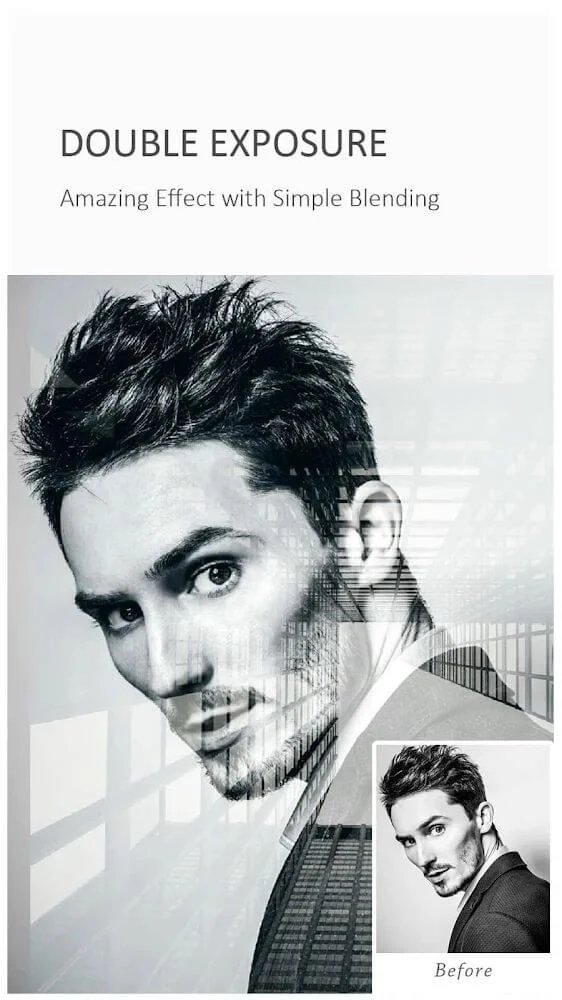
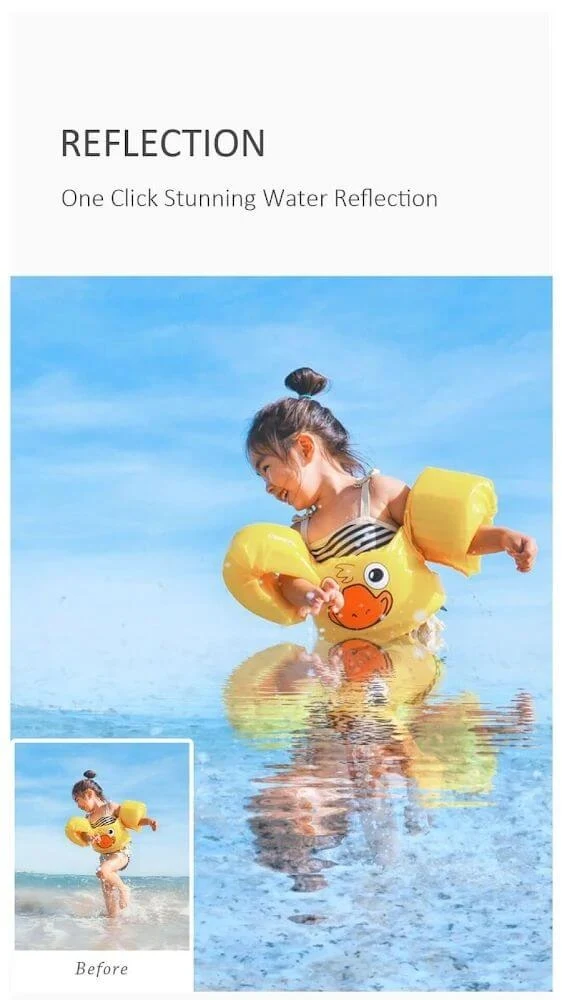
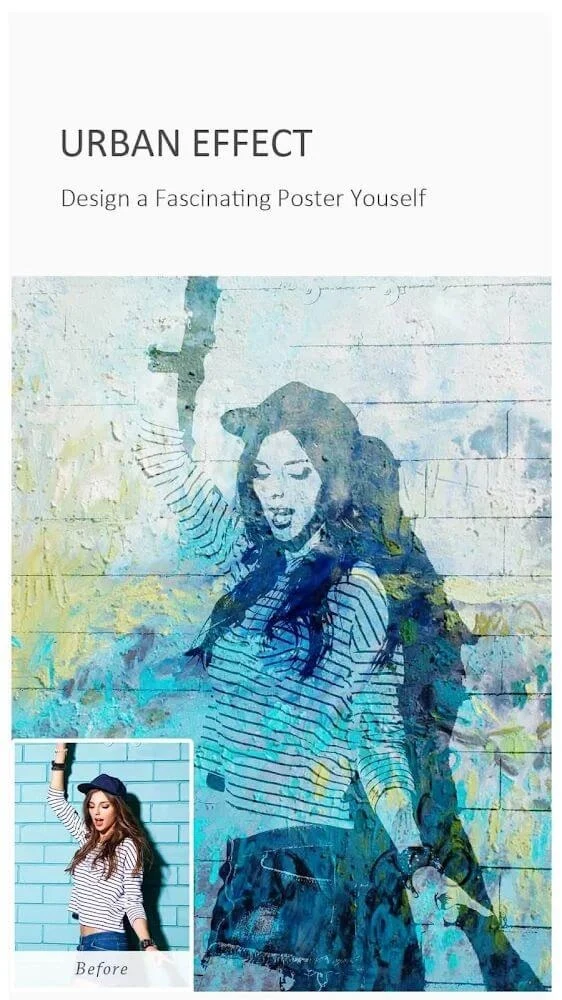
Creative composition is supported by an array of specialized art effects and painting styles. Users can choose from over 10 painting styles ranging from Oil Painting and Gouache to Fire, Freeze, Quick Sketch, Line Drawing, Color Lead Painting, Abstract, Wall Painting, Crayon Drawing, and Elaborate-style Painting. Creative tools also include Picture-in-Picture functionality, Double Exposure, Mirror effects, Kaleidoscope patterns, Fish Eye distortion, Polar Coordinates transformation, Color Splash for selective colorization, Water Reflection, Soft Smudge, Deep Render processing, Urban effects, Texturizer, Spatial effects, Target effects, and Watermark utilities.
Selfie Polish, Drawing, and Decorations
The application integrates dedicated functions for selfie enhancement, drawing, and photo decoration. Selfie and polish features include Skin Polish, Face Swap, Whiten, Dermabrasion, Face Tune, Slim Body adjustments, eye brightening, teeth whitening, and blemish correction. Image enhancement presets are available for Day, Spring, Night, Landscape, Underexposure, Portraits, and Fog modes. Decoration options range from stickers, frames, borders, and square fit adjustments to texture enhancements, flares, DUO features, and clip-art additions. Drawing tools support doodles, mosaic effects, free drawing, text placement, and basic geometric shapes like lines, circles, and rectangles, complemented by smudge and eraser tools.
Known Network Limitations
Some users have reported specific functional hurdles related to online component retrieval. Certain individuals experience network error messages indicating that pages cannot load when attempting to download supplementary options, fonts, stickers, or filters, regardless of their active internet connection.