
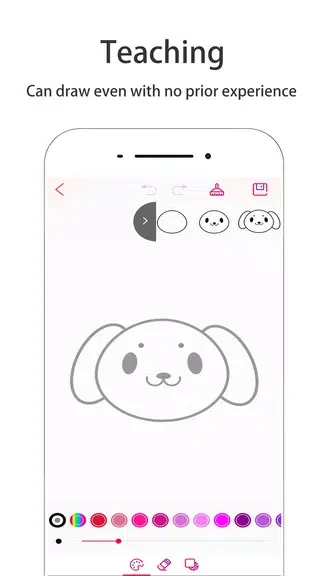
TinyArt - Arts & Creative is a drawing and coloring app for creating artwork with simulation brushes, themed maps, and adjustable backgrounds. It addresses both open-ended doodling and guided coloring: users can paint freely or choose themes such as animals, flowers, characters, and architecture. Dynamic effects—including fireworks, smoke, stars, and flying flowers—add animated-looking marks to drawings. A color palette, background choices, and editing controls give users ways to shape and revise their work, while real-time saving is intended to help preserve progress.
What kinds of artwork can you make?
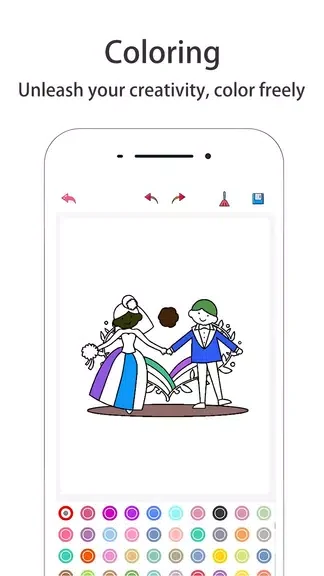
The app supports free painting, coloring, dynamic painting, and doodling. Users can choose from several themed maps for coloring or painting, then apply color with a one-stroke, one-application feature. The themes offer starting points for users who want guidance rather than beginning with a blank drawing.
How do the dynamic brushes and color tools work?
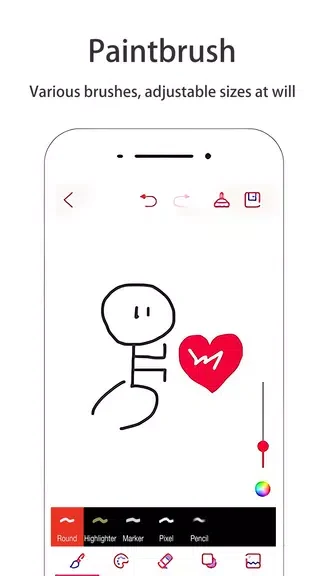
Dynamic brushes include effects such as fireworks, smoke, stars, and flying flowers. A color palette provides a way to select colors, and the source also describes it as supporting more natural-looking color display. Users can experiment with different brushes and effects to vary the look of their artwork.
Can you change the background and revise a drawing?
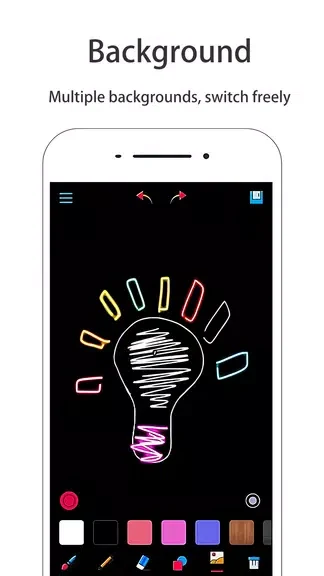
Background images can be replaced using an image from an album, a solid color, or a template. For edits, TinyArt offers undo and redo without a stated limit, along with a one-click option to clear the drawing board. These controls allow users to make changes or start over as they work.
Who might find TinyArt useful?
The app is described for children, professionals, and other users, with options for both casual doodling and more focused creative work. Its themed maps may suit people looking for coloring guidance, while free painting and dynamic brushes offer choices for users who want to create their own designs. Real-time saving is included to help avoid losing progress.