

Tinkercad Android is a 3D design app for people who want to learn three-dimensional modeling, electronics, and coding. Its central purpose is to let users build 3D designs in a workspace that the source describes as easy to use, with shape-based building as the core activity and file import and export as the main way to move designs in and out of the app.
Building 3D designs from basic shapes
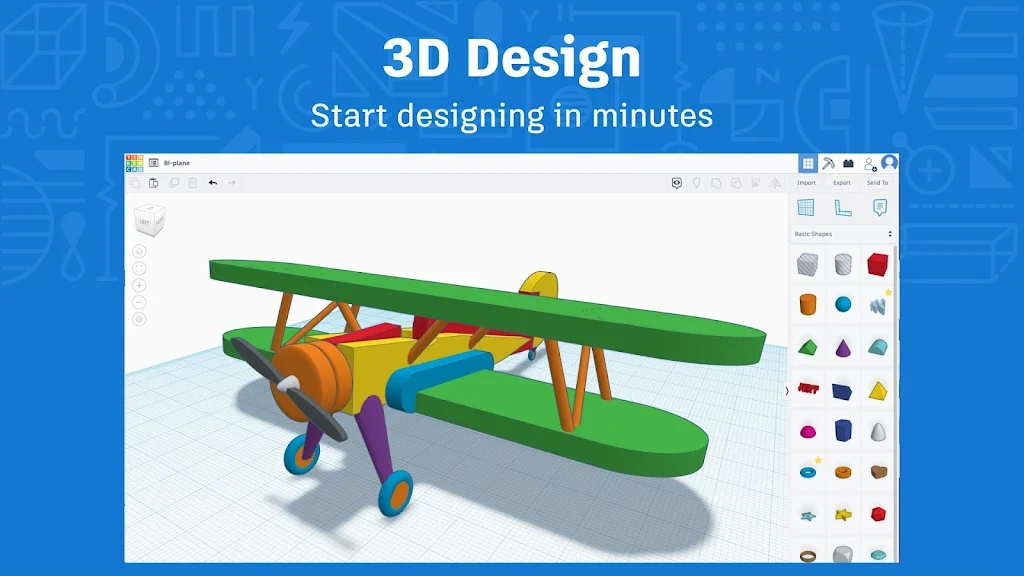
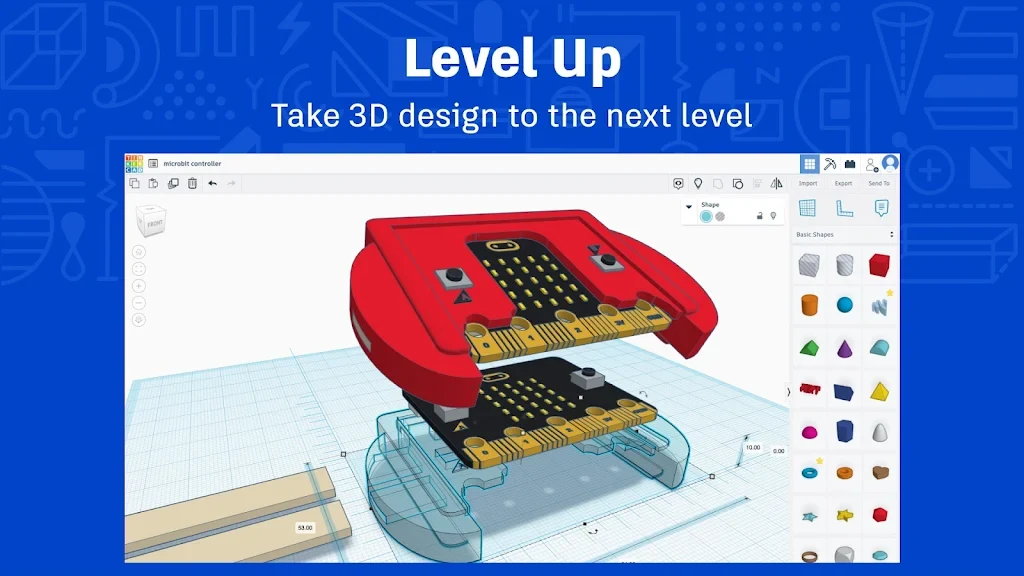
The main workflow described in the source centers on combining basic shapes to create 3D models. The workspace is laid out as a grid with visible axes, which the source presents as a way to position and measure objects accurately. A toolbar at the top holds the tools needed to design and edit objects. Icons represent common actions such as moving, rotating, scaling, and combining objects, and the source says the drag-and-drop method lets users begin designing within minutes after signing up.
The source describes the interface as clean and colorful, with a layout meant to feel approachable for people new to CAD software. The emphasis is on experimenting with shapes and ideas without being overwhelmed by complex controls.
Importing and exporting design files
Users can bring existing models into the 3D design space, according to the source. The documented formats are STL, OBJ, and SVG. Imported files can serve as a starting point so that users can build on an existing design instead of beginning from nothing.
The same three formats are listed for export. The source states that finished files can be exported in these formats or sent to other programs for further editing or manufacturing. The app is also described as compatible with other design tools and platforms, with Fusion 360 and Thingiverse named as examples.
Circuits and Codeblocks
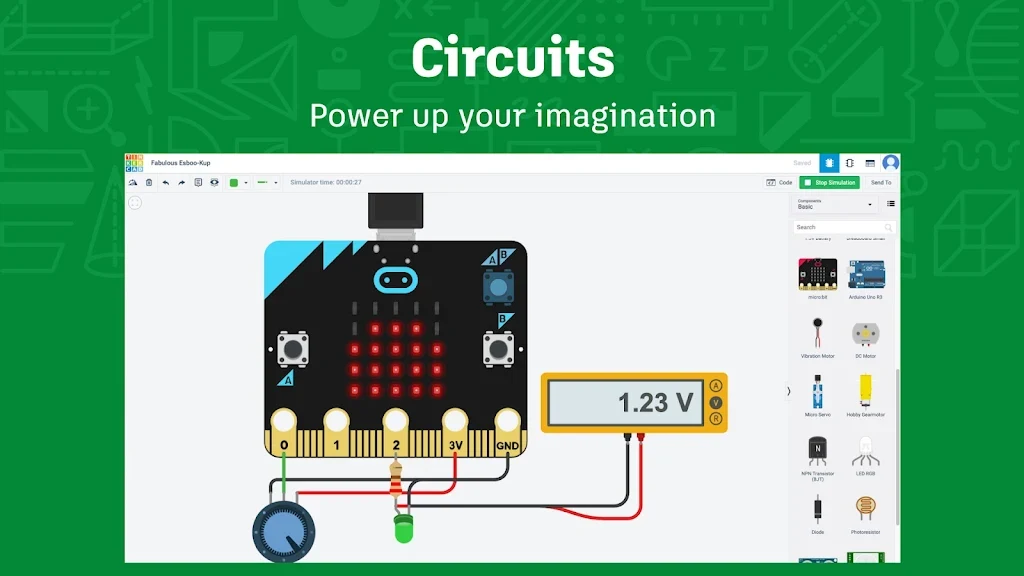
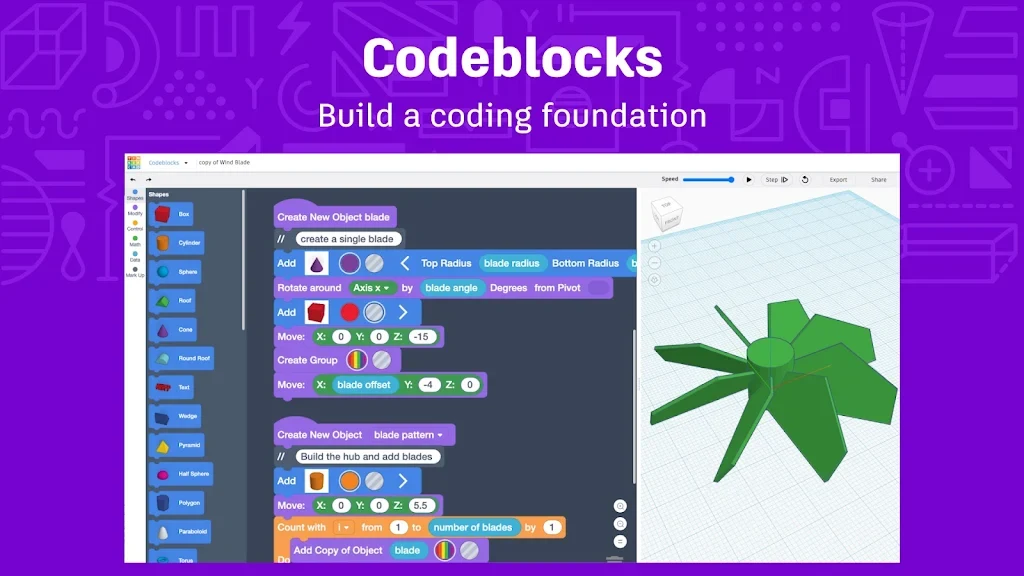
Beyond basic modeling, the source describes two additional tools. The Circuits feature is presented as a way to design and simulate electronic circuits. The Codeblocks feature lets users create 3D models by assembling code-based blocks. Together, these tools connect the 3D design workspace with electronics and programming, which is the combination the app description emphasizes.
Lessons, help resources, and classroom tools
The source describes an extensive library of lessons that guide users through topics such as working with basic shapes and creating complex designs from multiple objects. These lessons are described as interactive and as demonstrating how each feature is used. Support resources include a Help Center with articles and tutorials and an active community forum where users can ask questions and share knowledge.
For educators, the source describes a resource called Classrooms. It is presented as offering lesson plans, classroom management tools, and student tracking capabilities. Pricing and access terms are described in the source as free, and the app is also described as having no hidden charges or subscriptions.
Requirements and limitations stated in the source
The source lists a device and an internet connection as the requirements for use. It also notes that users need to sign up to begin designing. The source does not provide detailed Android version requirements, so those details are not included here. Claims such as kidSAFE certification, ad-free operation, and privacy focus appear in the source as descriptions of the app and are reported here as the source's statements.