

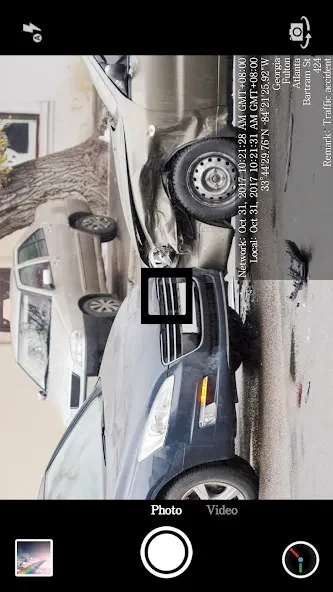
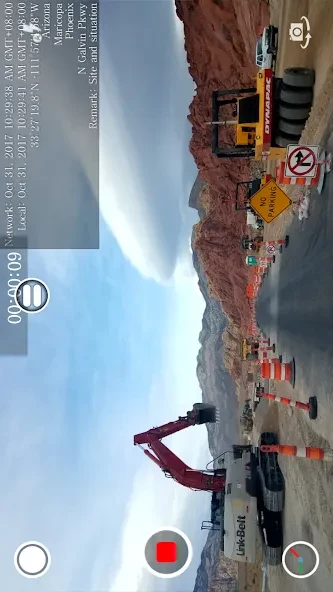
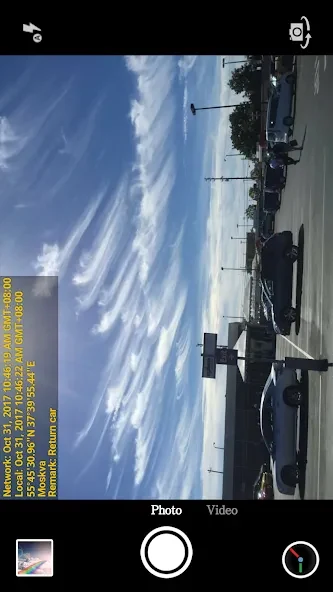
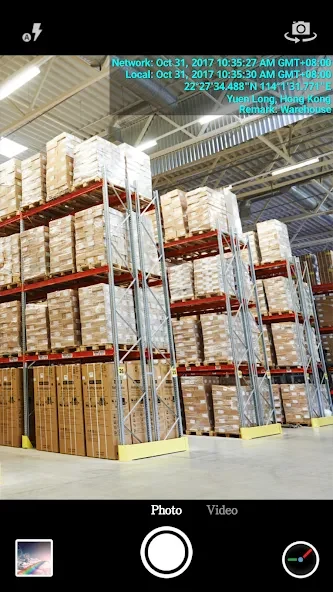
Timestamp Camera Enterprise is a camera application that embeds the current date, time, GPS coordinates, and address information into photos and videos at the moment of capture. This process helps establish an accurate record of when and where content was created, which proves useful for tasks such as documenting construction progress, reporting traffic incidents, or maintaining records during private investigations. The app pulls timing data from the network to maintain accuracy even if the device clock has been changed, and it works on Android 11 and later devices without requiring specialized skills.
Watermark placement and text adjustments
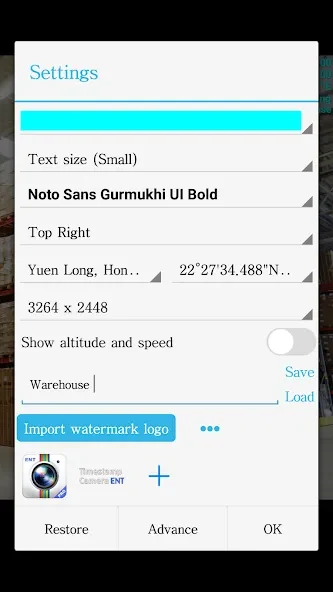
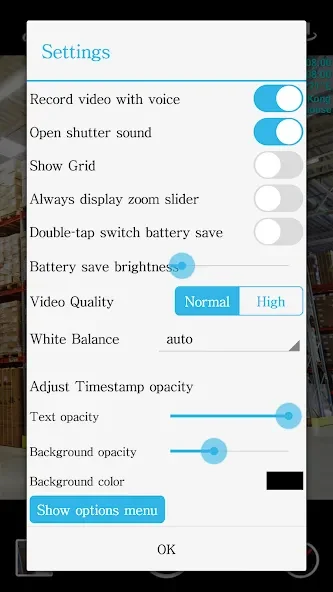
Users can position the timestamp in one of seven locations on the screen, including center, and adjust font style, color, size, and transparency for both the text and its background. Custom text can also be entered and displayed alongside the automatic data. These controls allow the watermark to remain readable while fitting the composition of each shot, whether the device is held in portrait or landscape orientation.
Logo and additional overlay options
An imported logo image can be placed on the camera view, with independent settings for position, size, margins, and opacity. This overlay works together with the timestamp elements so that both the official record and any branding appear on the final image or video without manual editing afterward.
Video recording controls
Video resolution can be selected before recording begins. The app supports pausing and resuming to compile separate segments into one file, toggling between front and rear cameras during capture, and recording without audio. A black-screen power-saving mode reduces screen brightness while still allowing the camera to operate, which extends battery life during longer sessions.
Scope of use and constraints
The single-purpose design focuses entirely on timestamping and overlay functions rather than general photo editing or social sharing tools. This narrow scope means the app suits professionals who need verifiable records but may not replace broader camera or gallery applications for everyday photography.