

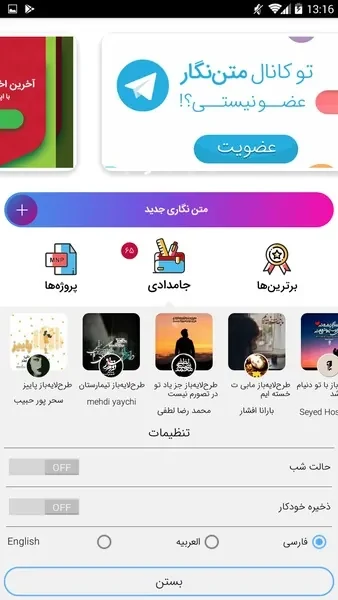
TextWriter is an Android photo editing app for adding Arabic text to your pictures. It suits photos that need a written line, such as a caption, a quote, or a greeting, with the text styled to fit the look of your project.
Adding a caption, quote, or greeting to a photo
The basic workflow starts by choosing the image you want to edit and then selecting the Arabic text characters you want to add. The source describes the app as useful for captions, quotes, and greetings, so it is aimed at photos that need a short line of text rather than a full page layout.
Placing text exactly where you want it
Text placement is handled with touch. You drag the text with your fingers to move it anywhere on the image, which gives you control over where it appears in the final picture.
Styling text with fonts, sizes, and colors
The app includes options for choosing the color, font, and size of your text. The source presents these options as a way to give a project a more polished, professional appearance. It does not specify how many fonts or colors are available.
A menu designed for different experience levels
The menu is described as easy to follow for both experienced users and beginners. The source also says it can be used by people who are not familiar with the Arabic language, which refers to navigating the menu rather than to the text you add.
Faster editing for everyday projects
According to the source, adding Arabic text with TextWriter is quick and efficient, which can save time and effort when you are preparing a photo for a project.