

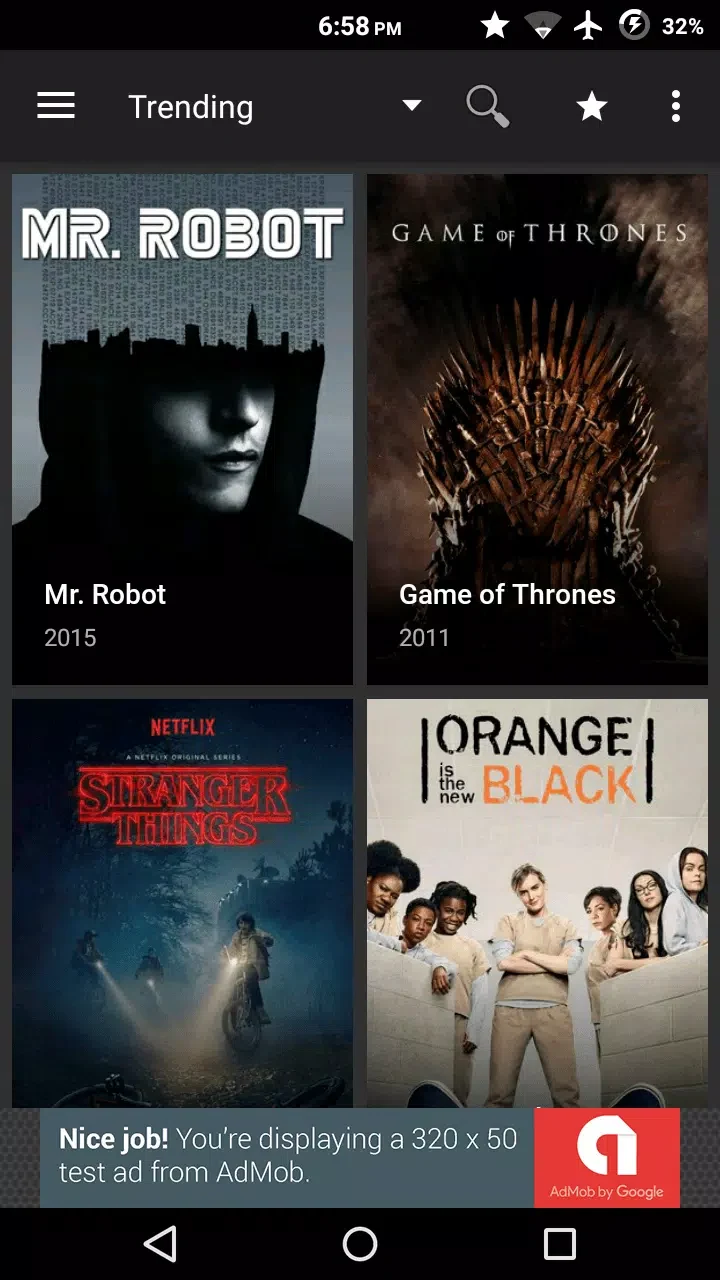
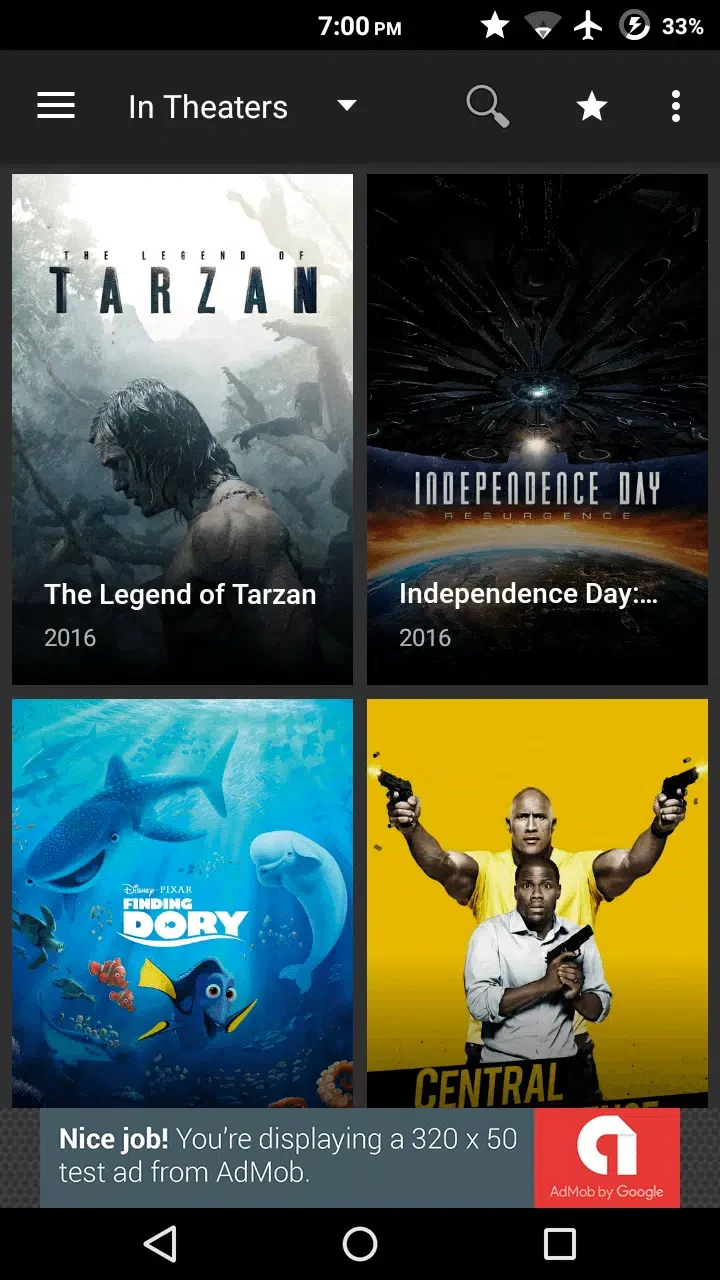
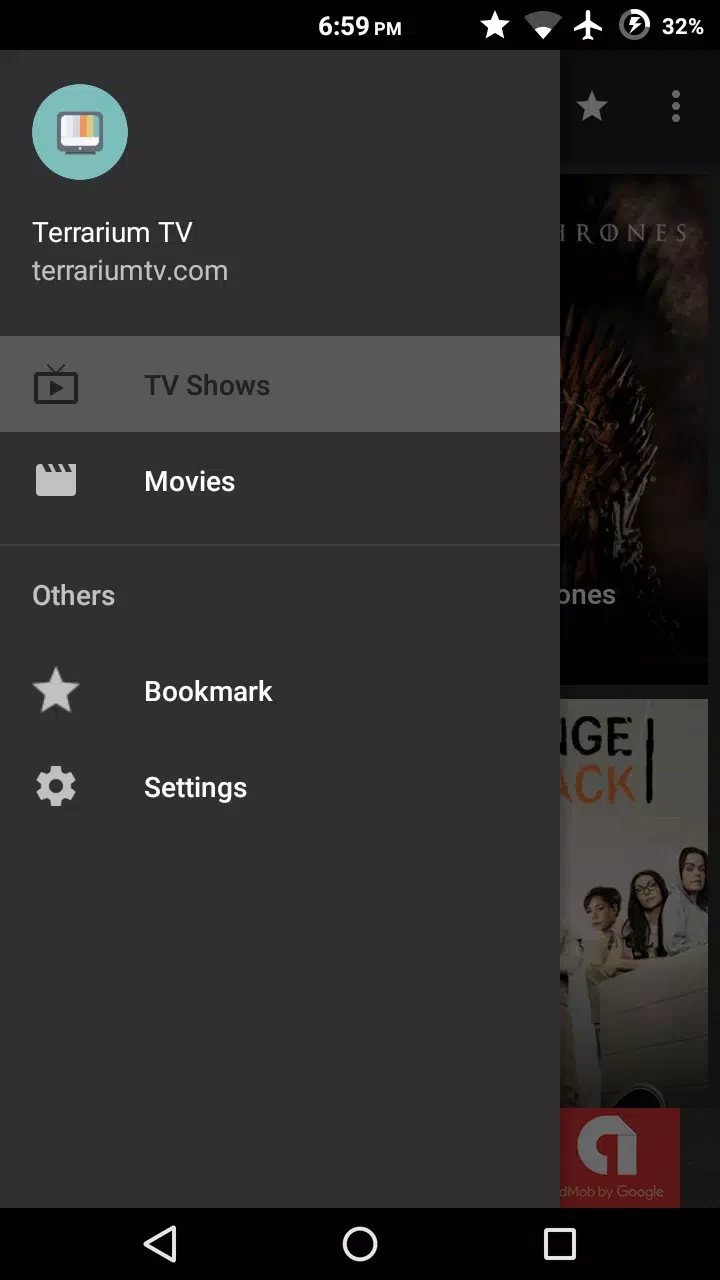
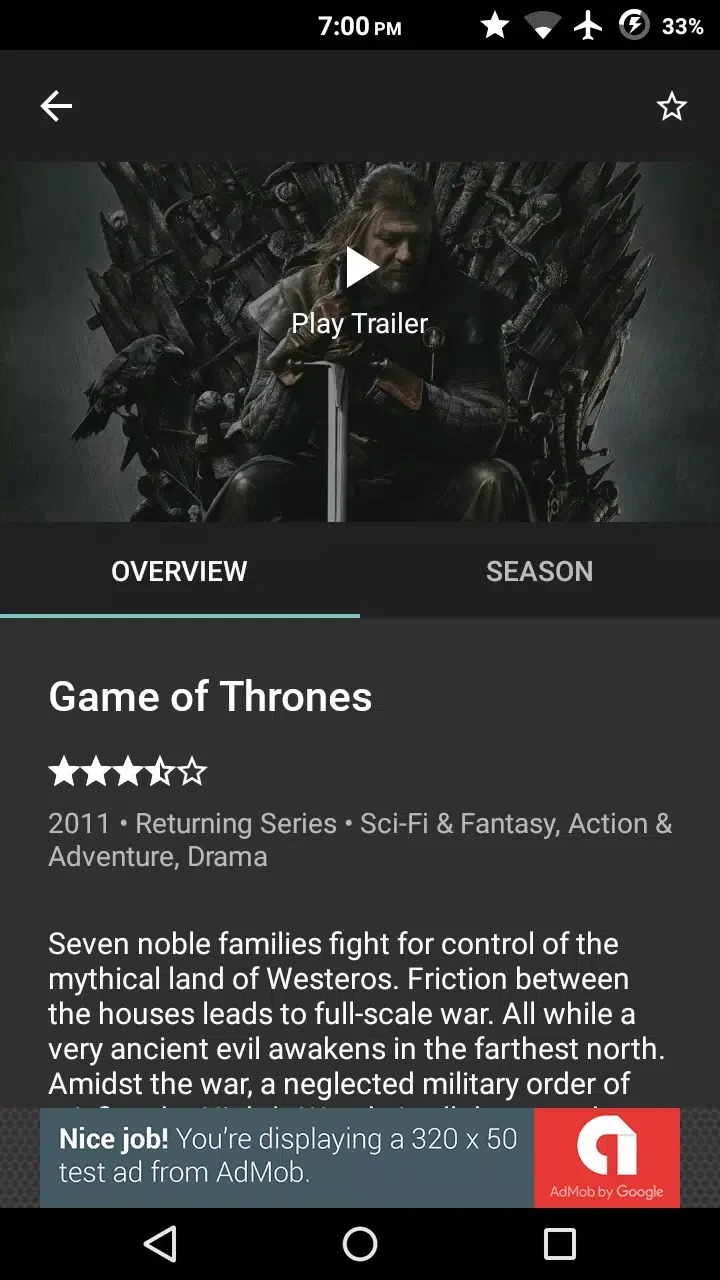
Overview
Terrarium TV is a video player and content browser for finding and watching movies and TV shows on an Android device. Its catalogue covers genres such as action, suspense, crime, romance, and comedy, with options for keyword search and category filtering. Viewers can choose from available stream quality labels, adjust playback speed and picture quality, and select subtitles in multiple languages. The app also supports bookmarking and resume tracking, helping users return to unfinished titles. For a larger display, screen mirroring and connections with compatible television devices can extend playback beyond the phone.
What You Can Do
⭐ Browse films and complete television series by genre or use the homepage to discover titles based on viewing history and preferences.
⭐ Search for a specific movie, show, or channel by selecting the magnifying-glass search icon and entering a keyword.
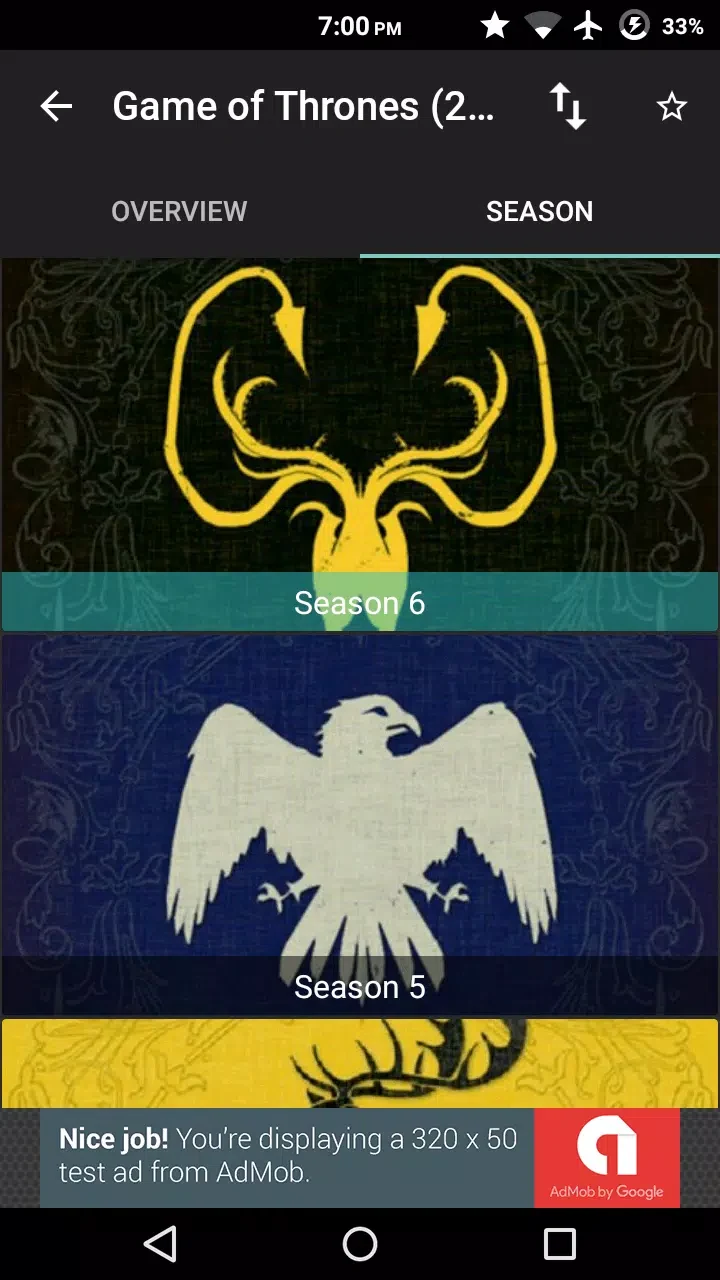
⭐ Select a season and episode, then press play to start watching a television show. Available streams are labeled with qualities such as CAM, HD, 1080p, or 4K.
⭐ Use external players including MX Player, VLC, or Just Player when you prefer to handle playback through one of those applications.
⭐ Choose subtitle options in multiple languages and adjust picture quality or playback speed to suit the viewing situation.
⭐ Bookmark unfinished videos, resume episodes across sessions, or download supported videos for offline viewing.
Using the App
The basic workflow is based on selecting a title, choosing a season and episode when applicable, and pressing play. Search and category filters provide alternatives to browsing the homepage, while bookmarks make unfinished content easier to find later. The source also describes connections to Chromecast and Fire TV, as well as screen mirroring to a smart TV or PC, so viewers can move playback from a phone to a larger display. For playback flexibility, streams can be opened in supported external players, and the service is described as using links from other websites rather than hosting or uploading the media itself.
Why It May Appeal
✅ The combination of genre categories, search, and quality labels gives viewers several ways to locate a suitable title and stream option.
✅ Subtitle choices, playback-speed controls, and picture-quality settings provide useful flexibility for different viewing preferences.
✅ Resume tracking and bookmarks reduce the effort needed to return to an unfinished episode or film.
✅ Offline download support can help with viewing when an internet connection is unavailable, where the option is provided for the selected video.
Things to Consider
❎ Terrarium TV aggregates links to content hosted on other websites and does not host or store the video files itself, so the availability and quality of a particular stream may depend on those external sources.
❎ Stream labels include lower-quality options such as CAM as well as HD, 1080p, and 4K, meaning the viewing quality can vary between available links.