



Telegram is a messaging app for sending text, photos, videos, stickers, and other files, and for keeping conversations accessible across signed-in devices. Its cloud sync lets users continue chats on a phone, tablet, desktop, or web session without keeping the phone online. The app also supports large groups, broadcast channels, polls, and bots, so it can serve both one-to-one conversations and community discussions. File sharing of up to 2 GB per file and tools for organizing chats are useful when messages include project materials or span many groups. For sensitive exchanges, users can start a separate Secret Chat with end-to-end encryption.
How does Telegram keep chats available across devices?
Telegram stores cloud chat history so signed-in users can access messages and media from different devices, including mobile devices, tablets, desktop, and web. The source says a phone does not need to remain online for a user to continue a chat on desktop or web. This can suit people who move between screens for work, study, or everyday messaging, and it means files and conversations can be retrieved from another signed-in device rather than relying only on a local phone copy.
The app also describes message delivery over a distributed network, designed to route messages quickly even when bandwidth is limited. The source presents this as a way to reduce delays and retries on weak connections, such as during travel or at crowded events. Delivery speed can depend on the connection available, so this feature is best understood as an intended benefit rather than a guarantee that every message will arrive instantly in every setting.
What can users do in groups and channels?
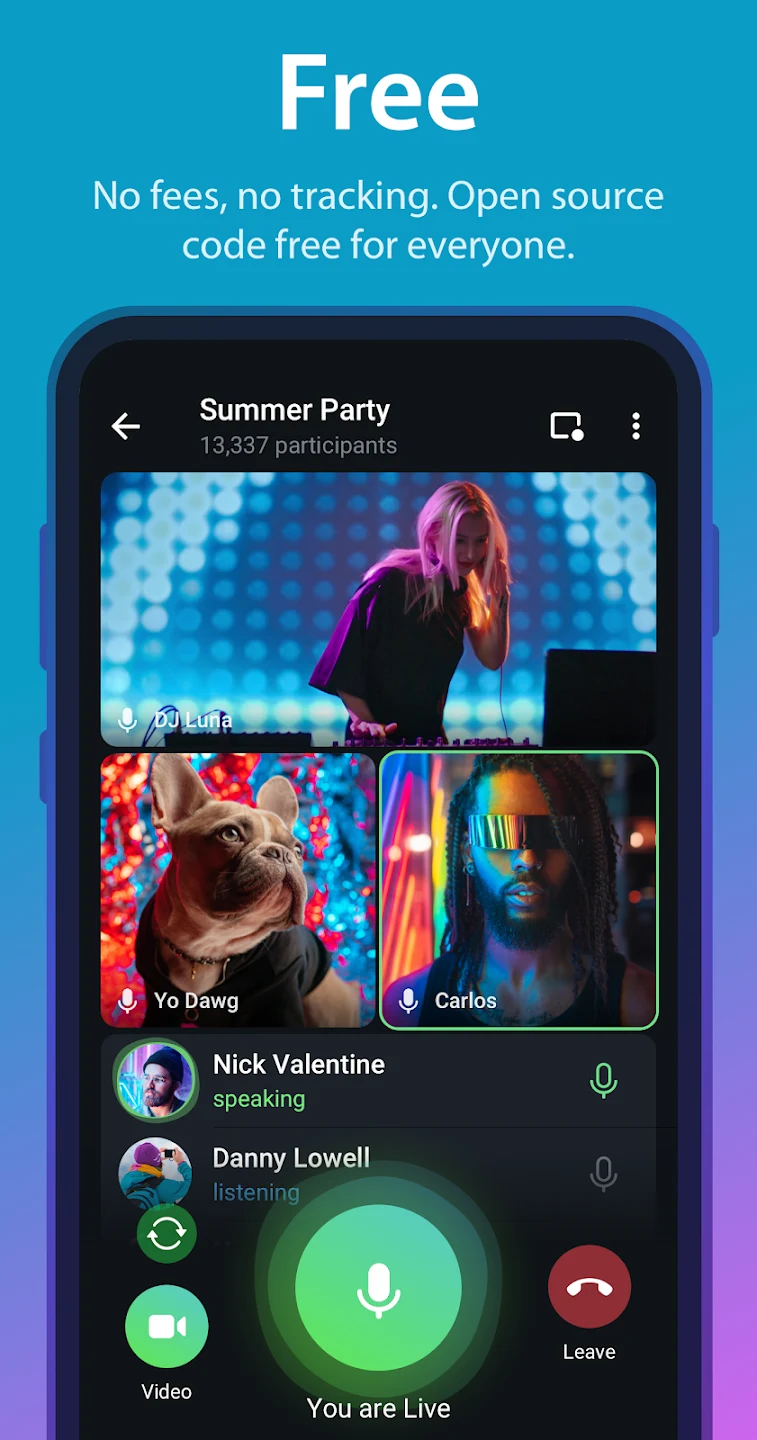
Telegram groups can accommodate up to 200,000 members, while broadcast channels can have unlimited subscribers, according to the supplied feature details. Groups are suited to discussions among members; channels provide a way to publish updates to an audience. The app also supports polls and live video, which can be used when a community needs feedback or real-time discussion. These options may be relevant to classes, teams, creators, and other groups that want to bring members together in one space.
Bots can be set up to help manage groups. The source gives examples such as automatically blocking sensitive words or muting members. This offers group administrators a way to automate some moderation tasks, though the source does not specify which bots are available or how each one is configured. Chat Folders provide another organizational tool: users can create named folders, such as Personal, Work, or Family, and add corresponding chats. The folders appear as tabs in the chat menu, helping separate personal chats, group conversations, and channels.
What file-sharing options and message controls are available?
Telegram supports files of any type up to 2 GB per file. The files are stored in the cloud, so users can remove local copies and retrieve them later from a signed-in device. This can be useful for sharing project assets or keeping large media and documents accessible without retaining every copy on a phone. The stated limit is per file; the source does not give an overall account storage allowance.
Users can edit a sent message for up to 48 hours. To do so on Android, the supplied instructions say to press and hold the message and tap the pencil icon; an edited label appears beside it. Telegram also offers a Send without sound option: after writing a message, press and hold the send button and choose that option. The recipient’s notification will not make a sound or vibrate, even if Do Not Disturb is off. These controls address different needs—correcting a message after sending it and sending one without an audible or vibration alert.
How do privacy settings and Secret Chats differ?
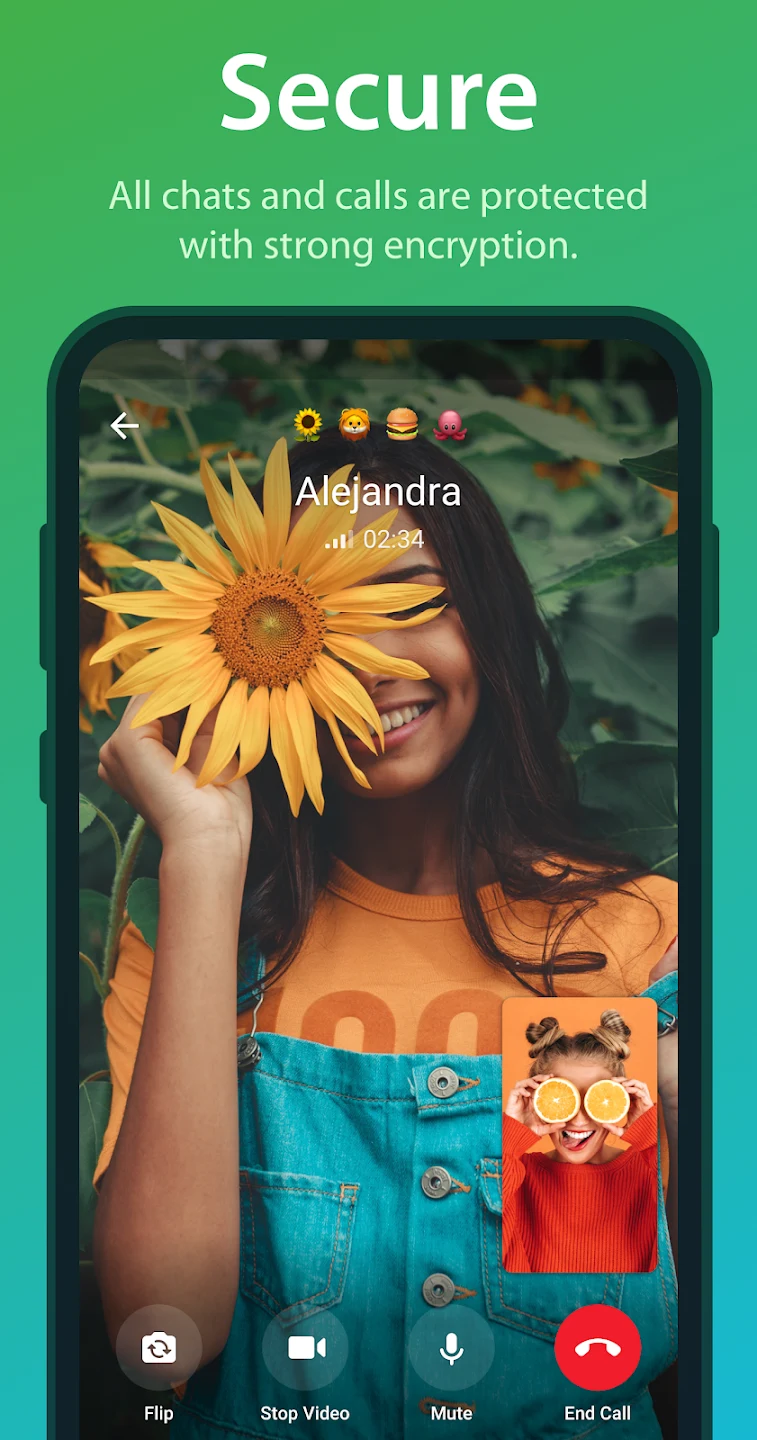
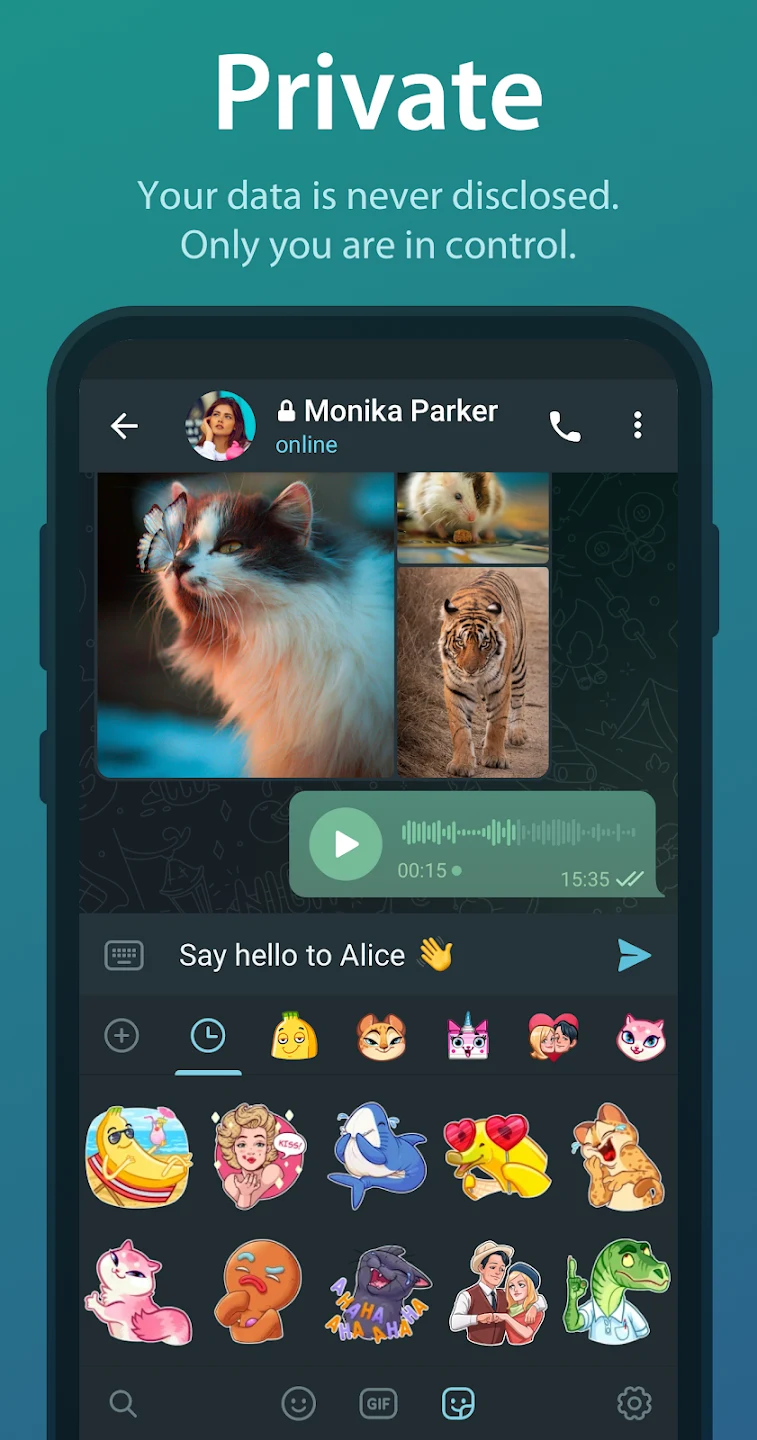
The source describes regular Telegram chats as using user-to-server encryption and cloud storage, while Secret Chats use end-to-end encryption and are not stored on Telegram’s servers. This distinction matters for users deciding what kind of conversation to use: Secret Chats are a separate option for exchanges where end-to-end encryption is needed, rather than a description of every chat in the app. Starting one requires the other person to accept the Secret Chat request. Secret Chats can also include self-destruct timers.
Other listed privacy and account options include using a username to chat without sharing a phone number and enabling two-step verification to protect account access. Telegram also offers multiple privacy settings, though the source does not detail every setting or its defaults. Users can find nearby Telegram users and groups through the app’s nearby-people feature; the supplied instructions place it under Contacts in the menu. Because this feature is location-based, it is distinct from adding someone by username, and users should consider whether it suits the situation before using it.
Who may find Telegram useful?
Telegram may fit people who want chats available on more than one device, need to send large files, or take part in large communities with channels, polls, and group-management bots. Chat Folders can help users sort a busy chat list, while editing and silent sending provide specific controls over messages after or at the point of sending. People who need end-to-end encryption can use Secret Chats, keeping in mind that they are separate from the cloud-stored regular chats described in the source. The range of options makes the app relevant to both personal conversations and group communication, but which features matter will depend on how a person communicates and organizes chats.