
Overview
Tasker is an Android automation app for turning repeated actions into personalized workflows. It can help simplify daily tasks, control device settings, and create profiles that respond to conditions such as time, location, events, or sensor activity. Instead of handling every operation manually, users can define when something should happen and which actions Tasker should perform. A task may launch an app, send a text message, adjust system settings, or combine several actions in one sequence. This makes the app suitable for both everyday convenience and more advanced device customization.
What You Can Do
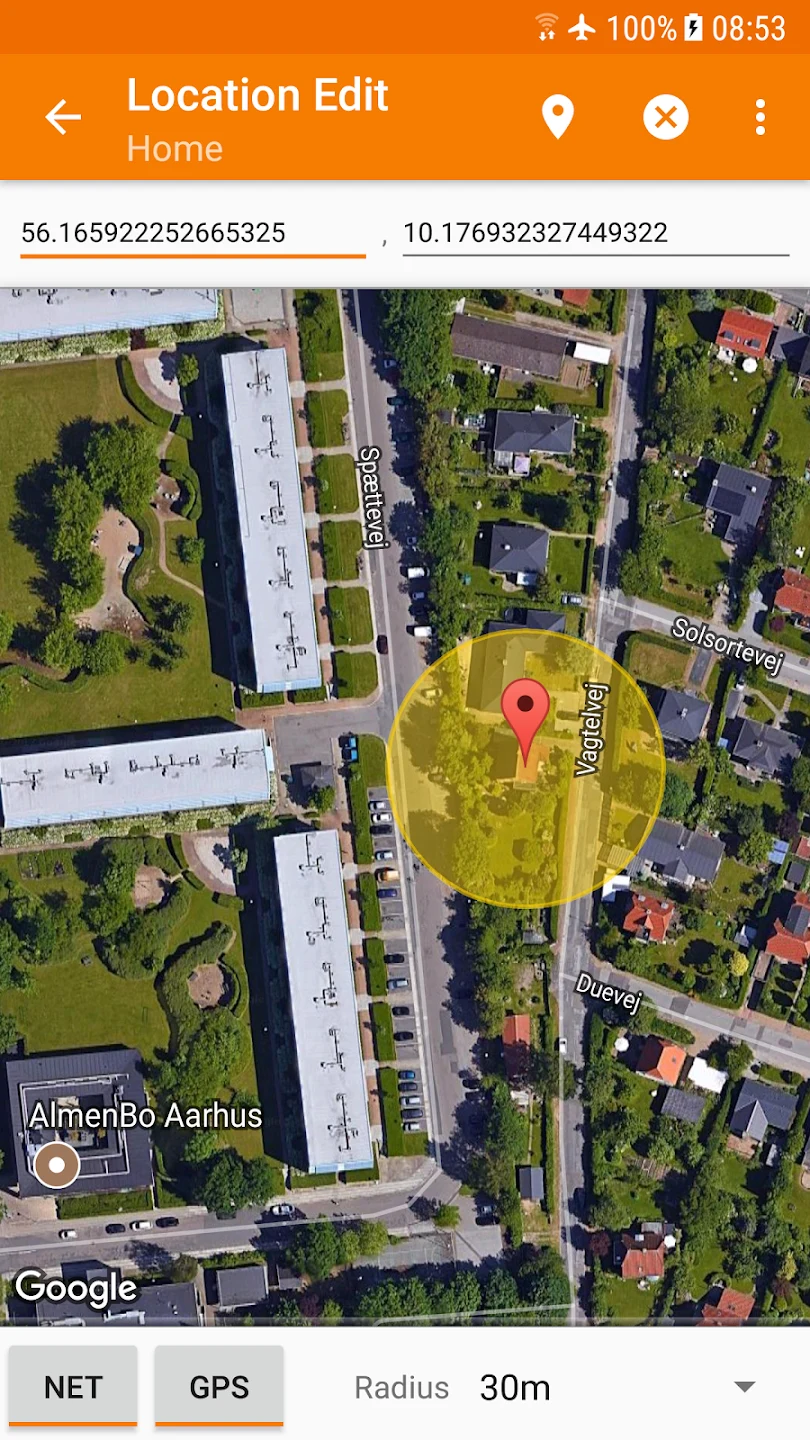
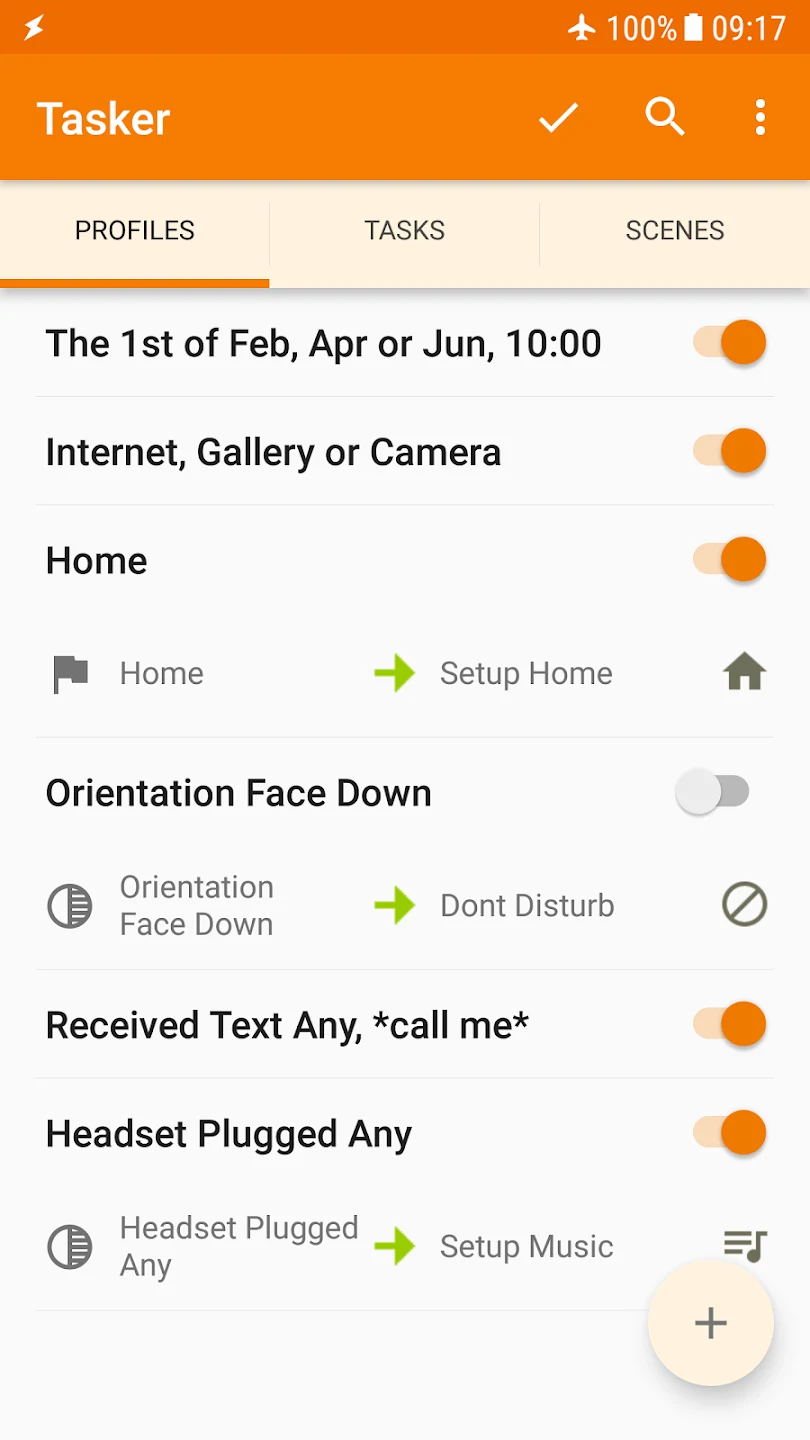
⭐ Create profiles based on time, location, events, or sensors. For example, a profile can detect when you arrive at home or the office and then trigger an associated task.
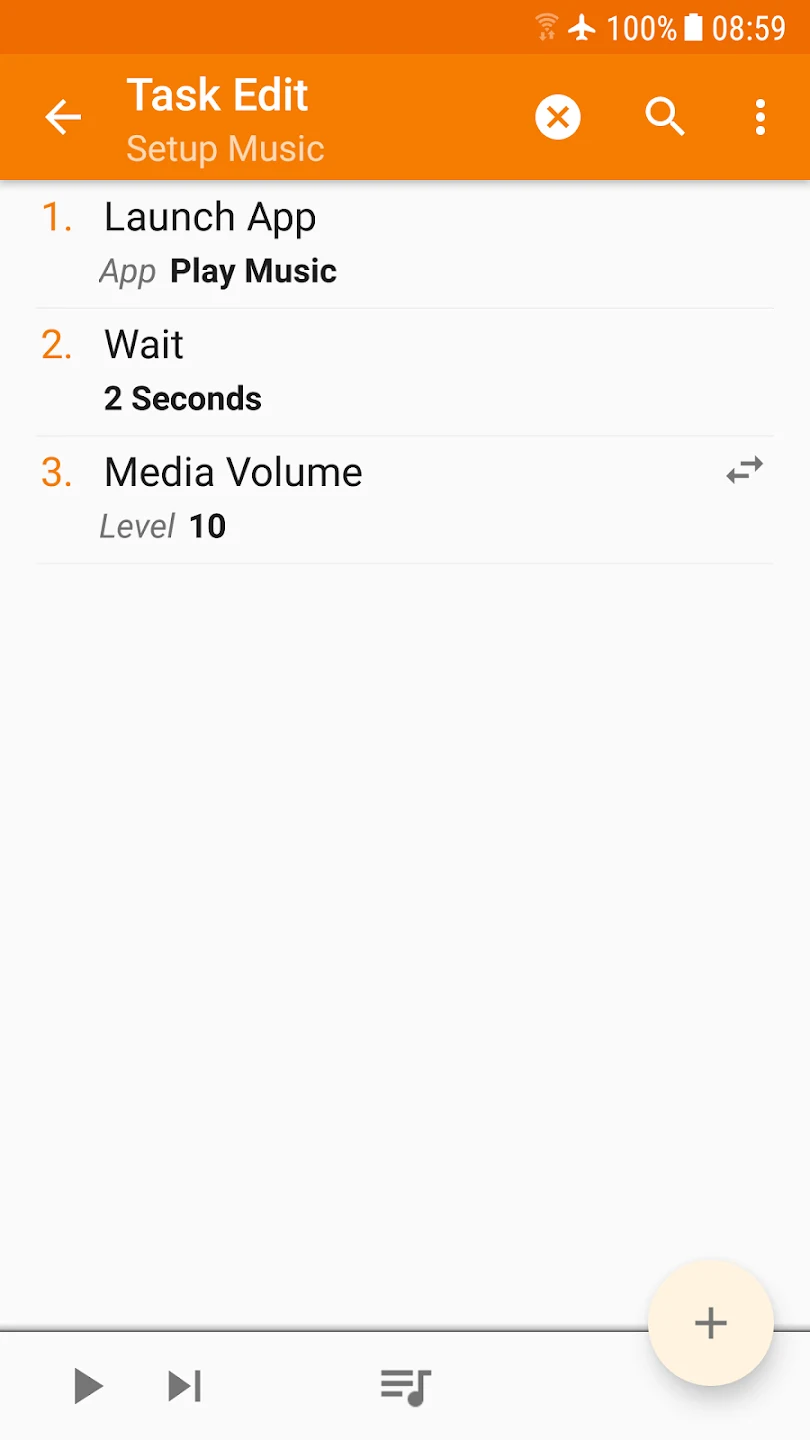
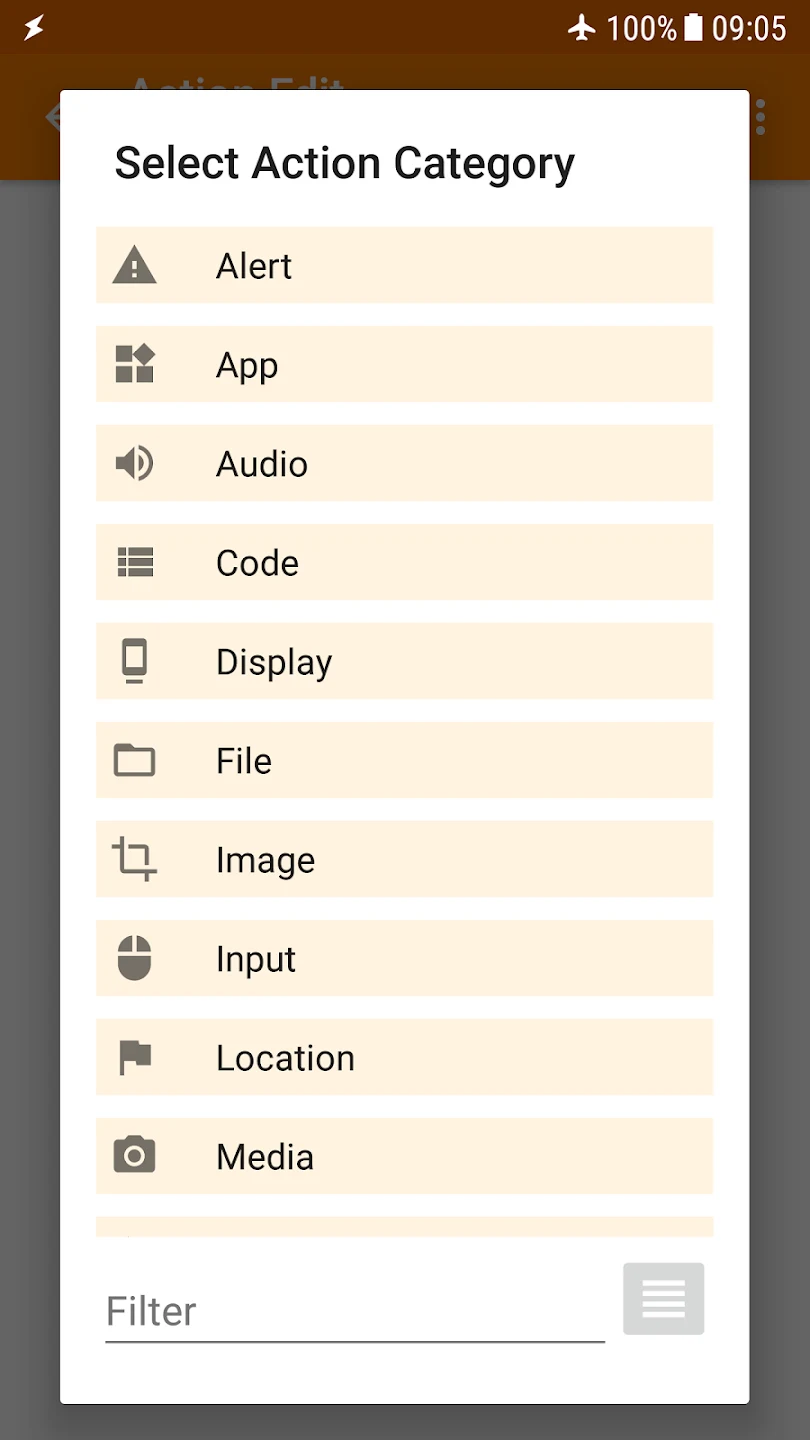
⭐ Build tasks containing multiple actions. A single task can launch an app, send a text message, adjust system settings, or carry out other supported operations in sequence.
⭐ Use variables to make automations respond to changing information. A task can use details such as the current time or location when preparing a message or deciding what action to take.
⭐ Control device settings through automated workflows. This can be useful for changing the phone's behavior in response to a defined situation rather than adjusting settings manually each time.
⭐ Automate notification and sound behavior for particular situations. The source specifically describes using Tasker to silence notifications and sounds during meetings or other important events.
⭐ Customize how the app launches and operates through its available launch modes, giving users additional control over their device experience.
Using the App
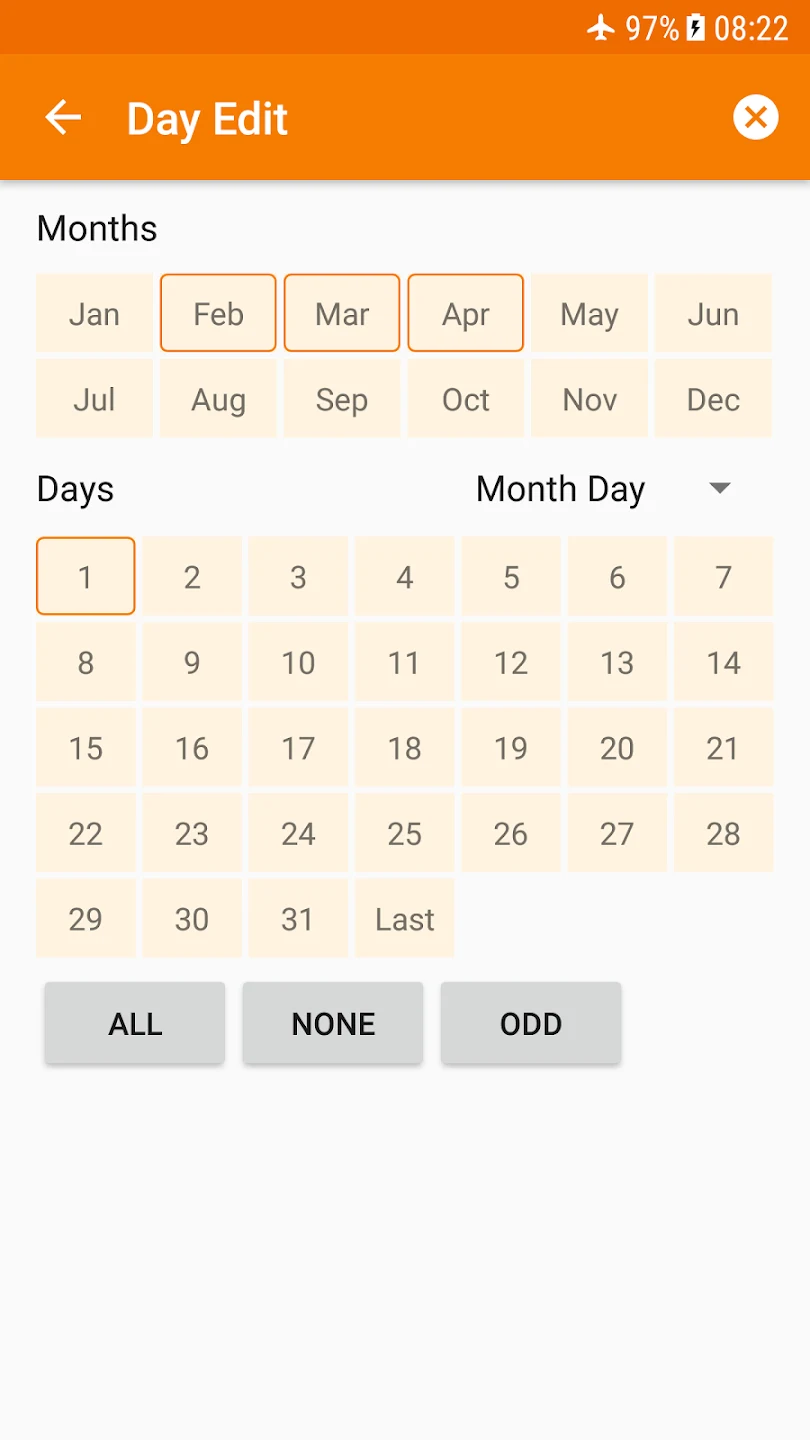
The basic workflow starts with a profile. First, define the condition that should trigger the automation, such as a time, place, event, or sensor state. Next, create the task that will run when that condition is met. Tasks can contain several actions, and variables can supply dynamic information so the result changes according to the current circumstances. The app provides a user-friendly interface for setting up and activating tasks, while tutorials are available to help users learn the more advanced customization options. Its design is intended to support both straightforward automations and more detailed workflows.
Why It May Appeal
✅ Tasker brings several types of automation into one Android tool, allowing users to connect triggers, actions, settings, and dynamic information in a single workflow.
✅ It can reduce repetitive manual steps by carrying out defined operations automatically when the chosen conditions occur.
✅ The app is described as optimized for mobile devices, with fast processing and efficient operation during everyday use.
✅ The source states that Tasker is compatible with most Android operating systems, making it relevant to users with a range of Android devices.
✅ Background operation is described as using minimal power, which may help users automate tasks without excessive battery consumption.
Things to Consider
❎ Tasker offers advanced customization, so users may need to spend time learning how profiles, tasks, actions, and variables work together. Tutorials can help, but creating complex automations requires more setup than a simple one-tap utility.
❎ Compatibility is described as covering most Android devices rather than every device, so behavior may vary depending on the phone and Android version.