


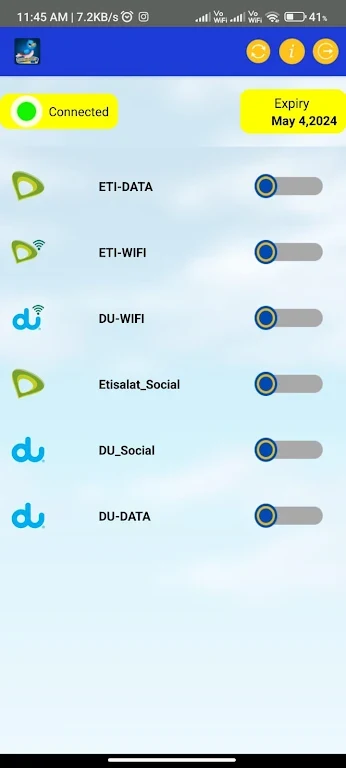
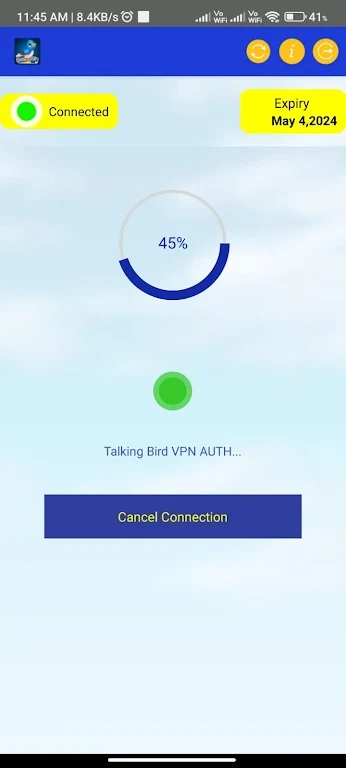
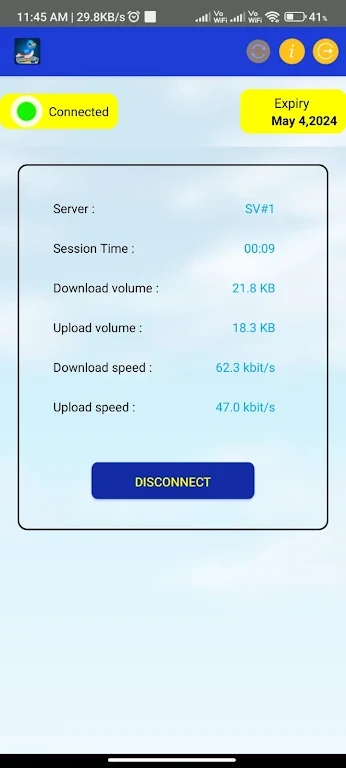
TalkingBird VPN is designed for people who want to connect to a VPN while browsing, streaming, gaming, or downloading files. The app describes its service as providing fast connections through a worldwide server network, while also encrypting internet traffic and hiding the user's IP address.
When a smoother connection matters
The app is presented as a way to support everyday internet activities that can be affected by slow or unstable connections. Its stated uses include browsing websites, streaming HD video, downloading large files, and gaming. TalkingBird VPN says it uses technology intended to optimize server performance and reduce latency, with the goal of providing stable connection speeds for these activities.
These speed and reliability statements come from the app's supplied description rather than independent testing. The available material does not provide measured performance figures, so actual results may depend on the selected server and network conditions.
When protecting traffic on a public network matters
TalkingBird VPN states that it encrypts internet traffic and hides the user's IP address. This is intended to help protect sensitive information and maintain privacy while browsing, including when connecting through public Wi-Fi networks. The description also says that the service does not log personally identifiable information and follows data protection protocols; these are claims made by the app rather than independently verified findings.
When access to websites varies by country
The app provides access to servers in numerous countries. Selecting a server in another location is presented as a way to bypass geo-restrictions and reach content that may be restricted in a user's region, including streaming platforms and websites. The source describes this as providing a more global internet experience, but it does not identify specific supported services or guarantee access to any particular website.
When a simple connection process is useful
TalkingBird VPN emphasizes a user-friendly interface intended to reduce setup complexity. The supplied description says that users can connect to a VPN server with a single tap, without navigating complicated settings or menus. This makes the primary task—starting a VPN connection—central to the app's design.
Using the service across devices
The source states that one subscription can protect multiple devices simultaneously, including smartphones, tablets, and computers. It does not provide a device limit or explain the account setup process in further detail.