

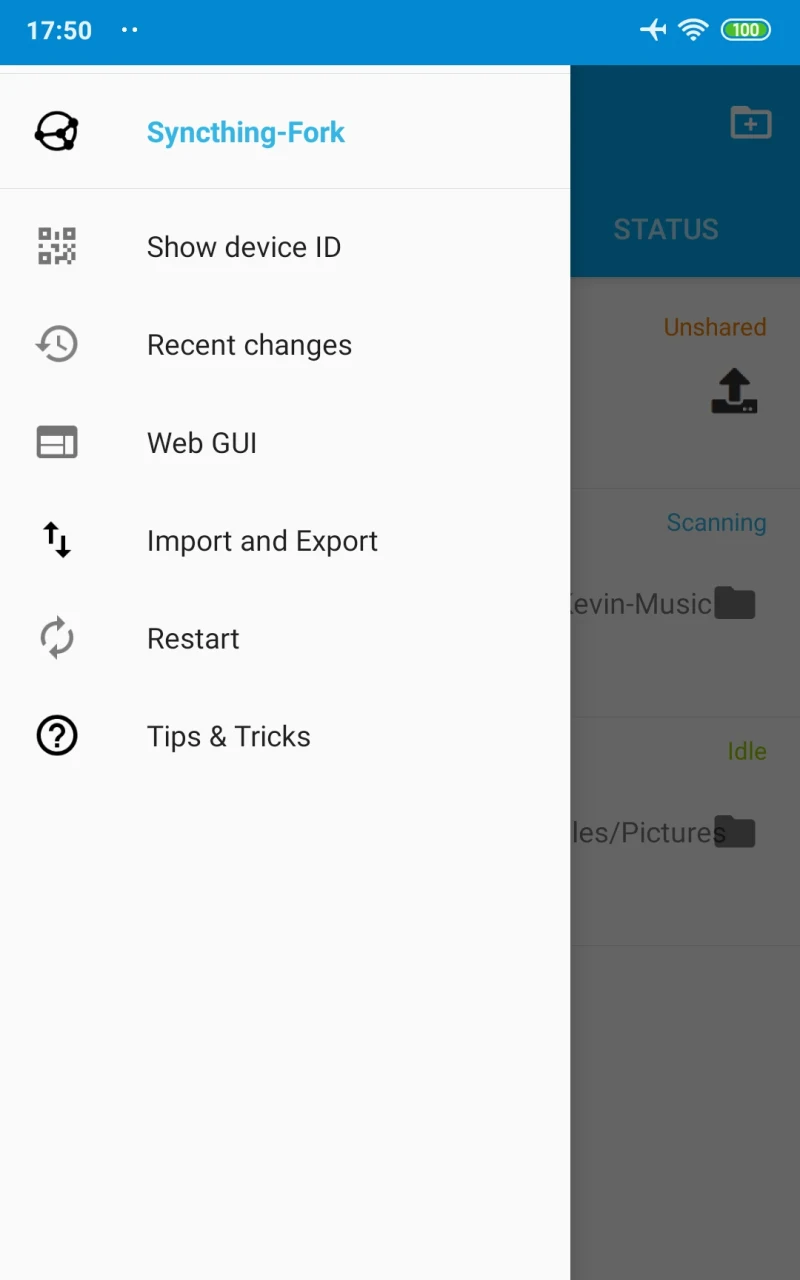
Syncthing synchronizes files between an Android device and other devices you allow to connect. It addresses the task of keeping selected folders and information in step across devices, including when those devices are online, without relying on a central server to store the data. The app describes hourly syncing as a way to limit battery use, and users can set individual conditions and times for important folders. Its device-to-device approach may suit people who want to manage their own synchronized files rather than use a cloud storage service.
How do folder syncing and device connections work?
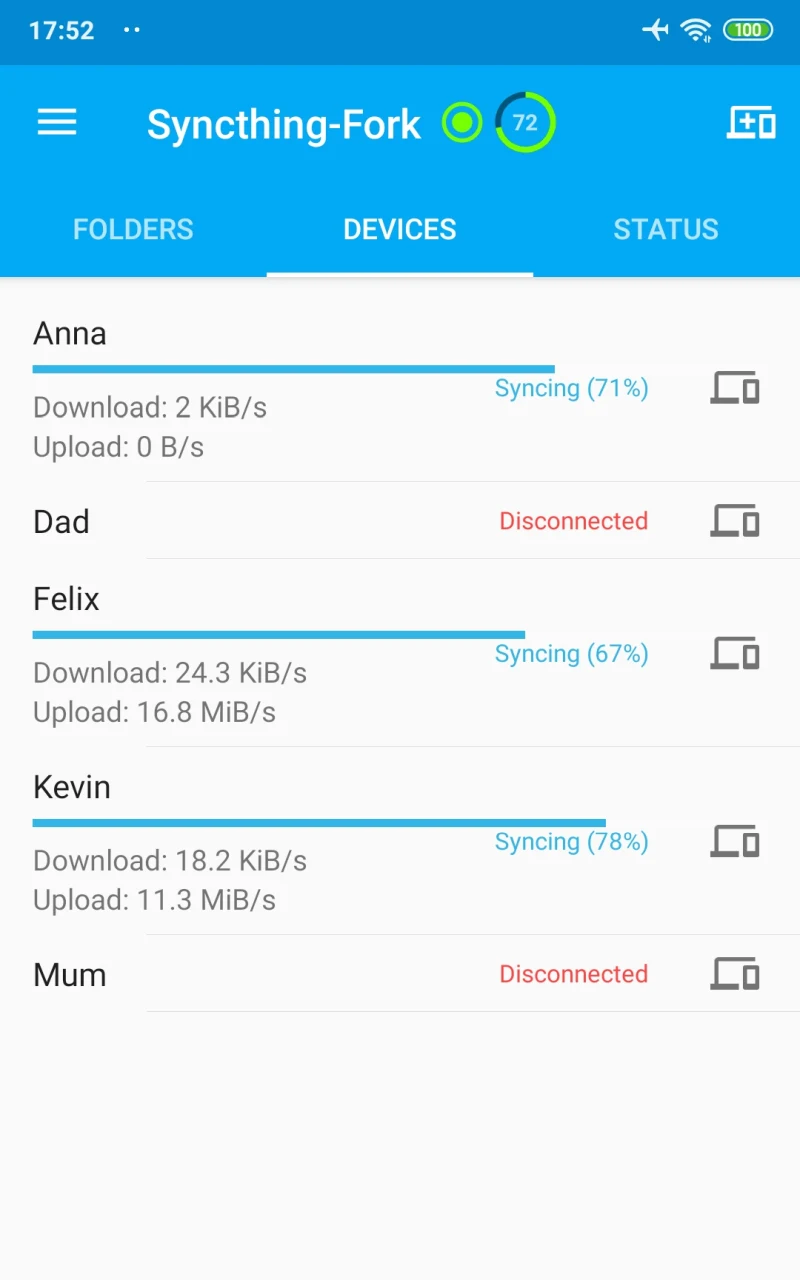
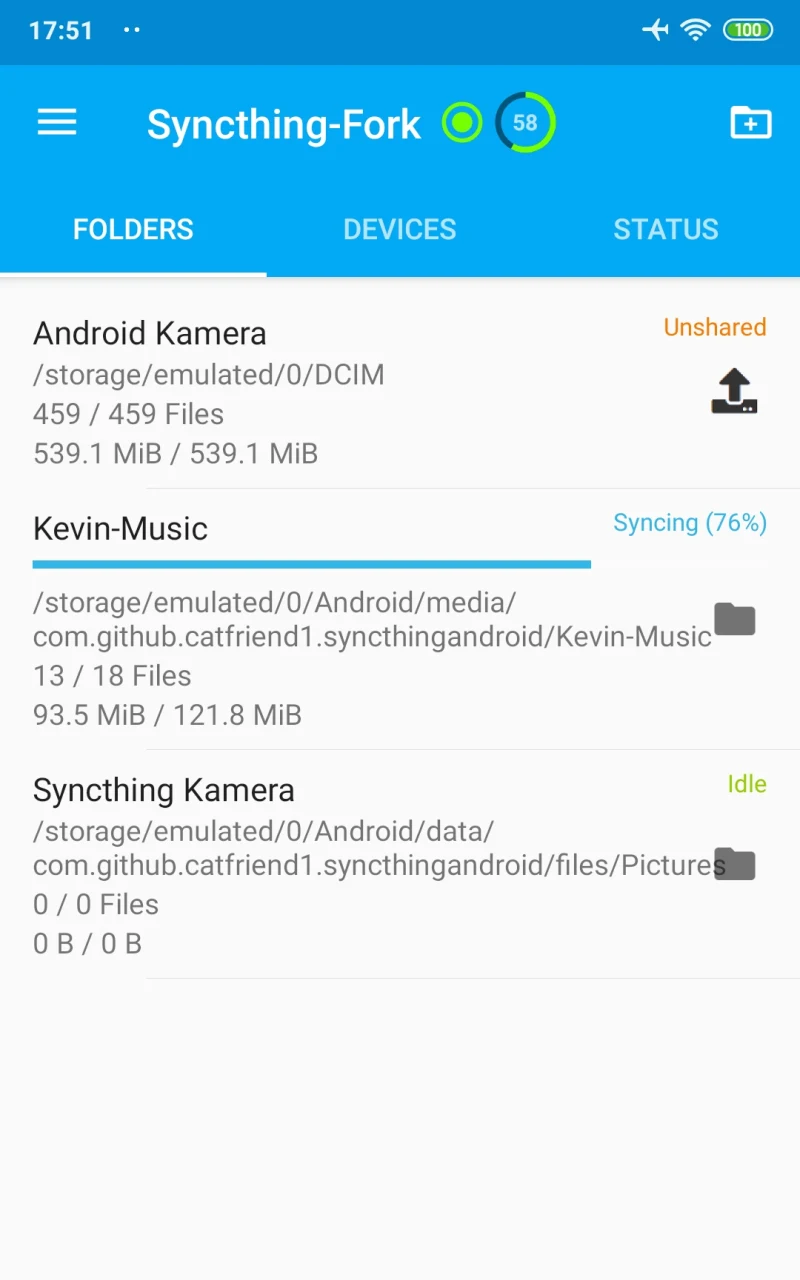
Syncthing lets you synchronize as many folders as needed, either between your own devices or with other people. You pair devices, allow the devices that should connect, and choose the folders to share. Devices on the same network can be discovered and added, while the app also supports syncing with devices online. This gives users a way to establish connections among several devices rather than sending files through a central storage service.
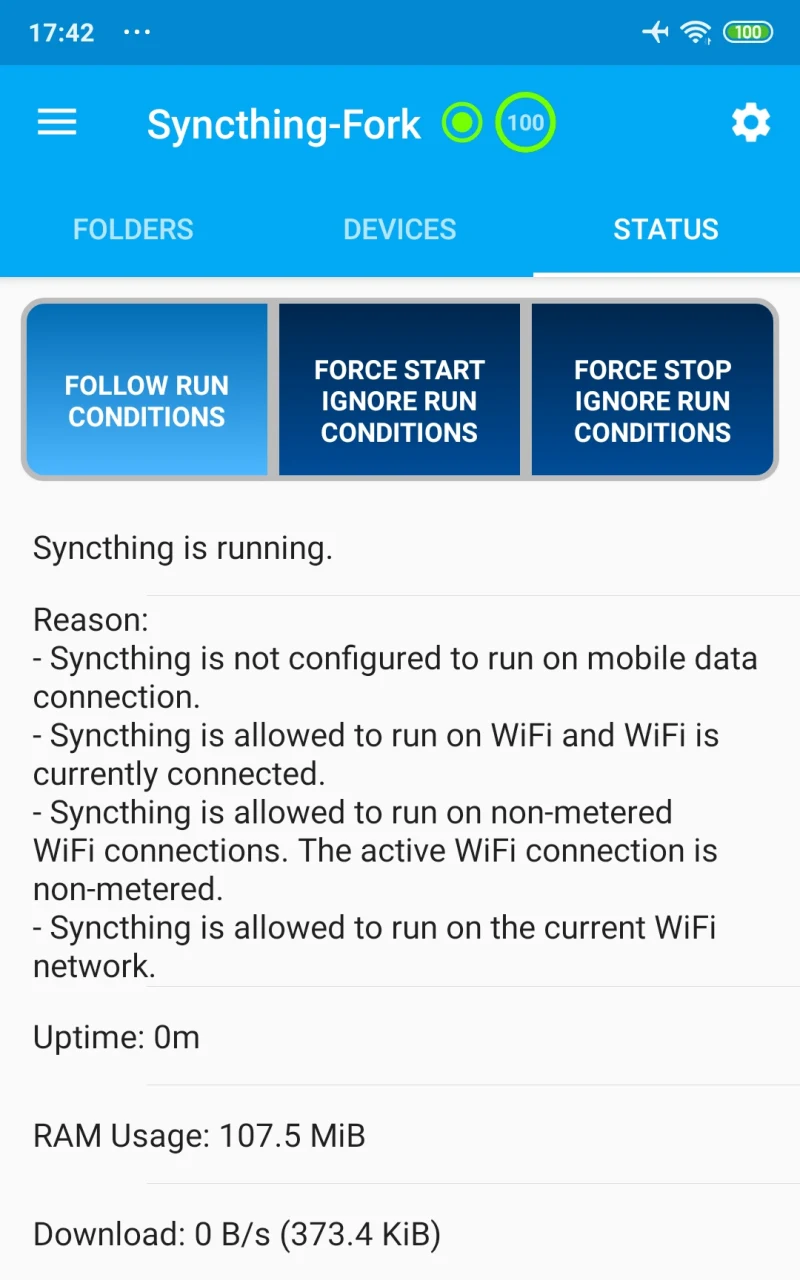
Synchronization is described as hourly by default in the supplied app information, with individual conditions and times available for important folders and information. Those controls can help tailor syncing to what needs to stay current and when it should happen. The app also aims to reduce battery use, addressing the common concern that background synchronization can drain a device. The source does not specify exact schedules or conditions, so users should check the available controls in the app for their particular setup.
What privacy and connection protections are documented?
The source describes Syncthing as decentralized: data is stored on the connected computers rather than on a central server. This means the app’s stated approach is to transfer data among the devices involved instead of keeping a separate cloud copy. Users should bear in mind that the source describes synchronization, not a separate backup service; keeping data on several connected devices does not by itself explain how to recover files in every situation.
Communications are secured using TLS, and the stated encryption includes perfect forward secrecy. Each device is identified by a cryptographic certificate, and only devices explicitly allowed by the user can connect. Syncthing is open source, with an open and documented protocol and security mechanisms that are visible in its source code. These are the security and design details provided in the source; they do not mean that users can ignore device permissions or their own configuration choices.
Can it handle external storage and larger file transfers?
Two-way synchronization on external SD cards is supported starting with Android 11, according to the supplied information. This can be relevant for people organizing larger files on removable storage, but the Android version detail applies specifically to this SD-card capability. The source does not give broader minimum-device requirements, so it should not be read as a full compatibility list for every feature.
Syncthing divides files into blocks for transfer. When several devices have the data available, blocks can be fetched from them in parallel, distributing the synchronization work. The app also handles file renames and metadata updates without retransmitting the entire renamed file, and additions to existing files are handled efficiently. Partial downloads are stored in temporary files; the source says these are removed when a transfer finishes or after a configured period, which is 24 hours by default.
What can users configure, and what setup information is available?
The app’s development is described as community-driven, with changes and features that users can configure through the interface. This adaptability may help people with different folder-sharing needs choose which supported features to enable. Syncthing can be configured and monitored through a responsive browser-accessible interface. The source lists desktop support for macOS, Windows, Linux, FreeBSD, Solaris, OpenBSD, and other systems, so Android devices can be part of a wider network that includes computers or a server.
Getting a synchronization setup in place may require some configuration; the source notes that setup can be tricky. It also points users to associated wiki and FAQ resources for guidance. For diagnosing a slow transfer, one documented check is whether the connection uses a relay: the remote-device list in the interface shows the connection type. The source does not provide enough information to determine transfer speed in advance, which can depend on the connection and devices involved.
Who may find Syncthing useful?
Syncthing may fit Android users who want selected folders synchronized with computers or other devices, prefer device-to-device transfers over central cloud storage, and are willing to configure which devices and folders participate. Its controls for timing and conditions, local-network device discovery, and support for two-way external SD-card syncing from Android 11 may be useful for different file-management needs. People considering it should also account for the setup involved and the fact that synchronization across devices is not described as a replacement for every kind of backup.