

Overview
Syncler is an Android media app for browsing and watching a library of movies and TV shows, from recent releases to classic titles. Its search and category browsing help you find something to watch, while viewing history, follow lists, and favorites can be synchronized across devices. The app includes its own media player and offers playback settings for video quality, playback options, and subtitles. It also supports integrations with Trakt and several debrid services. For viewing away from an internet connection, Syncler can download select content for offline use, subject to the options available for that content.
What You Can Do
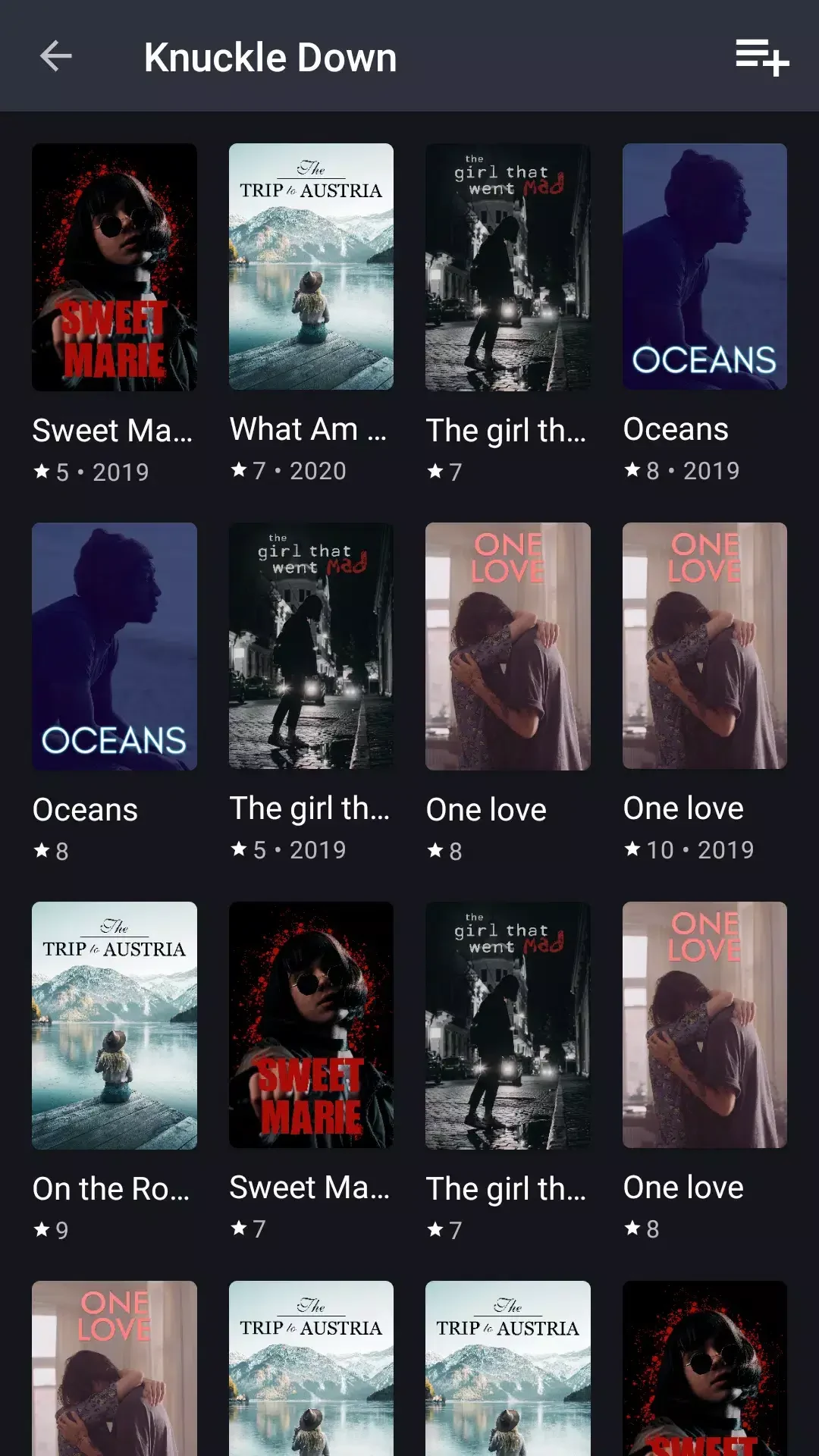
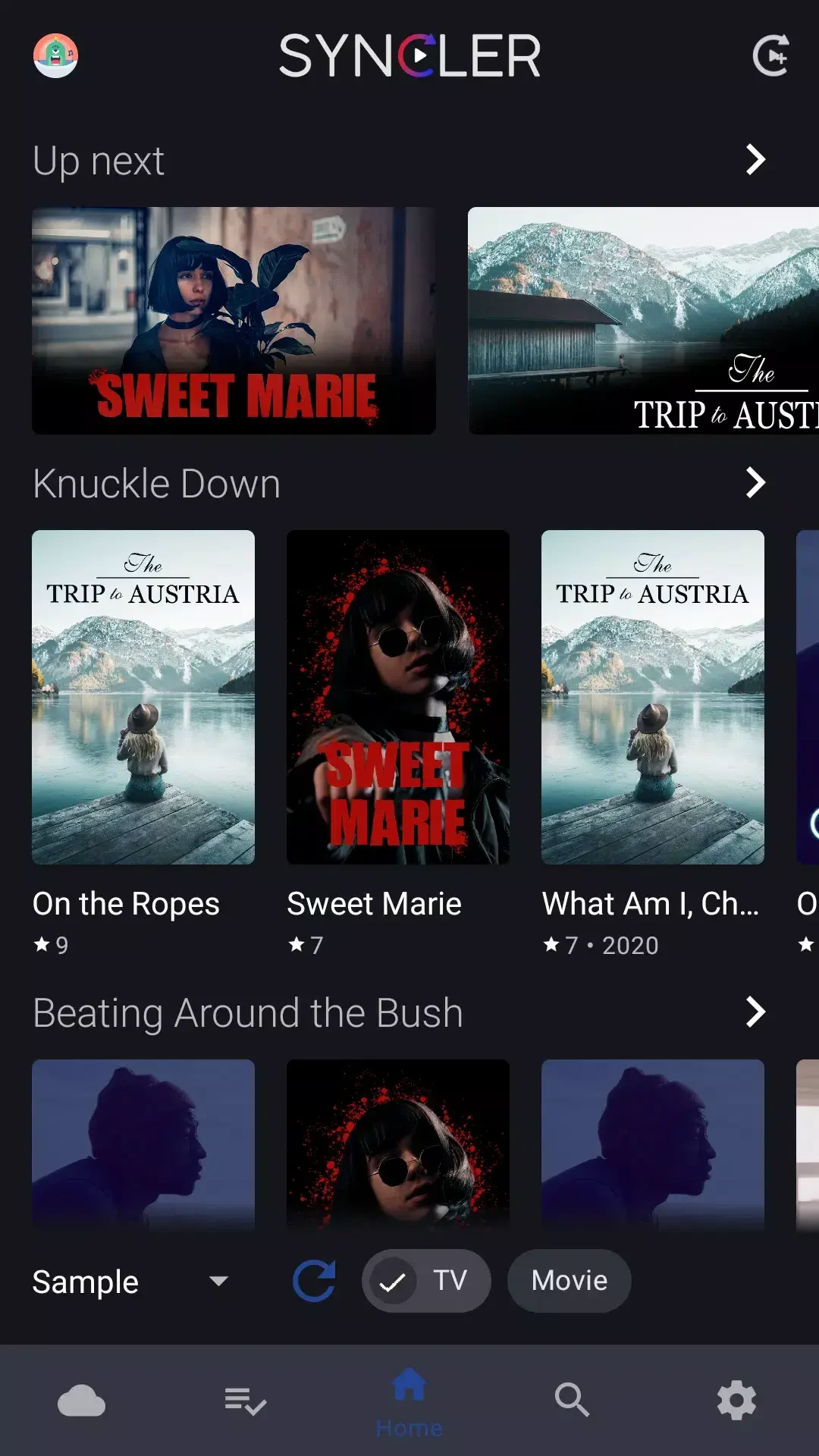
⭐ Browse movies and TV shows arranged in categories, or use search to look for a specific title or genre. The library includes both newer releases and older favorites.
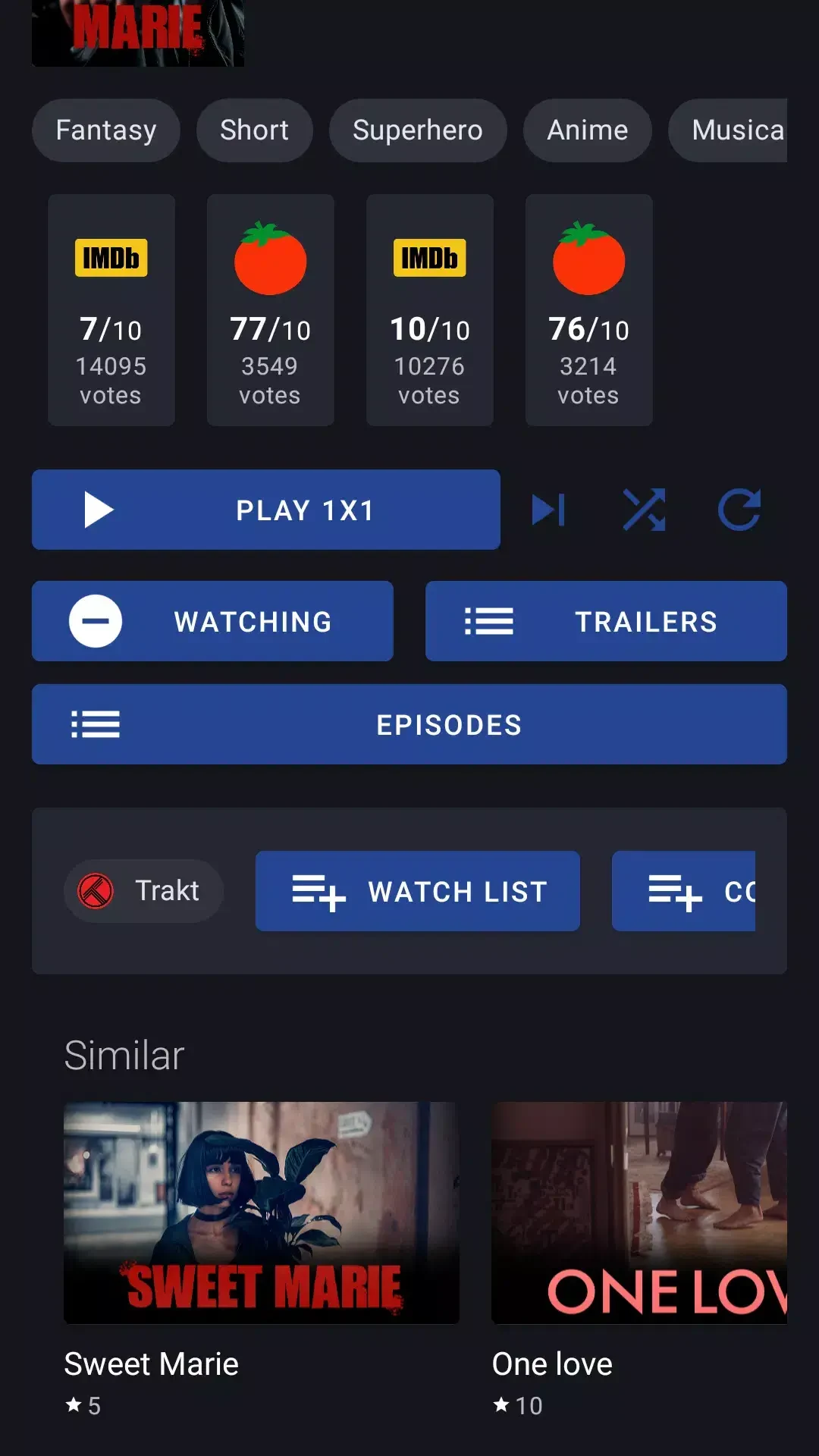
⭐ Keep track of viewing activity and saved titles with synchronized viewing history, follow lists, and favorites. Syncler also supports Trakt synchronization.
⭐ Adjust playback preferences, including video quality, playback options, and subtitle settings, to suit your viewing habits.
⭐ Use the built-in multimedia player to watch content, or choose an external player such as VLC Media Player or MX Player.
⭐ Download select content for offline viewing, which may be useful when travelling or somewhere with limited internet access.
⭐ Connect supported debrid services, including Real-Debrid, Premiumize, and AllDebrid. The source describes these integrations as a way to access higher-quality links and reduce buffering.
Using the App
Start by browsing the categorized library or searching for a title or genre. Once you find something to watch, playback can be handled by Syncler's built-in player or an external player. Settings let you choose video quality, playback options, and subtitle preferences. Syncler can also cast video with Chromecast support. The app is described as compatible with Android phones and tablets, Android TV, and Amazon Fire TV devices, including Fire Stick. For offline viewing, downloads are available for selected content; availability may depend on the content and connected services.
Why It May Appeal
✅ Bringing browsing, playback, saved titles, and viewing history together can make it easier to manage a viewing routine across supported devices.
✅ The choice of a built-in or external player, alongside adjustable playback and subtitle settings, gives viewers options for how they watch.
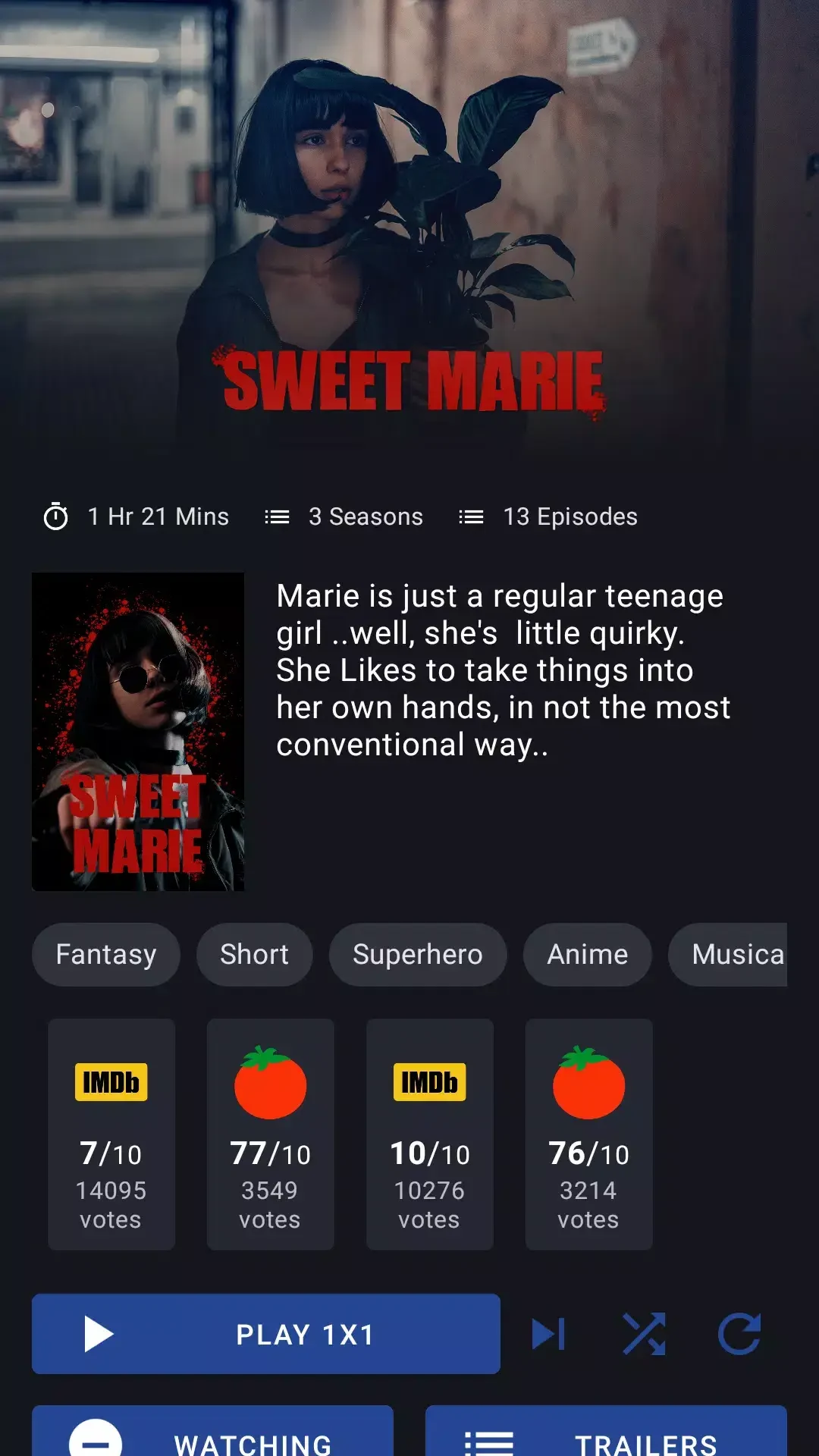
✅ Technical specifications and credits are provided for content, according to the supplied app information.
Things to Consider
❎ Offline downloads are described as available for select content, so the source does not establish that every title can be saved.
❎ The source reports minimal ads in the standard app and describes Syncler Plus as offering an ad-free experience; it does not provide details about that version's terms.
❎ The benefits of debrid integrations depend on using the relevant services. The source does not specify their terms or availability.