
Microsoft SwiftKey AI Keyboard is an Android keyboard for entering and editing text, with swipe typing, spelling correction, and predictive suggestions. Its other tools cover AI-assisted writing, multilingual input, visual content, and keyboard appearance, so users can tailor both how they type and what they add to messages.
Can I type by swiping, and what does the keyboard correct?
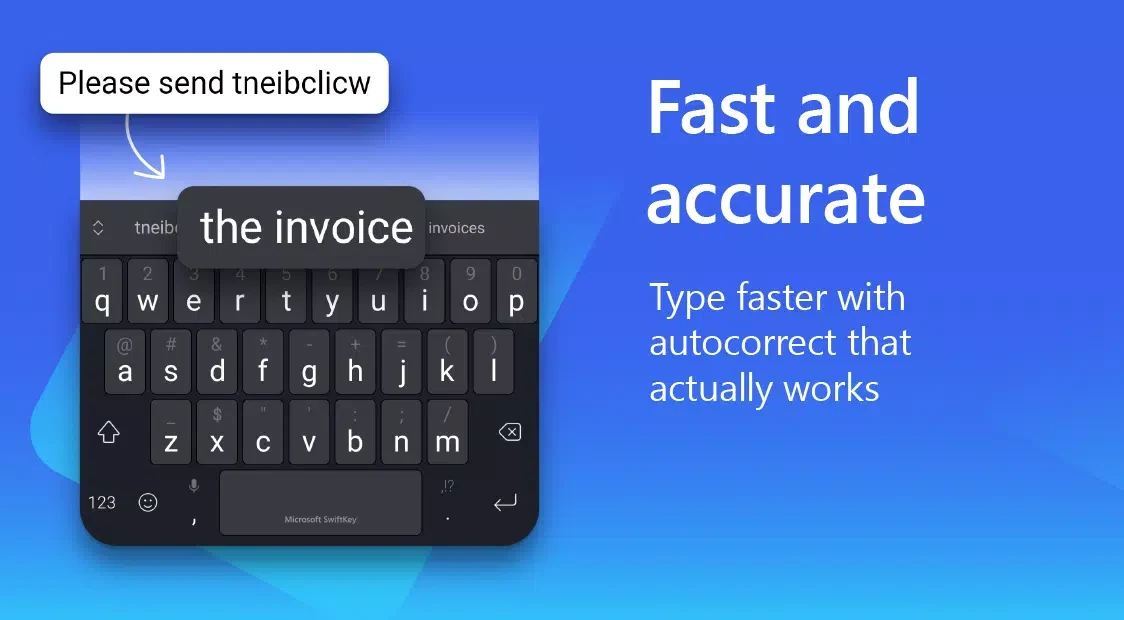
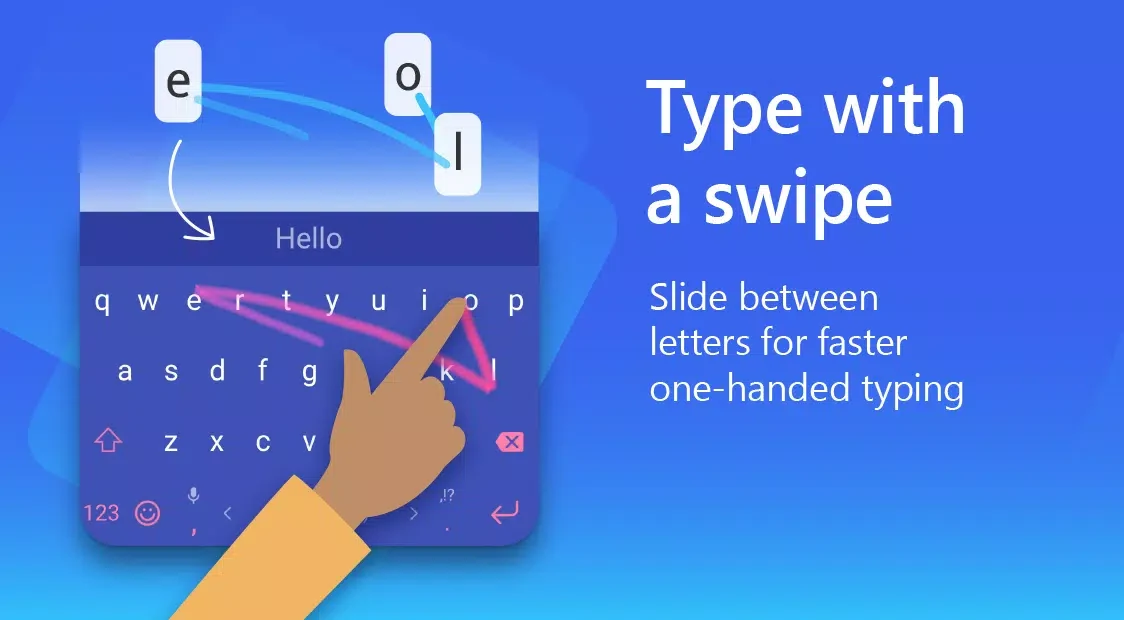
You can enter text by tapping keys or sliding across letters with SwiftKey Flow. The keyboard checks spelling and can automatically address errors such as missing letters and spaces. It also predicts words based on your typing style, offering suggestions that can let you enter a whole word with a tap rather than selecting each letter.
These features are relevant to people who switch between tapping and swipe input or want spelling and word suggestions while composing text. They describe keyboard input and correction; they do not establish that every suggestion or correction will match the writer’s intent.
What can the AI writing tools do?
The app includes tools to compose text from an idea and rewrite existing text in different tones. These functions are intended to help shape a draft or adjust its wording. The supplied description does not specify particular writing formats or guarantee a particular result, so the tools are best understood as assistance for composing and revising text.
Can I use more than one language?
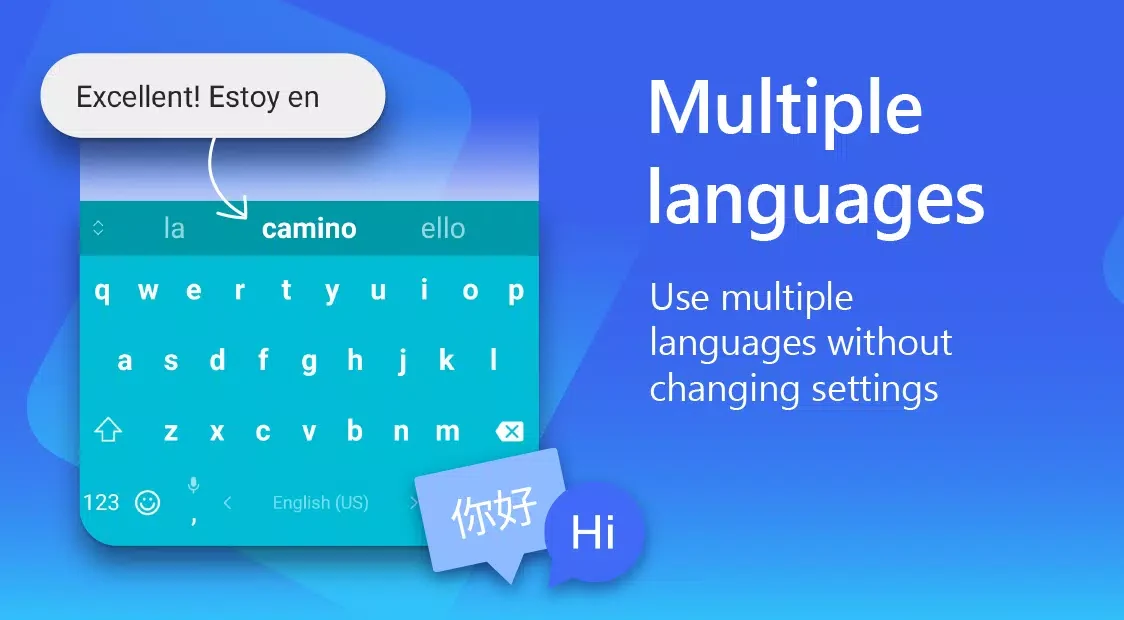
SwiftKey supports over 700 languages and can be used with up to five languages simultaneously, according to the supplied app information. This is useful for people who regularly write in multiple languages. The description does not list individual language names or explain language-specific settings.
Which content and shortcuts are available from the keyboard?
The keyboard provides emojis, GIFs, and stickers, with search tools for finding emojis and GIFs. Its emoji keyboard can learn which emojis you tend to use and predict them in conversations. The app also describes creating AI-generated images and emojis, offering additional visual options alongside typed text.
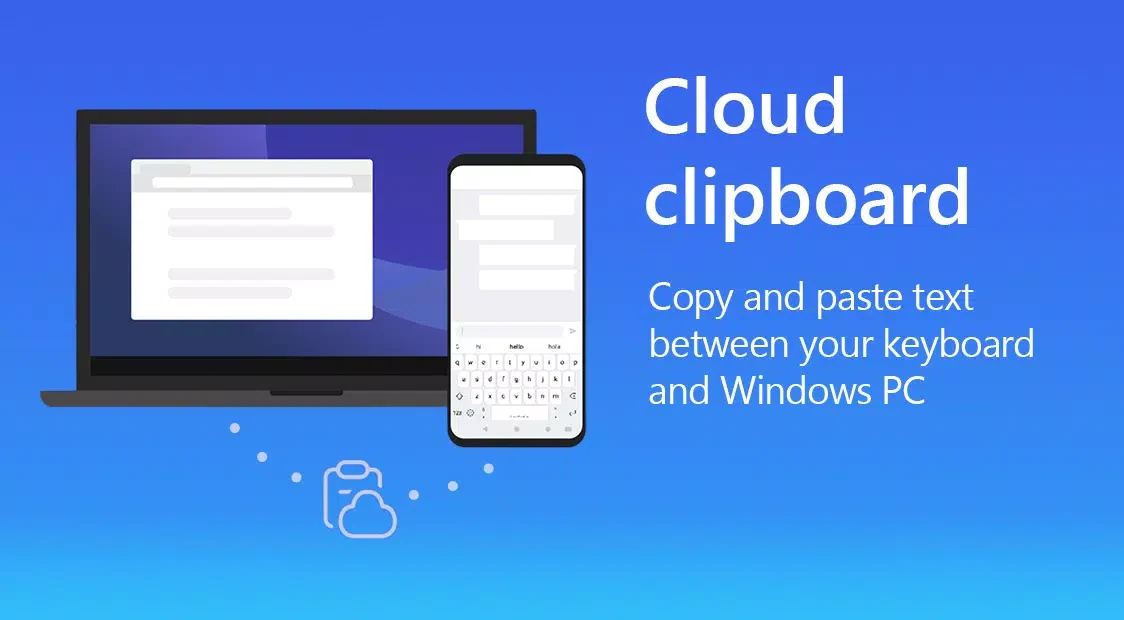
A customizable toolbar and expandable shortcut menu provide access to input tools. Listed options include GIFs, clipboard, translators, and stickers, and users can choose tools to add to the toolbar. The description does not detail how each tool works or what services a translator uses.
How can I change the keyboard’s appearance and layout?
More than 100 colorful themes are available. You can also make a custom theme using one of your photos as the keyboard background. Size and layout are adjustable, letting you change the keyboard’s dimensions and arrangement to suit your preferences. These options focus on the keyboard’s visual design and on-screen form; the source does not describe custom reassignment of individual key symbols.