

Overview
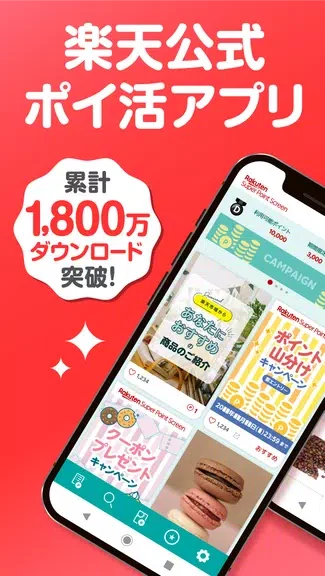
Super Point Screen - Rewards enables Android users to earn Rakuten Super Points by sliding their lockscreen and viewing product pages. The app places product information directly on the lockscreen, supports favoriting items, and supplies personalized recommendations along with discount coupons. Users can also access news updates in the same interface and choose to disable lockscreen ads for a cleaner view. This approach turns routine phone unlocks into opportunities to collect points usable for purchases.
What You Can Do
⭐ Super Point Screen - Rewards shows intriguing product information on the lockscreen to keep users informed during normal device use.
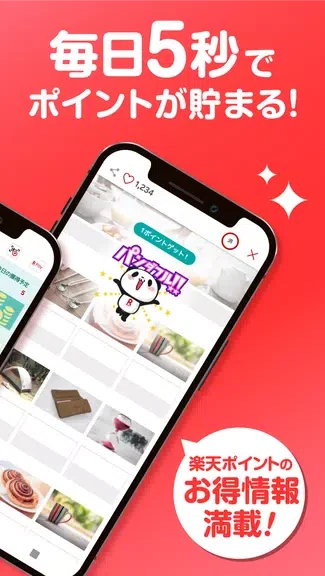
⭐ Users earn Rakuten Super Points by sliding the lockscreen and opening the associated product page for each displayed item.
⭐ The app lets users interact with products by sliding to reveal more details and explore options directly from the lockscreen.
⭐ A Favorites tab stores selected items so they can be reviewed and considered for later purchase without searching again.
⭐ News headlines appear on the lockscreen, allowing quick updates on current events alongside product content.
Using the App
Daily use centers on the lockscreen: product cards appear automatically, and a simple slide gesture opens the full page to register points. The Favorites tab organizes saved items for easy return visits, while news content provides additional reading without leaving the same screen. Users can toggle lockscreen ads off at any time to adjust the display according to preference.
Why It May Appeal
✅ The app combines point earning with lockscreen information, reducing the need for separate reward or shopping apps.
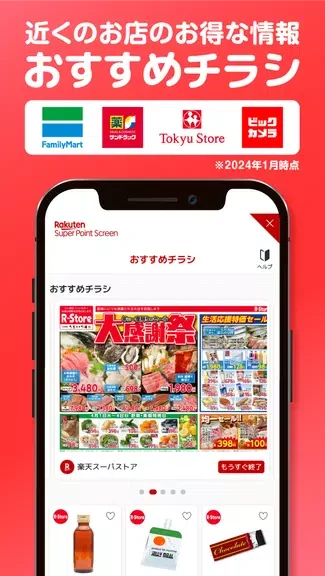
✅ Personalized recommendations and coupons appear alongside the core product feed, offering immediate ways to save on purchases.
Things to Consider
❎ Product content and ads occupy the lockscreen unless the ad option is disabled, which may affect users who prefer a minimal display.