

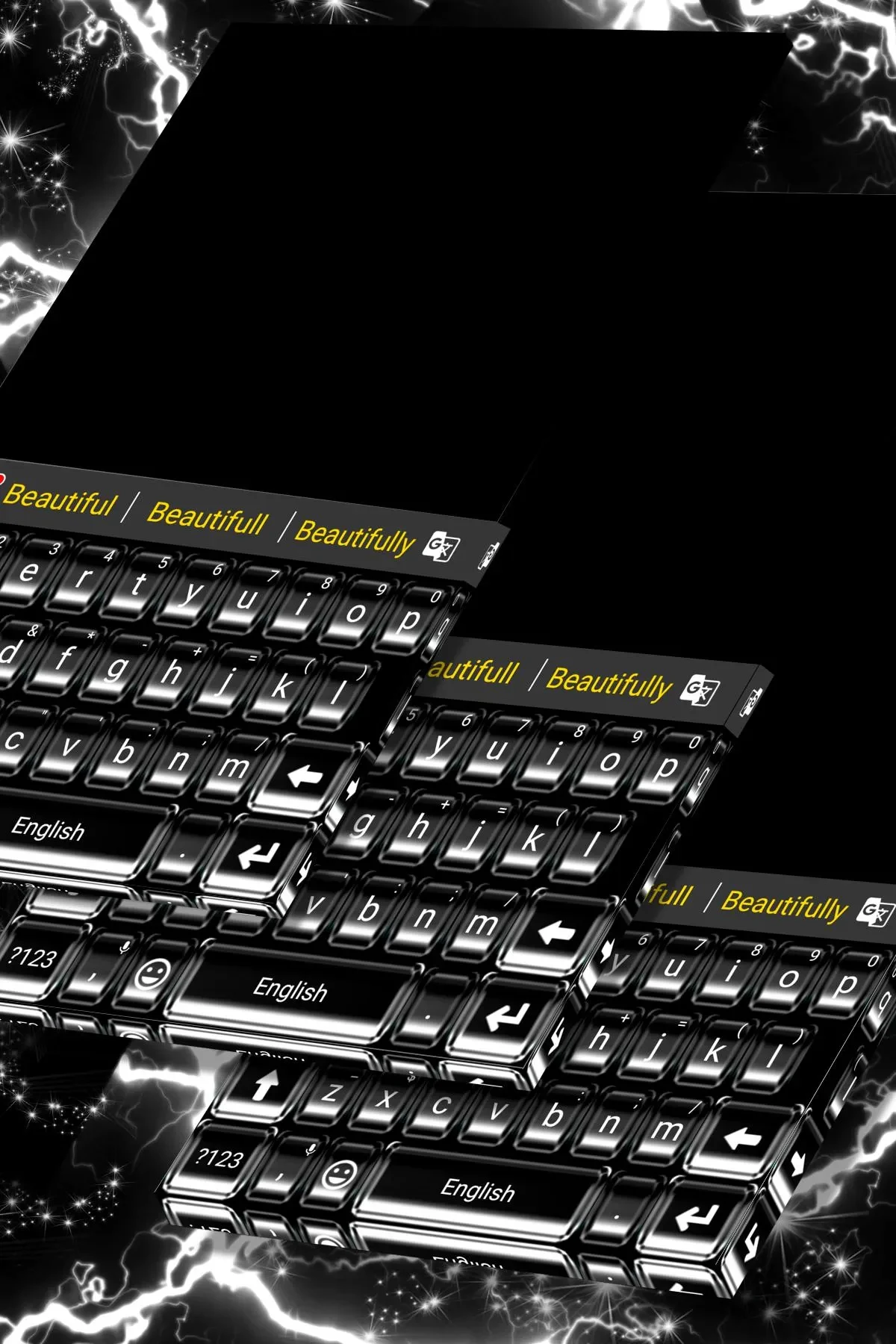


Super Black Keyboard is an Android keyboard app for people who want to change both the look and feel of typing on their phone. It offers black and other colorful designs, plus options to personalize backgrounds and layouts, while providing typing tools such as prediction and correction. Users can browse included HD screenshots to review designs, or use their own photos as keyboard backgrounds. Its additional input features include clipboard access, emojis, GIFs, stickers, voice typing, and support for multiple languages, making it relevant to both appearance customization and everyday messaging.
How can you customize the keyboard’s appearance?
The app lists more than 3,000 colorful themes and lets users adjust keyboard color, wallpaper, and layout. You can choose from the theme library or upload a personal photo for the background. The source also describes more than 500 fancy fonts and options for creating a custom theme, giving users several ways to change the keyboard’s appearance.
What typing and messaging tools are included?
Super Black Keyboard includes a clipboard for handling multiple copy-and-paste items, along with emojis, dictionaries, GIFs, emoticons, and stickers. Voice typing is also listed. For faster input, the app describes swipe typing and split layouts, with the latter intended for use on phones or tablets.
How does its text correction and prediction work?
Contextual prediction and auto-correction are described as tools for correcting mistyped words, spelling errors, and capitalization. Cloud-based prediction is also listed for next-word and other predictions. These features are intended to assist as you type, alongside the app’s other input options.
Which languages and Android versions are mentioned?
The feature list states support for more than 150 languages, while the user tips mention over 100. A setup note specifies Latin-script languages, including English, French, German, Portuguese, and Spanish. The listed minimum operating system is Android 4.0.3. To use the keyboard, select it under Manage Keyboards and then set it as the default keyboard; the installation steps may vary by phone model and Android version.