
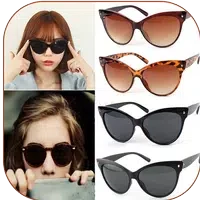
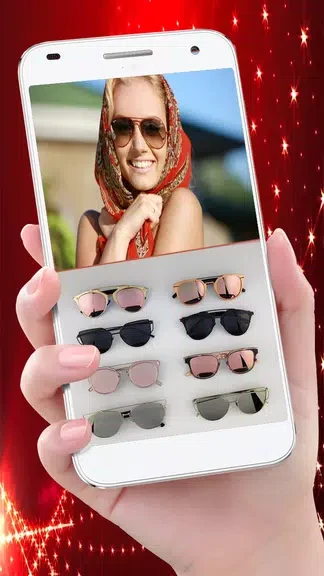
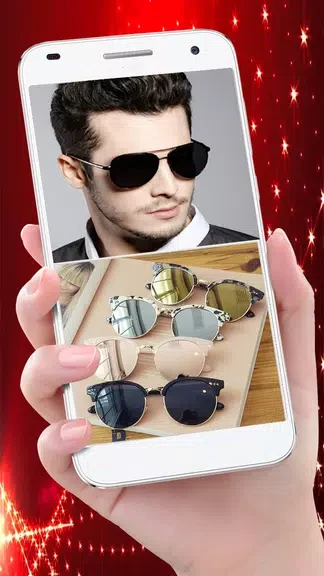
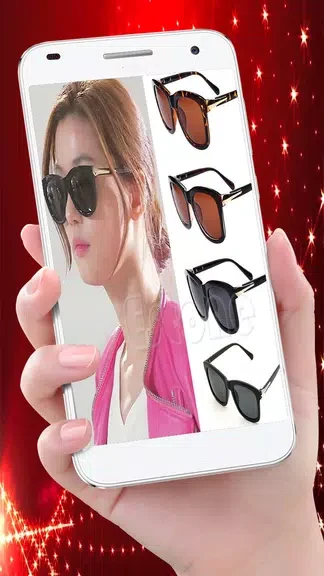
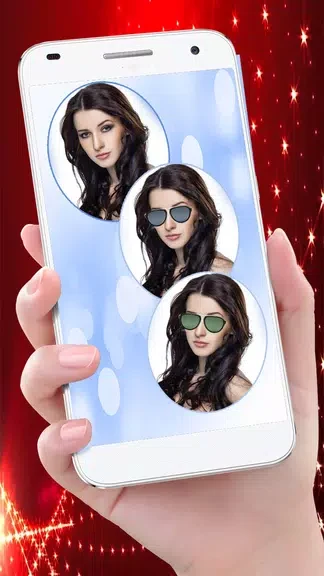
Stylish Sun Glasses Photo Edit helps you explore different eyewear looks directly on a photo. You can select an image from your gallery or take a new picture, choose sunglasses from the app’s collection, and place them over the eyes using drag and drop. This makes it useful for creating a quick visual comparison of styles for men, women, or kids without needing to try on physical pairs. Once the image looks right, you can save the edited picture or share it with friends and family.
Choosing an eyewear style
The app provides a collection of sunglasses intended for different users and looks. Trying several options on the same or different photos allows you to experiment with the available designs and decide which appearance you prefer. The collection is the central creative element, while the editing controls help make each choice fit the selected image.
Positioning sunglasses on a photo
After selecting a pair, use the drag and drop function to adjust its placement over the eyes. The source material also describes size adjustment, so you can change both the position and scale of the eyewear to create a more suitable fit within the photo. These controls are useful when the original image or face position varies.
Saving and sharing edited images
When the arrangement is complete, the edited photo can be saved for later use or shared with friends and family. This supports simple photo montages and lets you show different sunglasses looks without repeating the editing process.
Simple photo-editing workflow
The interface is described as user-friendly, with a straightforward sequence: choose or capture a photo, select eyewear, adjust it over the eyes, and save or share the result. The app is presented as free to use, allowing users to experiment with its available sunglasses collection without purchasing multiple pairs.