


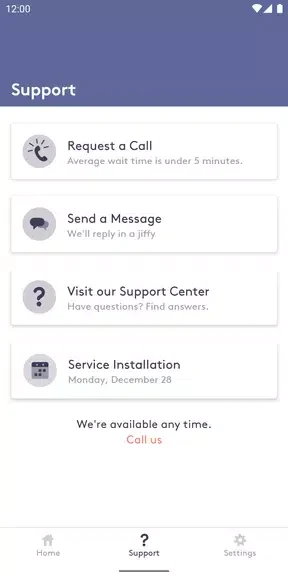
Starry Internet is an Android app that lets users manage their Starry Internet account directly from their device. It provides access to internet performance data, billing details, and support resources while also offering control over router features such as parental controls, WiFi sharing, device monitoring, and speed tests. The main benefit is the ability to handle these tasks conveniently without needing a computer or separate web portal, giving subscribers a single place to check speeds, review connected devices, adjust restrictions, and share network credentials when needed.
How does the app track internet and WiFi performance?
The app displays real-time information on internet and WiFi network performance so users can verify they are receiving the speeds and reliability included with their subscription. A built-in speed test helps identify slowdowns and supports basic troubleshooting by showing current connection metrics.
What parental control options does ScreenTime provide?
ScreenTime parental controls allow users to pause internet access, filter content, and limit specific apps or websites for children. These settings help keep online activity focused and reduce exposure to unwanted material while the app records usage patterns for review.
How can WiFi network details be shared with guests?
The WiFi network sharing feature displays the network name and password so they can be sent quickly to visitors. The same view also lets the account holder retrieve their own credentials without checking router labels or settings pages.
What device information is available in the app?
Users can view a list of all devices connected to the network along with each device’s data usage and performance statistics. This overview helps identify which devices consume the most bandwidth and confirms that only authorized equipment is present.