

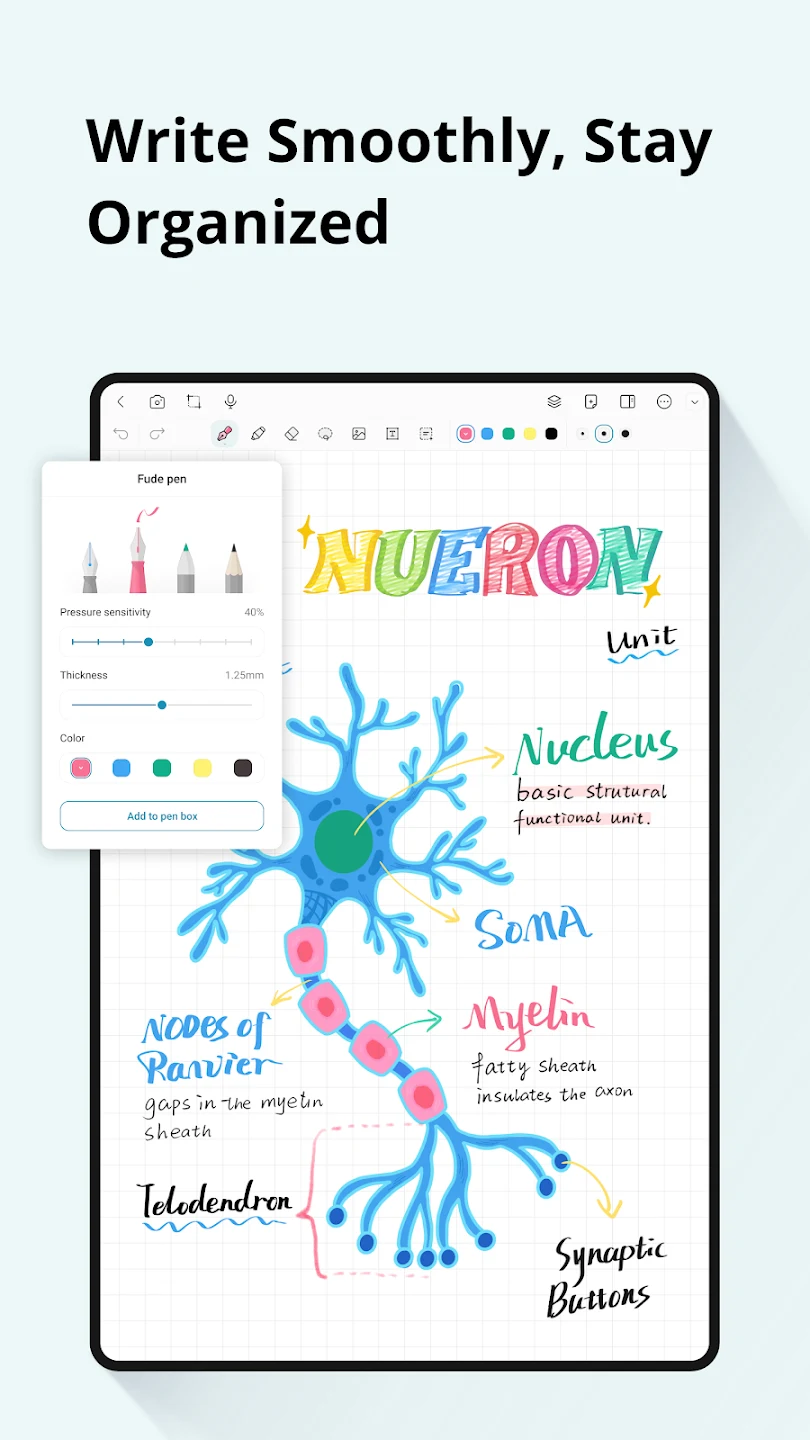
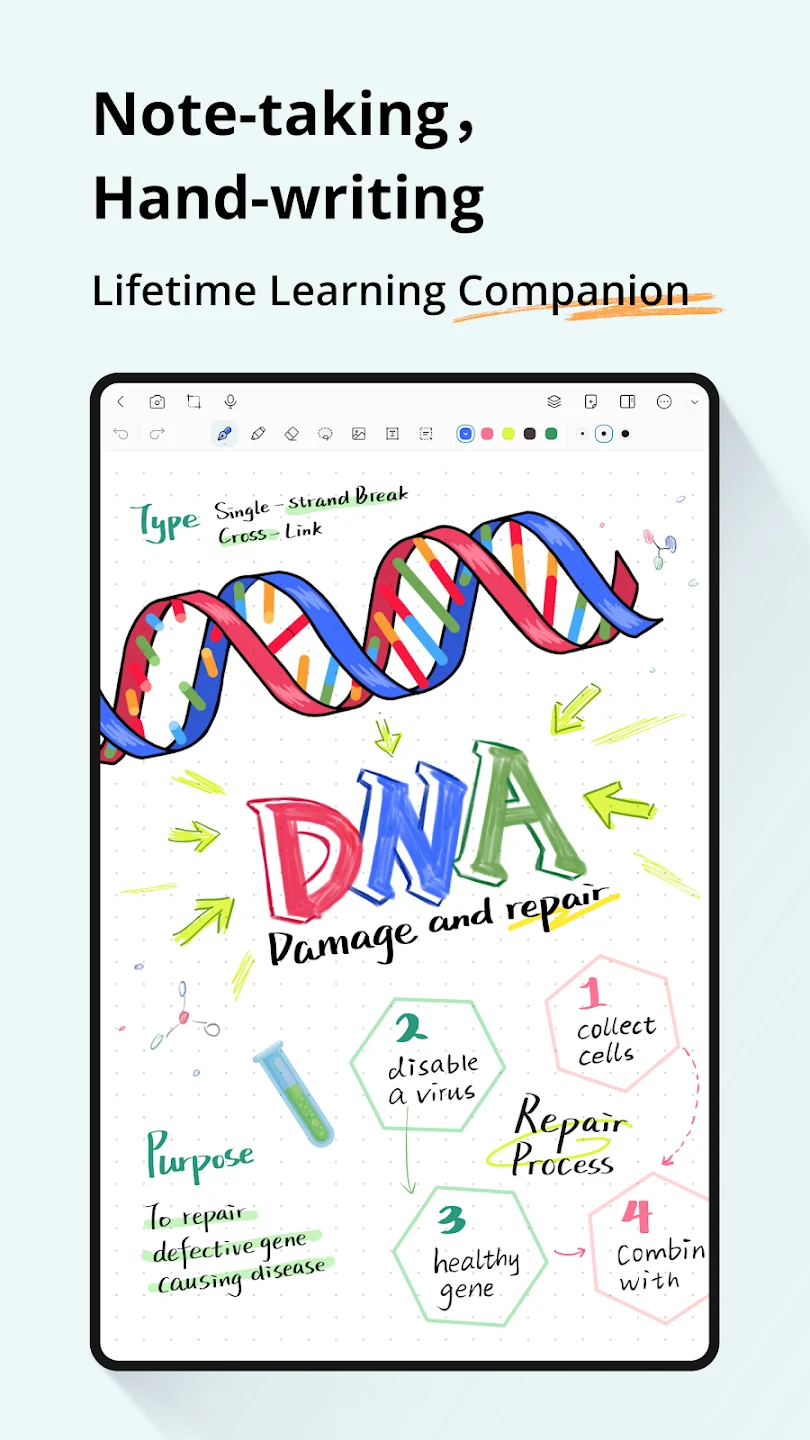
StarNote helps you capture handwritten notes and annotate reading materials in one workspace, so class notes, meeting records, and personal ideas can stay together. Its pen options include fountain, ballpoint, and highlighter styles, with adjustable color, line thickness, and pressure settings. The app is described as offering low-latency ink for stylus use, making it suited to writing or sketching directly on screen. An expandable canvas gives notes room to grow beyond a conventional page, while organization tools help keep larger collections manageable.
Writing across an open canvas
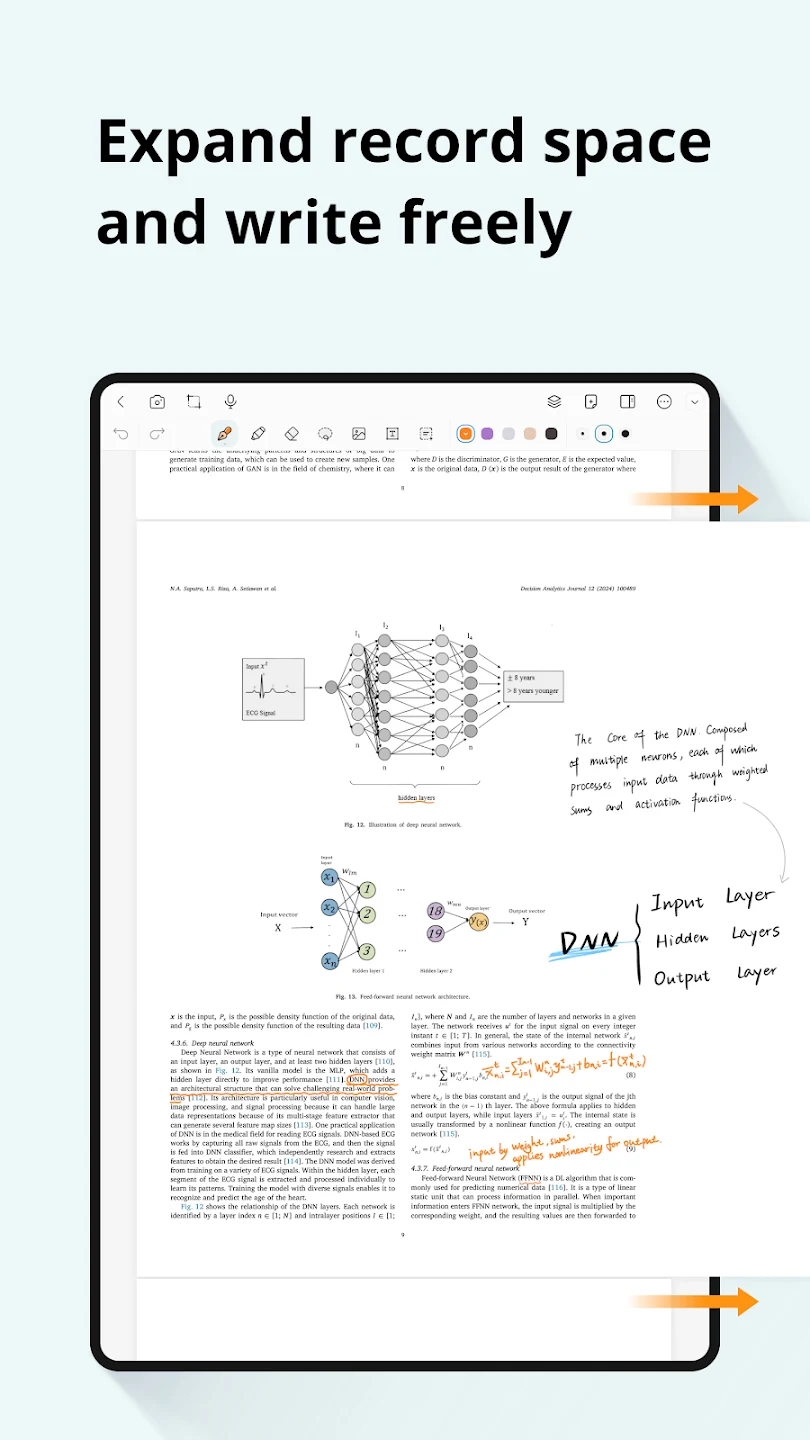
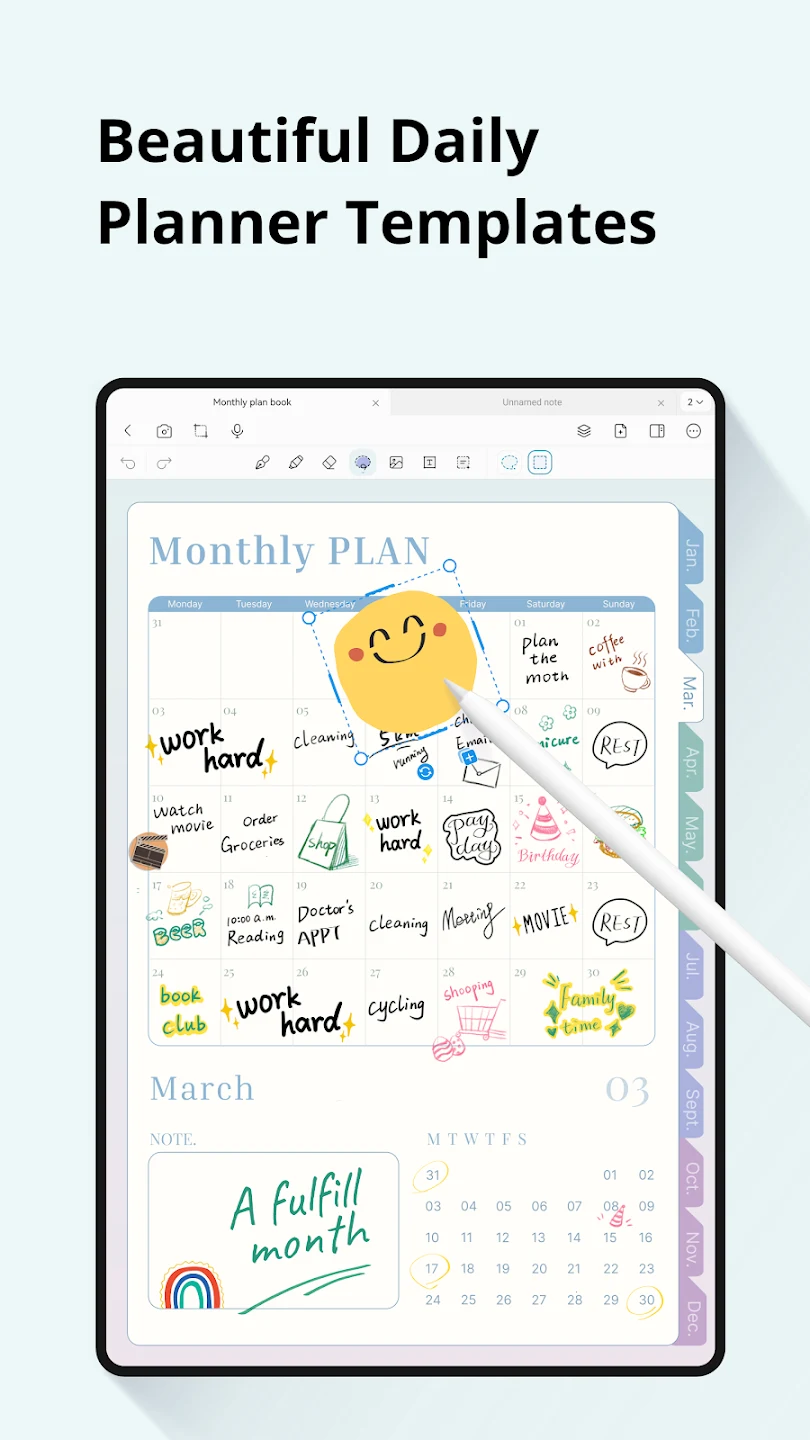
The workspace can extend in any direction, which makes it possible to build a long set of notes, sketch a mind map, or lay out a project plan without being confined to a fixed page. Layers let you separate elements such as annotations, images, and typed text, and show or hide parts as the work changes. This can help keep supporting material available without crowding the main content. For more structured pages, StarNote also offers templates, including grid and Cornell-style layouts.
Annotating documents and collected sources
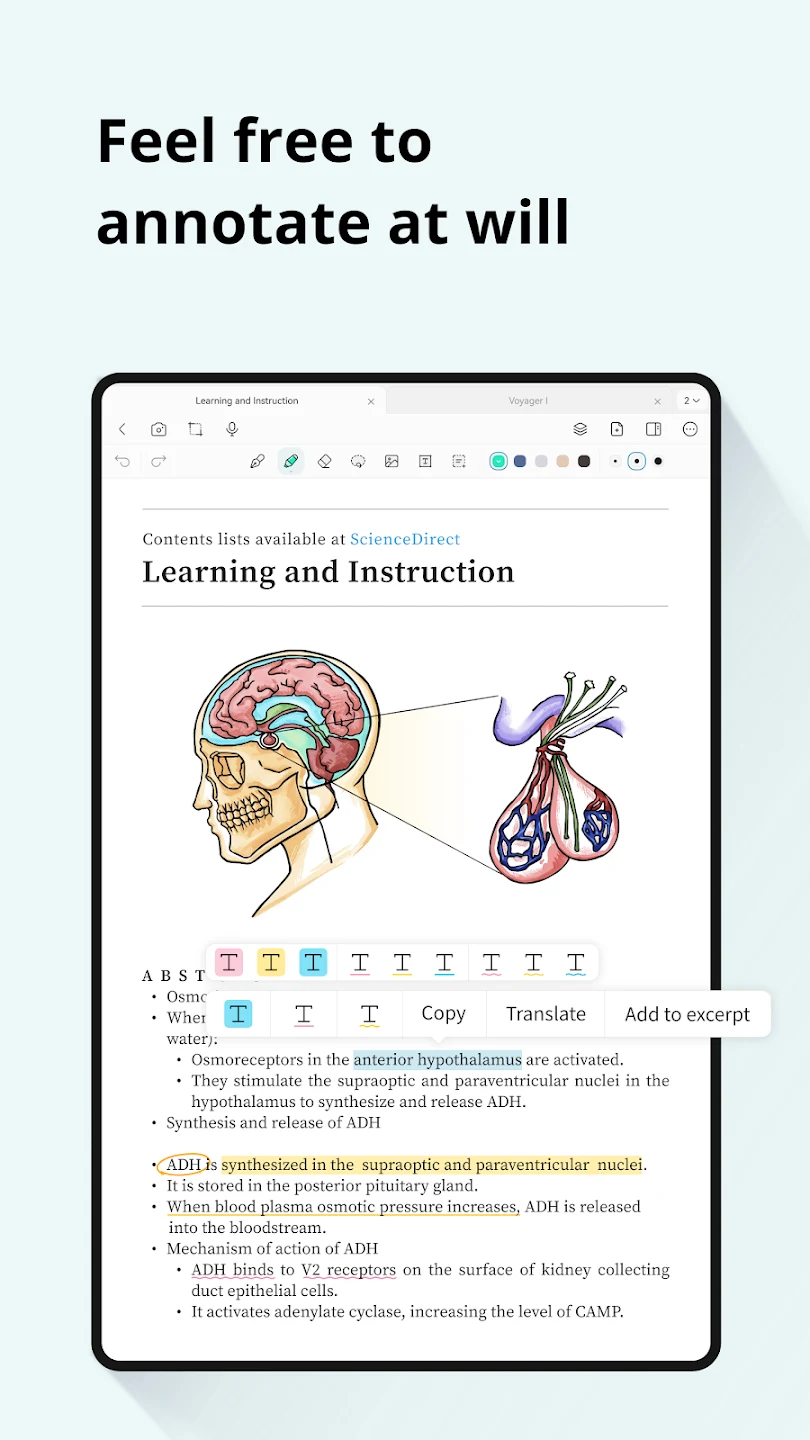
StarNote can import PDFs, EPUB files, Word documents, images, and web content. You can write notes in margins, highlight passages, and add screenshots or figures alongside the material. The app’s annotation tools also include comments, page reordering, and margin editing for documents. Using the same writing and markup tools across imported sources and original notes can keep study or meeting materials in one working environment, rather than separating the source from your handwritten observations.
Keeping notes findable and shareable
Folders and tags provide ways to group notes, while keyword search and an outline view help navigate a growing collection. The app also lets you choose whether notes are shown, and its layers can be hidden or displayed as needed. When a page is ready to share or print, it can be exported as a PDF, PNG, or JPEG. These formats provide options for sending a document digitally or making a paper copy, depending on the task.
Continuing work across devices
StarNote describes account access across platforms so users can continue previous work and keep track of progress. Its feature information also refers to cloud syncing and access to work offline. Together, these functions are intended to support moving between connected use and offline access, though the supplied details do not explain which services or setup steps are involved. The app is presented as an Android-focused note-taking tool.
Core access and premium options
The supplied information describes a free core package with essential handwriting and annotation tools, alongside a one-time purchase for premium templates and extended functions. It says the purchase provides lifetime access and that the app does not use subscriptions or ads. No specific purchase price or complete breakdown of which tools belong to each tier is provided, so those details should be checked in the app’s current listing before making a decision.